


Jigsaw: Relax & Puzzle
Play on PC with BlueStacks – the Android Gaming Platform, trusted by 500M+ gamers.

Page Modified on: Mar 12, 2026
Play Jigsaw: Relax & Puzzle on PC
✨ Core Features ✨
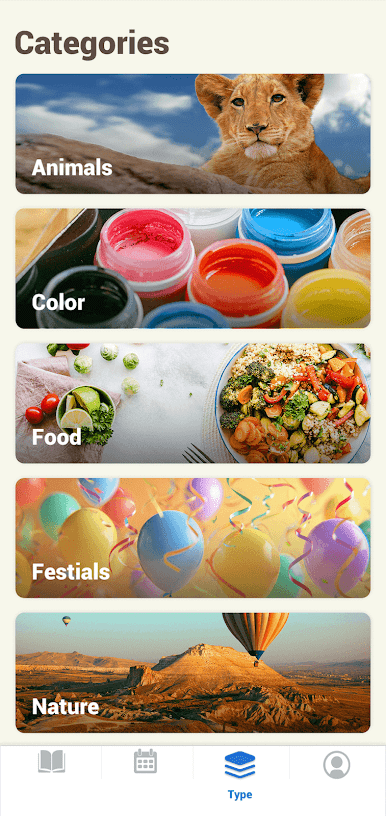
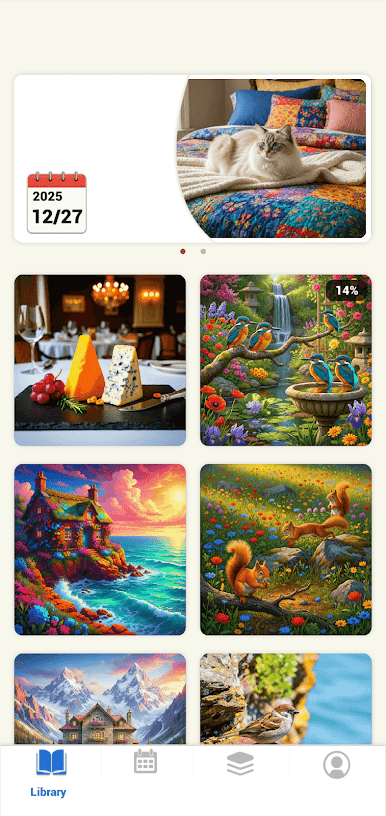
🖼️ High-Definition Art Gallery
Immerse yourself in a curated collection of breathtaking imagery. From majestic natural landscapes to timeless world masterpieces, every puzzle piece reveals stunning detail and vibrant color—turning each session into a pure visual delight.
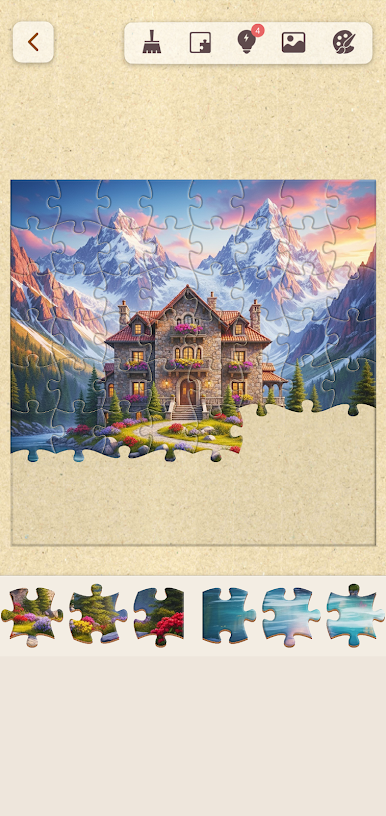
🎯 Total Control Over Difficulty
You're always in command. For the same beautiful image, choose from multiple piece counts to set your ideal challenge. Whether you have five minutes to unwind or an hour for deep focus, find the perfect pace that fits your moment.
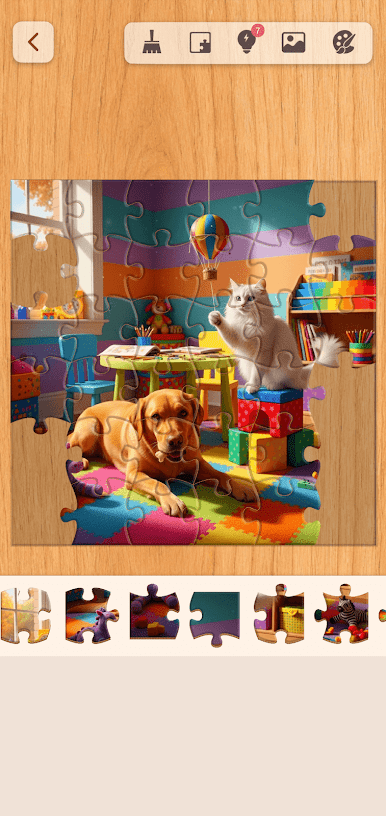
🎨 Personalized Immersive Backgrounds
Make the space your own. Select from elegant wood-grain textures for a cozy café vibe, a pure black background to make colors pop, or soft solid tones to reduce eye strain. Your puzzle, your environment—completely customizable.
Why Choose Us?
• Truly Relaxing Experience – No timers, no pressure. Just you, the art, and the calm.
• Gentle Mind Training – Enjoy beautiful art while naturally enhancing focus, visual memory, and spatial reasoning.
⚡ Instant Access Launcher Function
Enable home screen permissions and jump straight into your puzzle with a single tap. The Quick Access Launcher adds a dedicated game shortcut to your home screen and an app drawer with search—so you're always one touch away from your moment of calm. Your home screen may adapt, but all your original apps remain fully accessible, and you can switch back to your previous desktop anytime.
For more details or to manage settings, visit: https://cockairteam.com/veri.html#faq
Download now and find your peaceful moment.
Play Jigsaw: Relax & Puzzle on PC. It’s easy to get started.
-
Download and install BlueStacks on your PC
-
Complete Google sign-in to access the Play Store, or do it later
-
Look for Jigsaw: Relax & Puzzle in the search bar at the top right corner
-
Click to install Jigsaw: Relax & Puzzle from the search results
-
Complete Google sign-in (if you skipped step 2) to install Jigsaw: Relax & Puzzle
-
Click the Jigsaw: Relax & Puzzle icon on the home screen to start playing

