


Word Pair Pop
Play on PC with BlueStacks – the Android Gaming Platform, trusted by 500M+ gamers.

Page Modified on: Jun 11, 2026
Play Word Pair Pop on PC
Welcome to Word Pair Pop—a thoughtfully crafted puzzle experience where language, logic, and progression come together. Designed for players who appreciate clarity, depth, and satisfying interactions, this is more than just a word game.
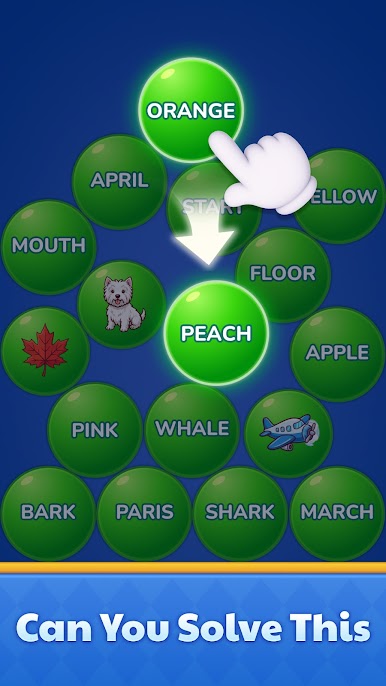
Each level presents a field of carefully arranged word orbs. Your task is to uncover the hidden relationships between them—then bring them together.
A REFINED PUZZLE EXPERIENCE
Association, Elevated
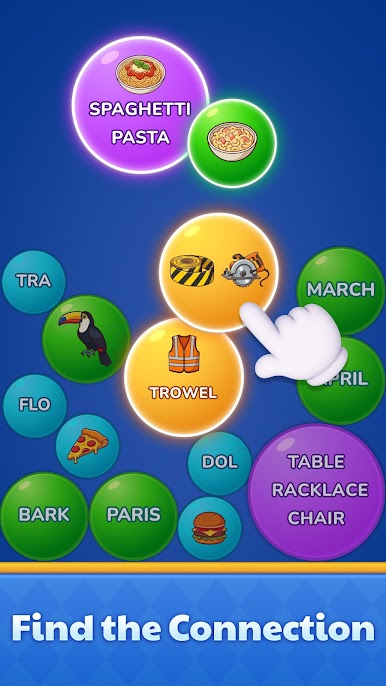
Merge related word orbs to form higher-order combinations. Each fusion reveals a deeper connection, turning simple words into layered meaning.
A Sense of Progression
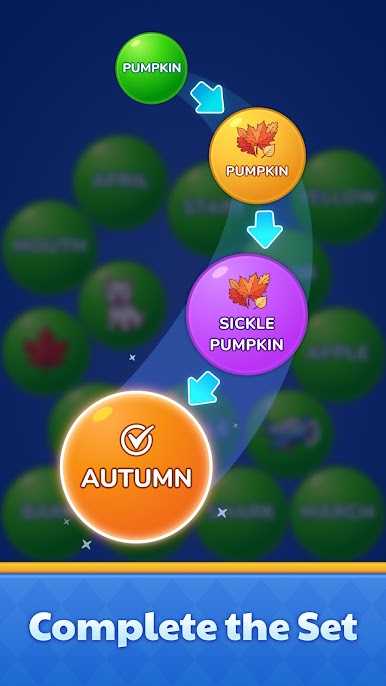
With every merge, the board evolves. What begins as scattered fragments gradually transforms into structured clarity.
Subtle Strategy
There are no rushed decisions—only thoughtful ones. Plan your merges, anticipate outcomes, and create elegant chains of progression.
Evolving Mechanics
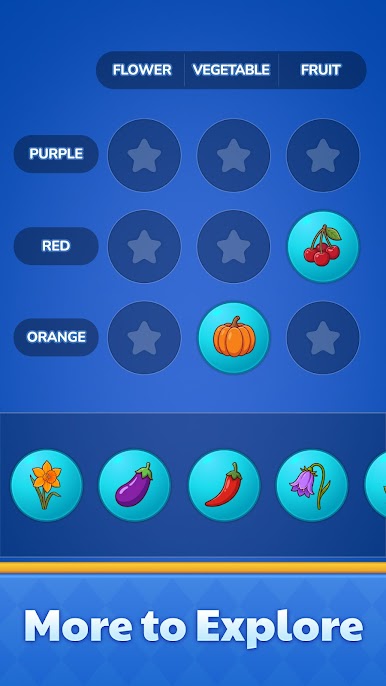
Certain categories culminate in the creation of special orbs, introducing new possibilities and extending the lifecycle of each puzzle.
Calm, Focused Play
No timers. No pressure. Just a smooth, uninterrupted flow that lets you fully engage with each decision.
Minimal, Polished Design
A clean interface, soft colors, and fluid interactions create a quietly immersive experience.
🧠 HOW IT UNFOLDS
Observe
Take in the arrangement of word orbs and consider their relationships.
Unite
Drag and merge two related orbs to form a more advanced expression.
Evolve
Each merge carries meaning forward—revealing new combinations and possibilities.
Resolve
Complete each category through successive merges until it dissolves from the board.
Extend
Discover special orbs that allow further refinement beyond completion.
DESIGNED FOR
Players who enjoy thoughtful, association-based puzzles
Fans of merge mechanics with a sense of progression
Anyone seeking a calm yet mentally engaging experience
There is a quiet satisfaction in seeing connections take shape.
Play Word Pair Pop on PC. It’s easy to get started.
-
Download and install BlueStacks on your PC
-
Complete Google sign-in to access the Play Store, or do it later
-
Look for Word Pair Pop in the search bar at the top right corner
-
Click to install Word Pair Pop from the search results
-
Complete Google sign-in (if you skipped step 2) to install Word Pair Pop
-
Click the Word Pair Pop icon on the home screen to start playing

