


FlagFang
Play on PC with BlueStacks – the Android Gaming Platform, trusted by 500M+ gamers.

Page Modified on: May 27, 2026
Play FlagFang on PC
Features
Dash Mechanics
Use precise dash timing to avoid hazards and move quickly across the arena.
Vanguard Start
Each match begins with an Energy Shield and Score Boost to help players break through the opening defense.
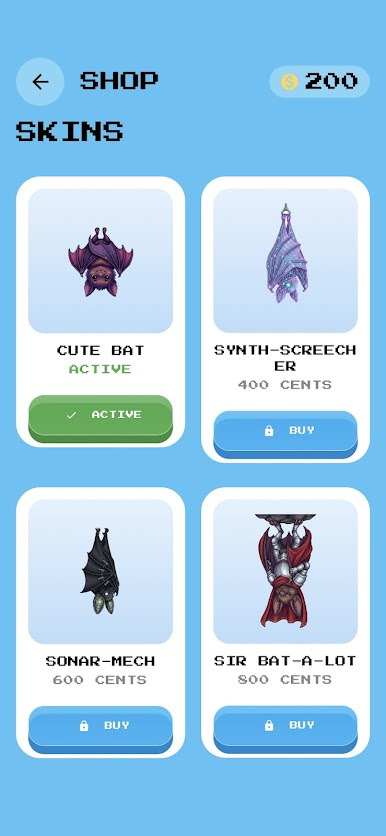
Operative Skins
Customize your character with unique skins such as Synth-Screech, Sonar-Mech, and Sir Bat-a-lot.
Tactical Augments
Use Energy Barriers to block impacts or activate Multipliers to increase your score.
Bounty System
Collect Credits during matches to unlock new operatives and expand your roster.
Secure the objective. Capture the flag. Welcome to FlagFang.
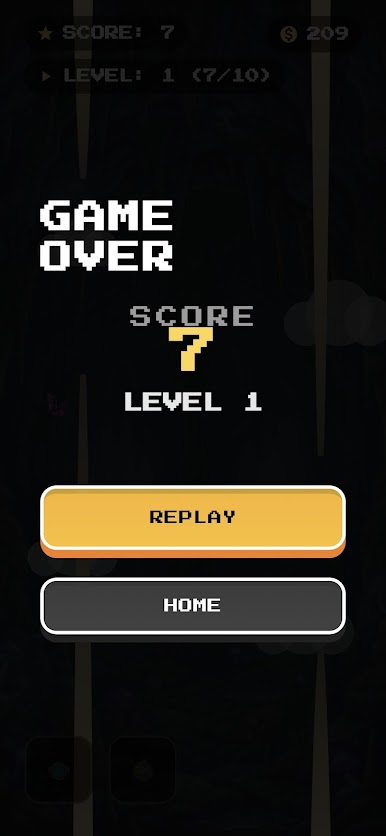




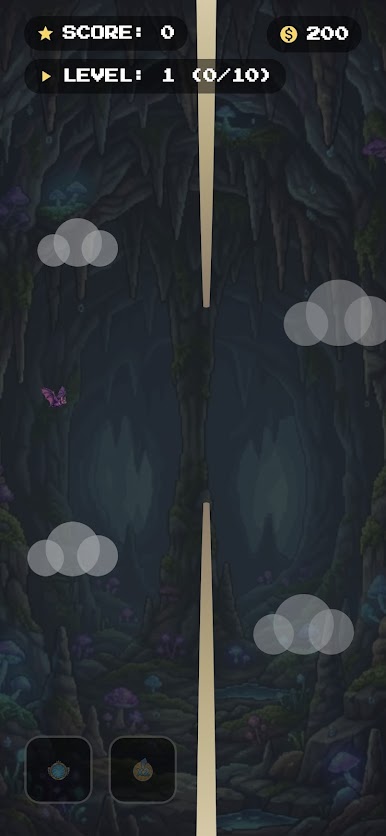
Play FlagFang on PC. It’s easy to get started.
-
Download and install BlueStacks on your PC
-
Complete Google sign-in to access the Play Store, or do it later
-
Look for FlagFang in the search bar at the top right corner
-
Click to install FlagFang from the search results
-
Complete Google sign-in (if you skipped step 2) to install FlagFang
-
Click the FlagFang icon on the home screen to start playing

