


Slingstar
Play on PC with BlueStacks – the Android Gaming Platform, trusted by 500M+ gamers.

Page Modified on: Aug 31, 2026
Play Slingstar on PC
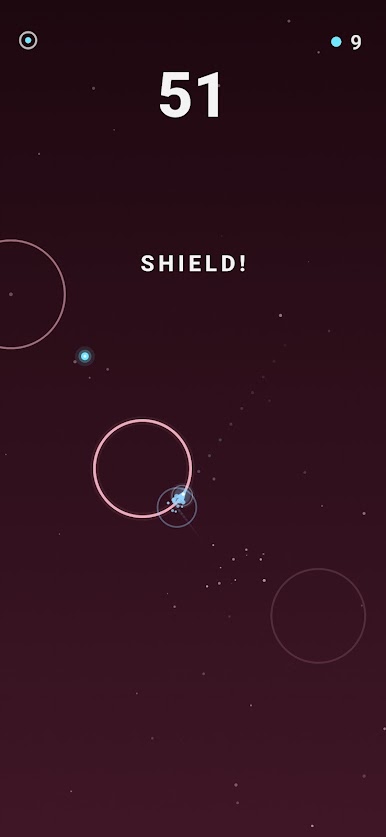
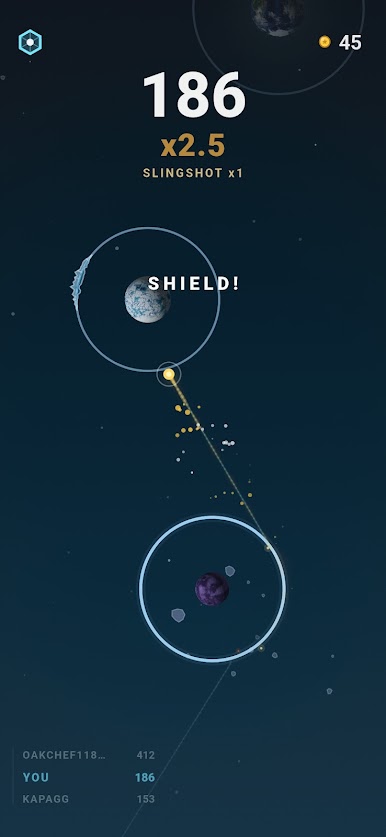
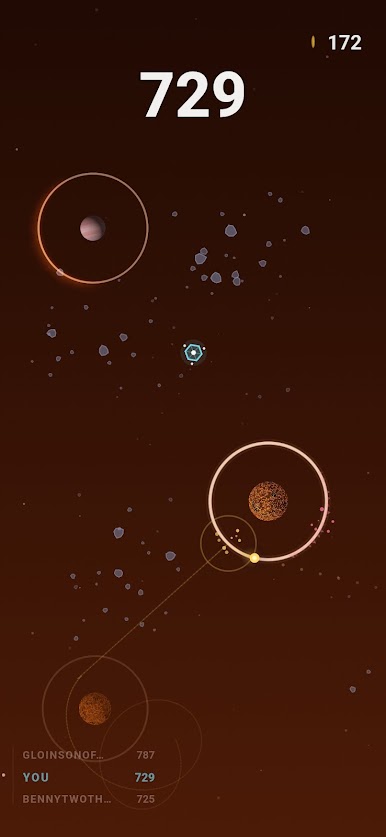
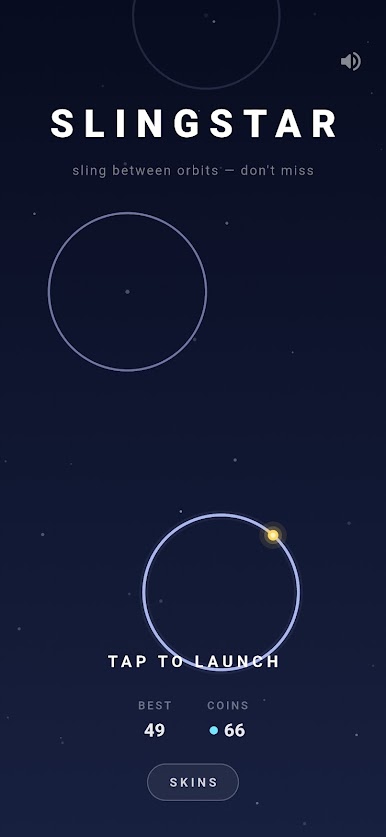
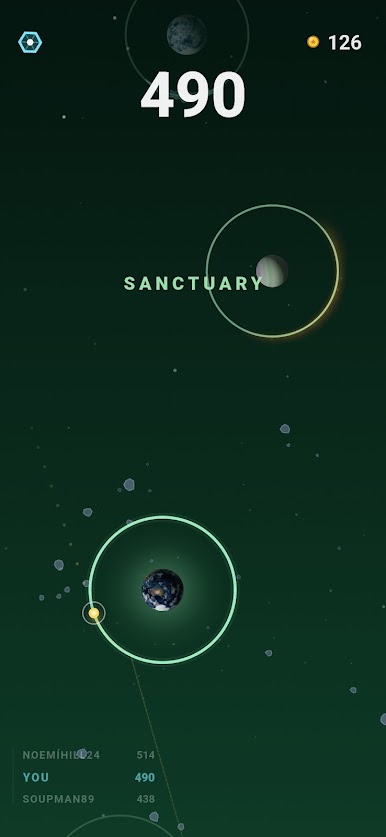
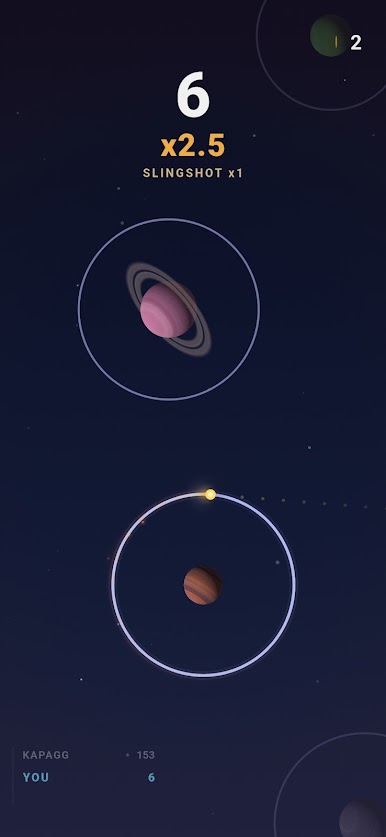
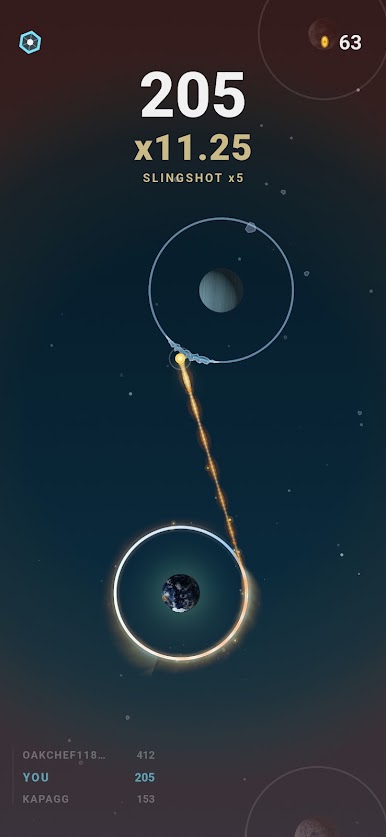
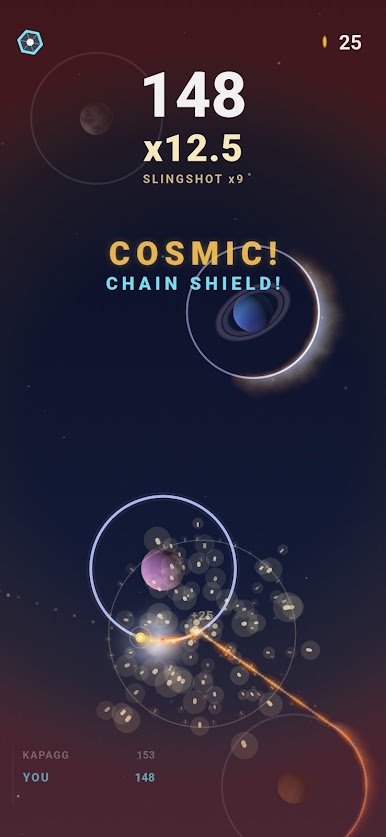
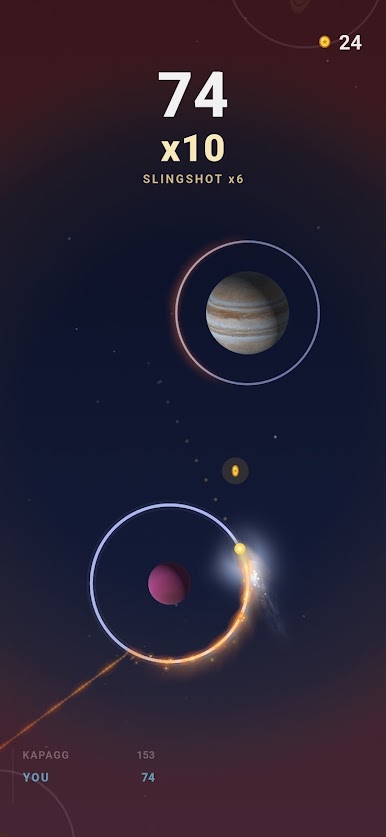
Every ring holds a planet at its heart, and they are the real ones: Earth, Mars, the Moon, Mercury, Jupiter, Venus, Neptune, and Jupiter's moons Europa and Io all fly with their true faces, built from NASA imagery and the maps scientists actually use.
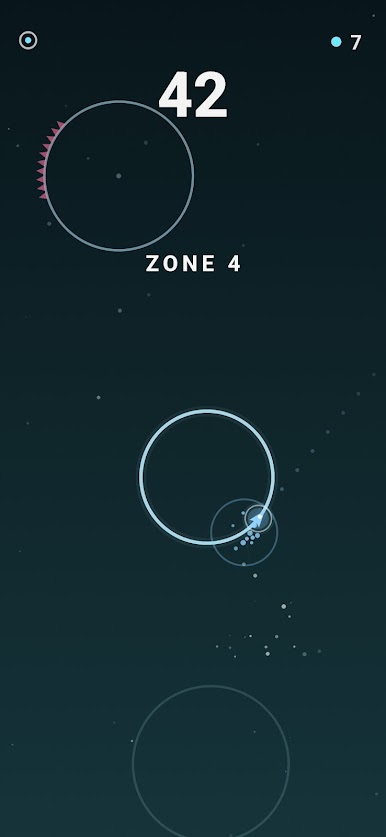
The worlds are also the warnings: an ice moon means an iced ring, a volcanic world means spikes, and a rare blue Earth marks a sanctuary where you can take a breather while your point combos are safe until the next launch.
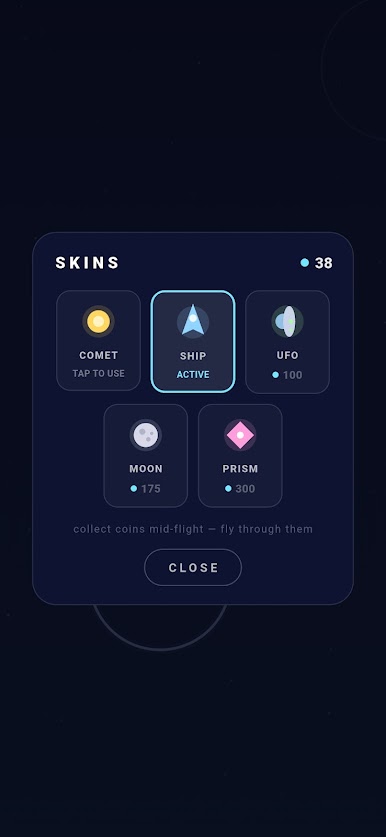
Collect coins on the perfect line, defuse spike rings with a precise landing, grab shields for a second chance, and unlock fun ships and stranger things.
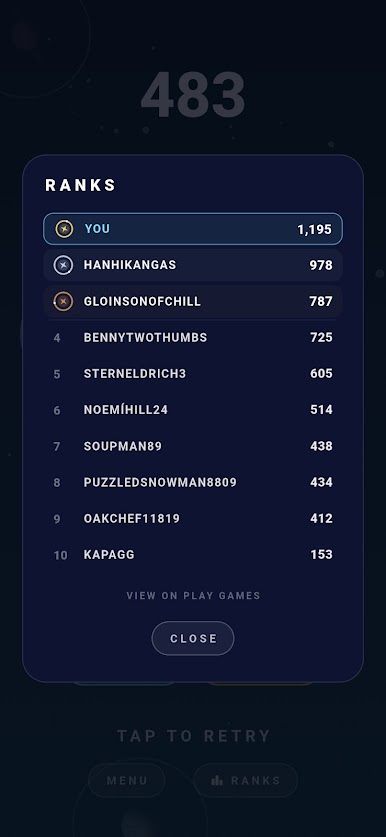
Climb the ranks on the world leaderboard!
Made in Vancouver by a dad and his daughter.
Planet imagery: NASA. Planet texture maps by Solar System Scope (CC BY 4.0). Europa & Io mosaics: NASA/JPL/USGS Astrogeology.
Play Slingstar on PC. It’s easy to get started.
-
Download and install BlueStacks on your PC
-
Complete Google sign-in to access the Play Store, or do it later
-
Look for Slingstar in the search bar at the top right corner
-
Click to install Slingstar from the search results
-
Complete Google sign-in (if you skipped step 2) to install Slingstar
-
Click the Slingstar icon on the home screen to start playing

