


Just Notepad Pro
Play on PC with BlueStacks – the Android Gaming Platform, trusted by 500M+ gamers.

Page Modified on: Sep 20, 2023
Run Just Notepad Pro on PC or Mac
Let BlueStacks turn your PC, Mac, or laptop into the perfect home for Just Notepad Pro, a fun Productivity app from Jony Lim.
About the App
Just Notepad Pro keeps writing simple, quick, and fuss-free. This clean Productivity tool from Jony Lim saves everything as plain text, so your files show up in any file manager just like they would on a computer. Prefer a hardware keyboard? It also works nicely on BlueStacks if you like typing on your PC.
App Features
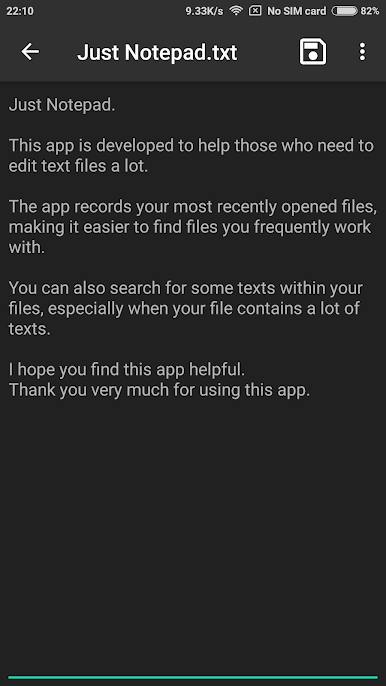
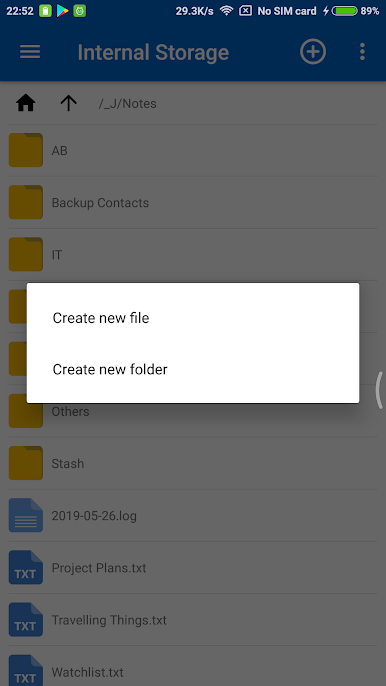
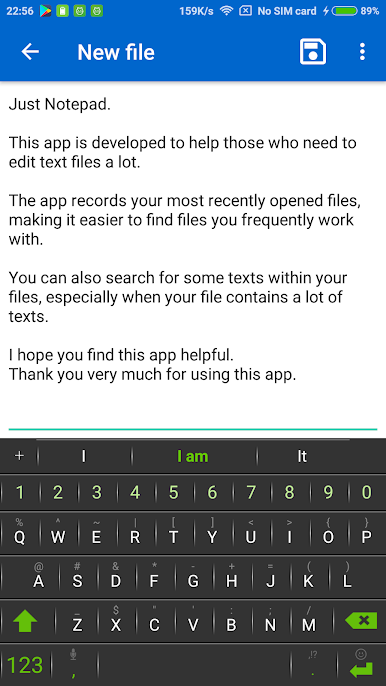
- Plain‑text editing: Create new notes or open existing files without extra formatting. Your work is saved as regular text files you can access anywhere.
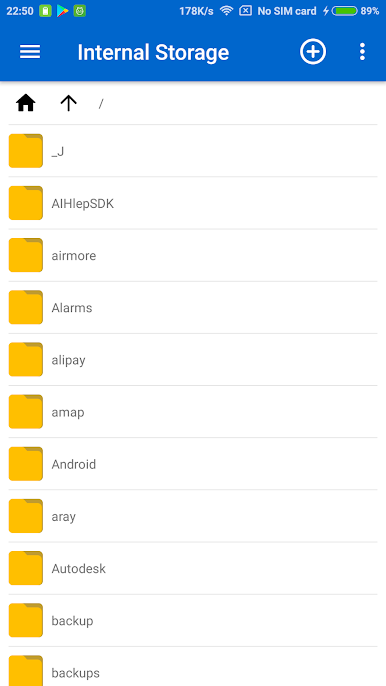
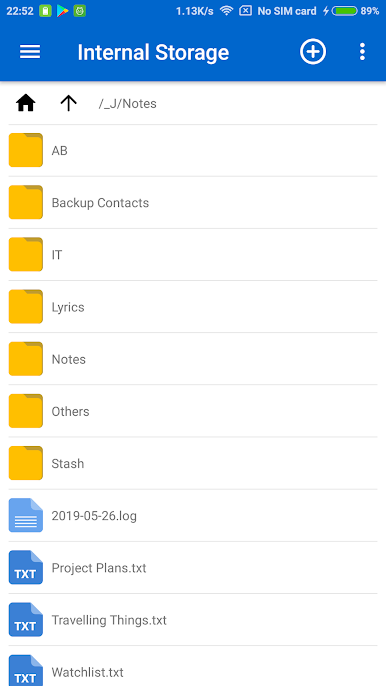
- Built‑in file browser: See only supported files and folders, so you’re not digging through clutter when you just want to write.
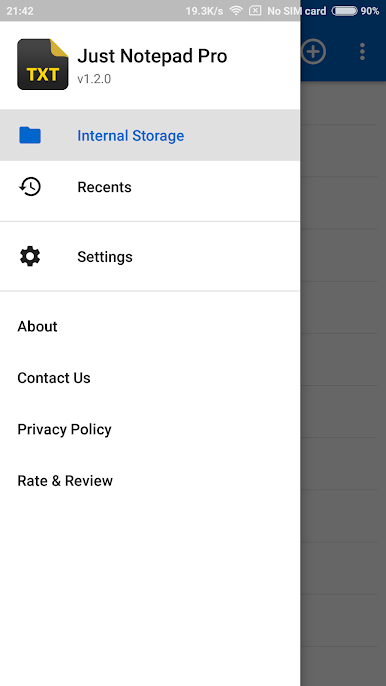
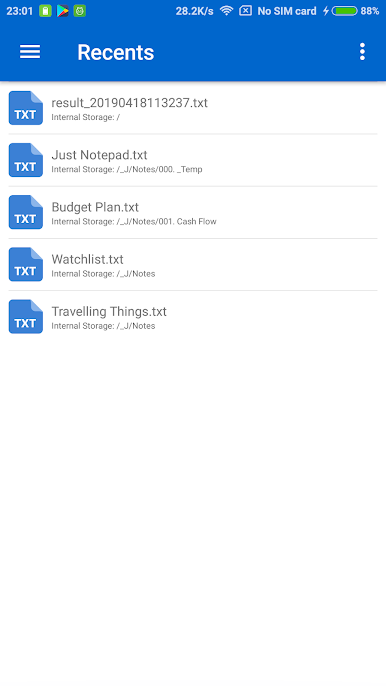
- Unlimited recent history: Pick up past documents instantly—your history doesn’t cap out.
- Resume position: Open a file and continue exactly where you left off, cursor and scroll included.
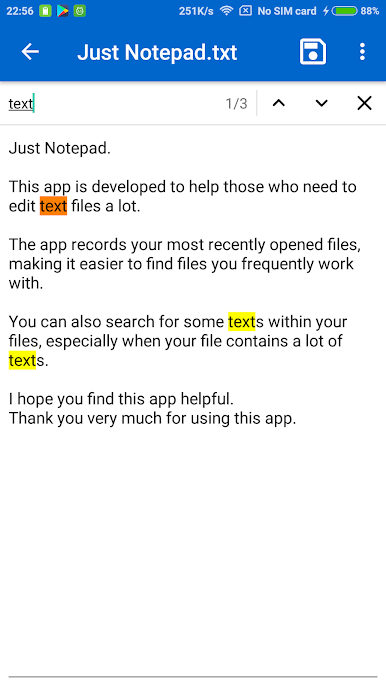
- Find in file: Search within the open document to jump to the words you need.
- Open from other apps: Tap text files in your file manager—.txt, .log, .md, .xml, and more—and open them here right away.
- Rename, delete, and sort: Manage files and folders directly, with per‑folder sorting to keep things tidy.
- Dark theme: Give your eyes a break with a sleek, low‑glare look.
- SD card viewing: You can view text files on removable storage through your file manager; editing and saving to SD isn’t supported yet.
- Lightweight and privacy‑minded: No personal info is collected. Basic device details may be used to help diagnose crashes and errors.
BlueStacks brings your apps to life on a bigger screen—seamless and straightforward.
Play Just Notepad Pro on PC. It’s easy to get started.
-
Download and install BlueStacks on your PC
-
Complete Google sign-in to access the Play Store, or do it later
-
Look for Just Notepad Pro in the search bar at the top right corner
-
Click to install Just Notepad Pro from the search results
-
Complete Google sign-in (if you skipped step 2) to install Just Notepad Pro
-
Click the Just Notepad Pro icon on the home screen to start playing

