


cam720
Play on PC with BlueStacks – the Android Gaming Platform, trusted by 500M+ gamers.

Page Modified on: Aug 24, 2026
Main cam720 on PC
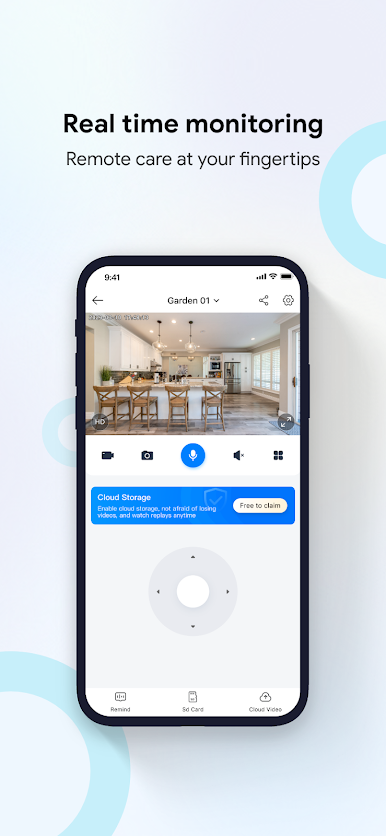
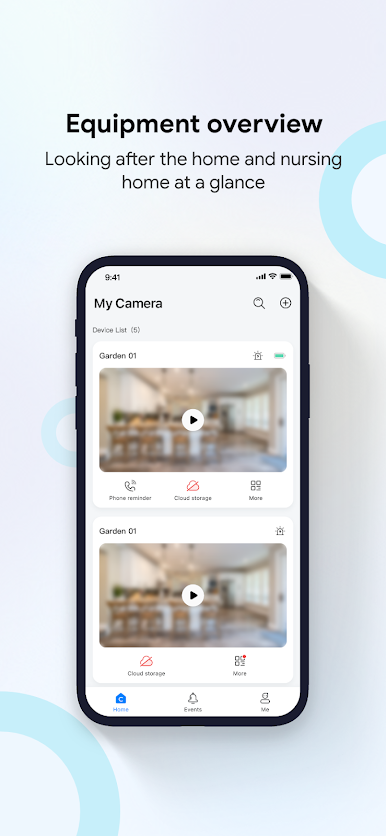
Through cloud monitoring P2P technology, computer programs and data conversion, cam720 can achieve real-time monitoring, video chat, remote playback, abnormal alarm and other functions.
When you connect the camera to the network, you can enjoy the following features:
1. [real-time monitoring].
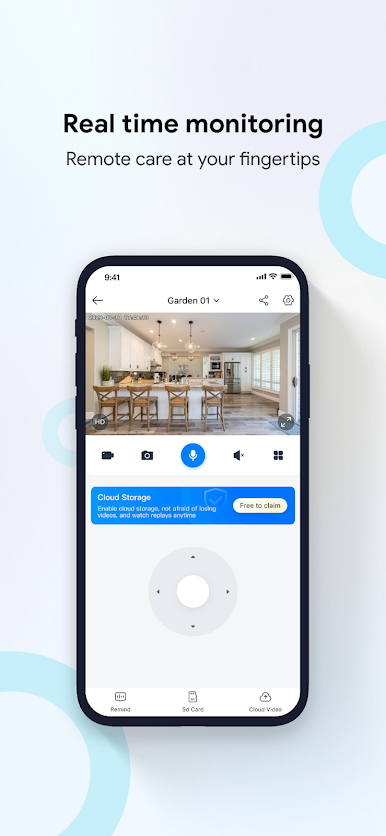
Watch real-time video and cloud storage playback at home, store, office, etc.
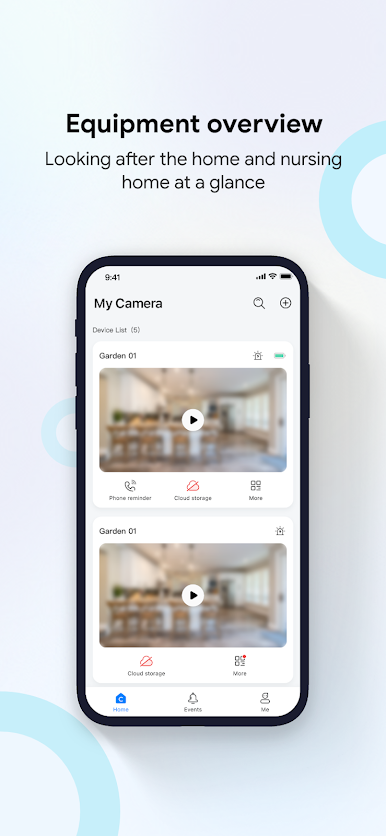
Help you easily manage the office anytime, anywhere, take care of your family at any time, achieve remote care, intelligent company, and share a wonderful life.
2. [automatic tracking].
Track moving objects, lock abnormal targets, and upload videos to the cloud.
3. [region detection].
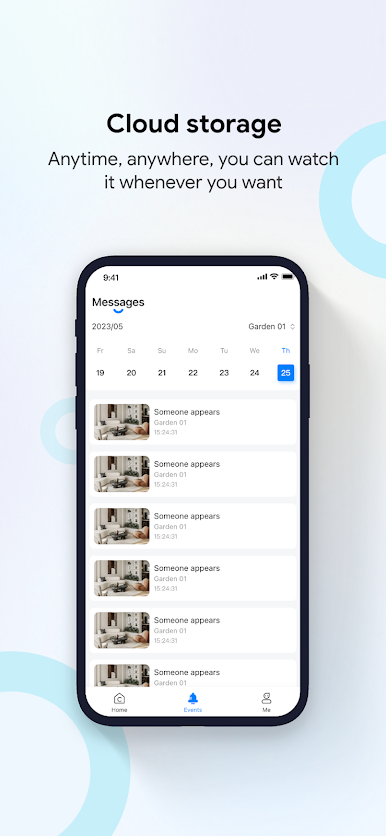
Motion detection and audible alarms can be set up in important areas, and if any human activity / environmental anomalies are detected, initiate on-site alerts and push instant alert messages to help you identify any safety risks in a timely manner.
4. [intelligent life].
Take good care of your home, storage and pets at any time, so that you can enjoy a safer life.
Play cam720 on PC. It’s easy to get started.
-
Download and install BlueStacks on your PC
-
Complete Google sign-in to access the Play Store, or do it later
-
Look for cam720 in the search bar at the top right corner
-
Click to install cam720 from the search results
-
Complete Google sign-in (if you skipped step 2) to install cam720
-
Click the cam720 icon on the home screen to start playing

