


Car Simulator Parking Games
Play on PC with BlueStacks – the Android Gaming Platform, trusted by 500M+ gamers.

Page Modified on: Aug 26, 2026
Main Car Simulator Parking Games on PC
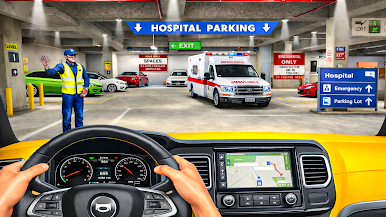
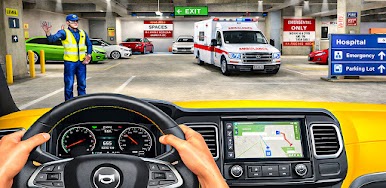
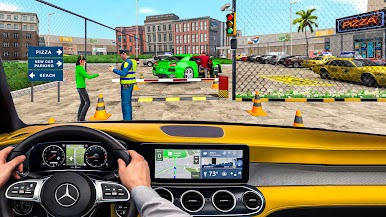
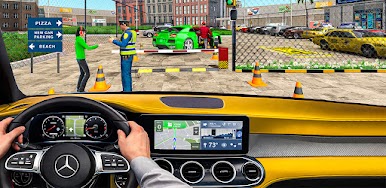
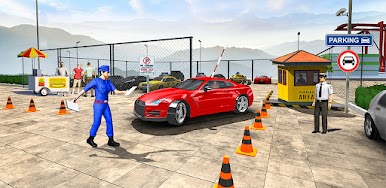
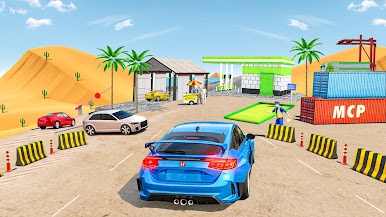
Experience the Parking Games adventure with the most realistic Car Driving and smooth Driving Simulator Games ever created! If you love challenging Car Games, realistic physics and addictive Driving Games, this powerful Vehicle Simulator delivers everything you need. Improve tight turns, reverse car parking, parallel vehicle parking and different obstacles in stunning 3D environments for car simulator games.
This Car driving combines smooth controls with immersive gameplay. Choose from multiple control modes including steering wheel, tilt, arrows, and reverse mirror view for car parking handling. Every level in this Car simulator driving Games experience is carefully designed to test your reflexes, patience, and parking skills.
Enjoy multiple modes in this exciting Driving Simulator Games:
🚦 City Mode with realistic traffic rules
🅿️ Challenging Parking Mode for car game players
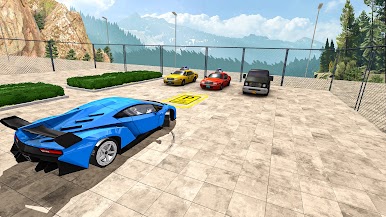
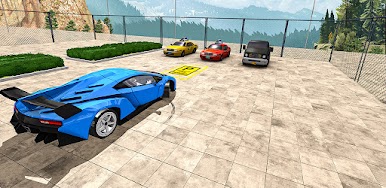
🏔️ Offroad challenges with rough roads.
🚘 Open World mode for car driving fun
Why You All Love This Game:
✅ Customize your vehicles with your own choice, different colors and car style or designs in this complete Vehicle Simulator games experience.
✅ Explore highways, city streets, and challenging parking lots while improving your car parking and driving skills in the most engaging Driving Simulator car games.
✅ Enjoy multiple exciting levels of car parking games where each stage brings different challenges.
✅ Every level of car simulator driving games keeps you entertained, increases the excitement and rewards you for your driving & parking skills.
✅ Whether you’re searching for realistic Parking Games, Car Games, or immersive Driving Games, this vehicle parking Simulator will keep you hooked for hours
Download now and show your driving skills in this thrilling Car Parking Games experience!
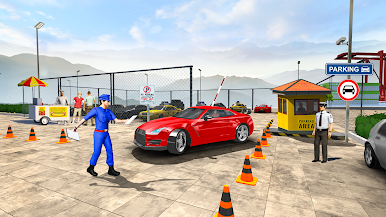
Play Car Simulator Parking Games on PC. It’s easy to get started.
-
Download and install BlueStacks on your PC
-
Complete Google sign-in to access the Play Store, or do it later
-
Look for Car Simulator Parking Games in the search bar at the top right corner
-
Click to install Car Simulator Parking Games from the search results
-
Complete Google sign-in (if you skipped step 2) to install Car Simulator Parking Games
-
Click the Car Simulator Parking Games icon on the home screen to start playing

