

Daily check: Routine Work
Play on PC with BlueStacks – the Android Gaming Platform, trusted by 500M+ gamers.

Page Modified on: Sep 12, 2025
Run Daily check: Routine Work on PC or Mac
Why limit yourself to your small screen on the phone? Run Daily check: Routine Work, an app by Tsurutan, best experienced on your PC or Mac with BlueStacks, the world’s #1 Android emulator.
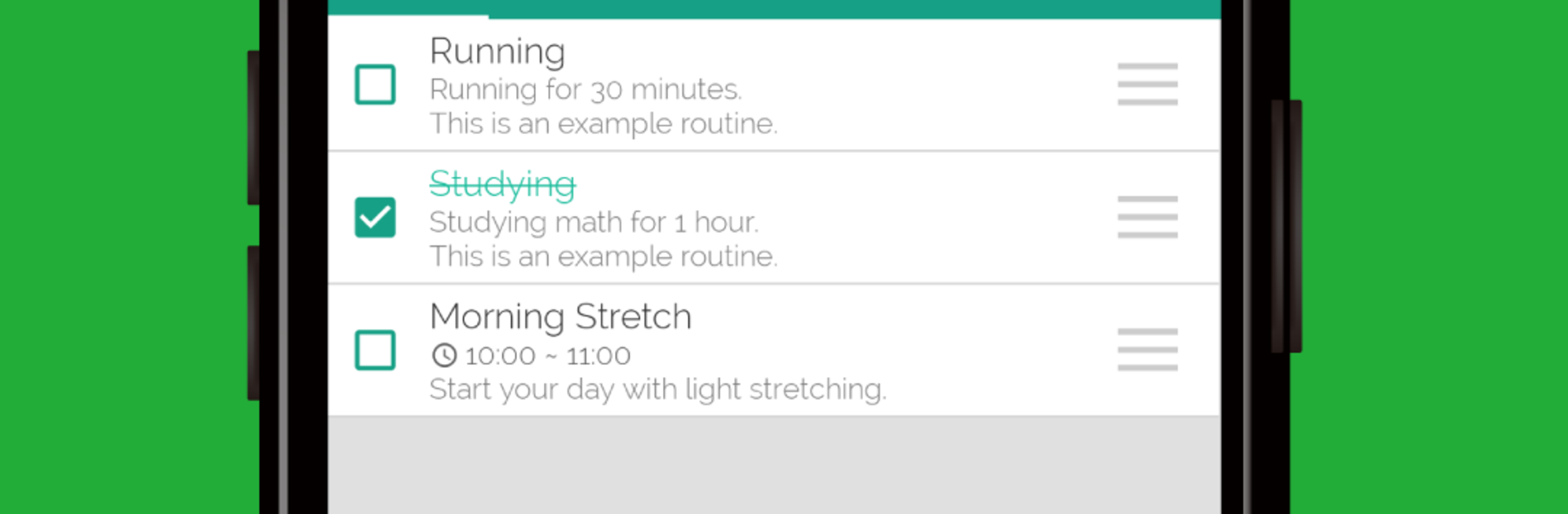
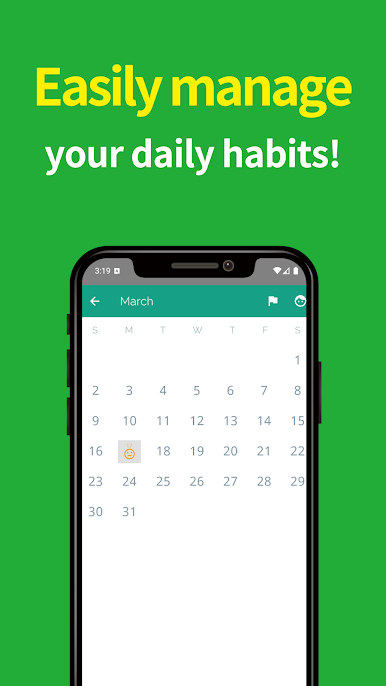
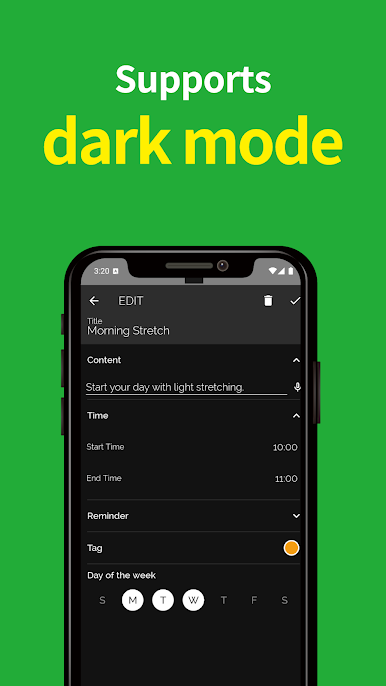
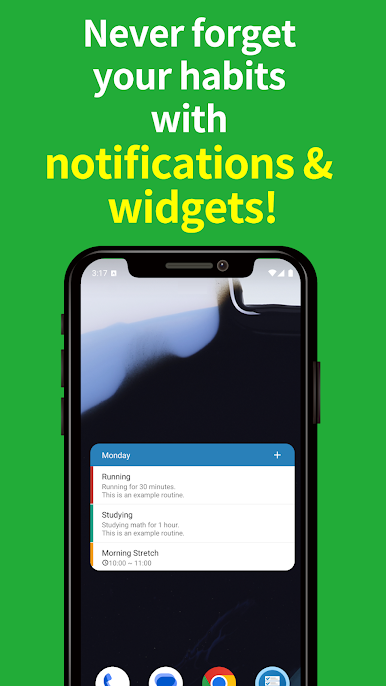
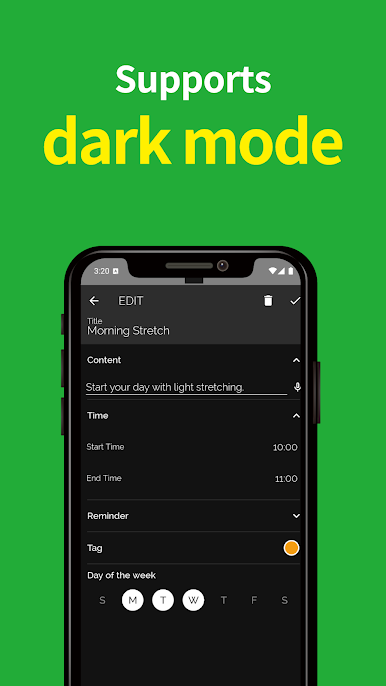
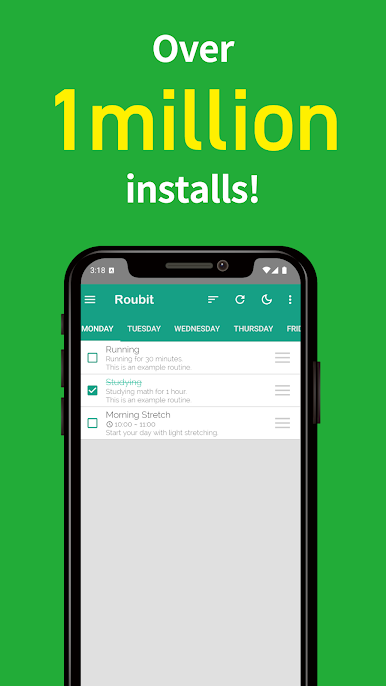
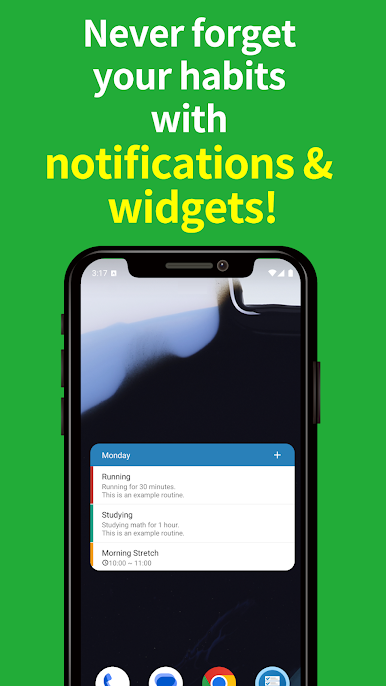
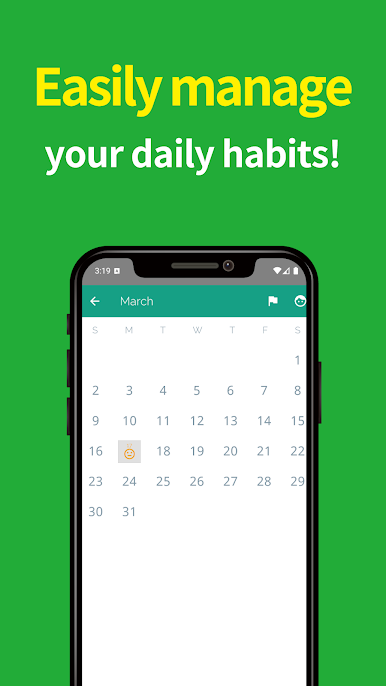
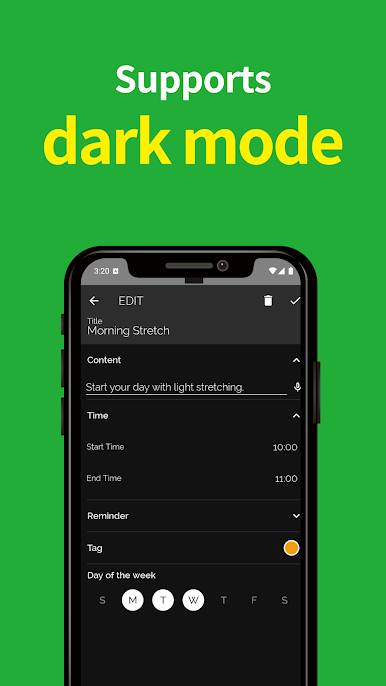
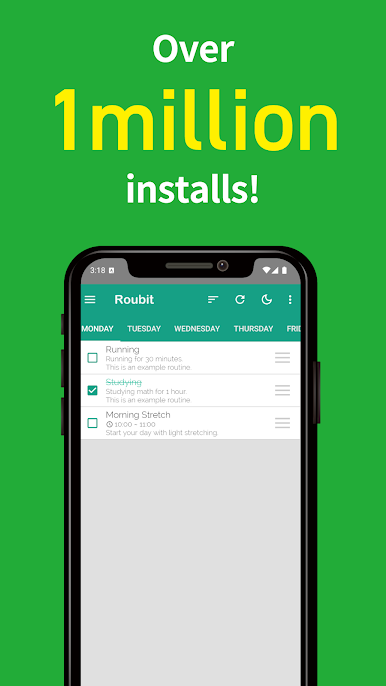
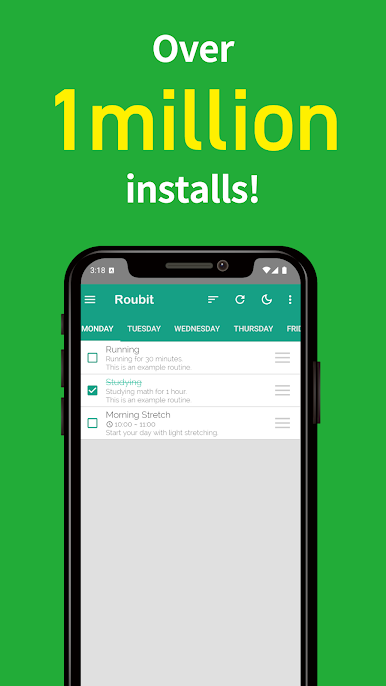
Daily check: Routine Work feels like a tiny routine tracker that does one thing well. It keeps a clean list of repeating tasks and lets the user keep life’s small stuff in order without digging through menus. Add a routine by tapping the plus button, remove one by pressing and holding in the list. That is basically the core loop, and it is kind of refreshing. No complicated setup, no odd badges or graphs yelling for attention. Just routines, a list, and quick edits.
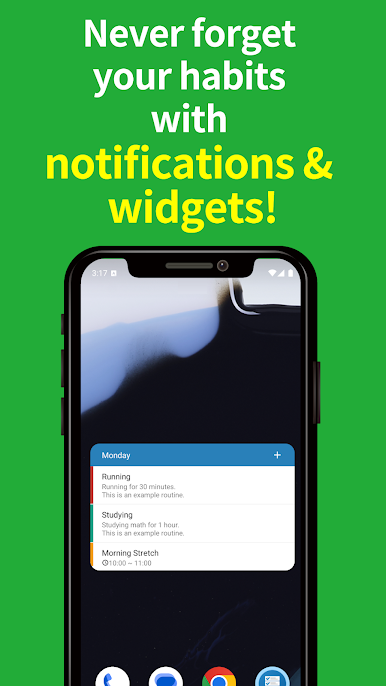
It fits the everyday things people forget. A person could track when a favorite show airs, note weekly magazine drops, set a reminder for trash day, or keep simple daily chores like stretch, water plants, tidy desk. The app does not try to be a full planner or habit science toolkit, and that stands out in a good way. It is simple on purpose, so it is easy to stick with. On a PC through BlueStacks, it behaves like a lightweight desktop checklist. Typing task names with a keyboard is fast, and clicking around with a mouse makes adding and removing feel snappy. The interface is plain and clear, so nothing gets in the way. For someone who wants a calm place to park repeating tasks and not think too hard, this gets the job done without extra noise.
Ready to experience Daily check: Routine Work on a bigger screen, in all its glory? Download BlueStacks now.

Play Daily check: Routine Work on PC. It’s easy to get started.
-
Download and install BlueStacks on your PC
-
Complete Google sign-in to access the Play Store, or do it later
-
Look for Daily check: Routine Work in the search bar at the top right corner
-
Click to install Daily check: Routine Work from the search results
-
Complete Google sign-in (if you skipped step 2) to install Daily check: Routine Work
-
Click the Daily check: Routine Work icon on the home screen to start playing

