


Onlit-Novels and Fiction Story
Play on PC with BlueStacks – the Android Gaming Platform, trusted by 500M+ gamers.

Page Modified on: Dec 9, 2025
Play Onlit-Novels and Fiction Story on PC
----Unique Features----
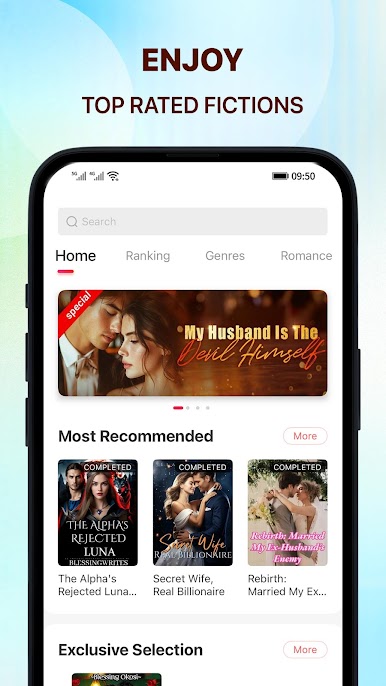
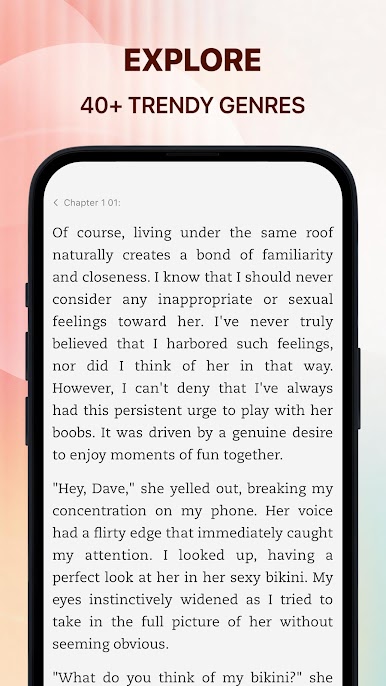
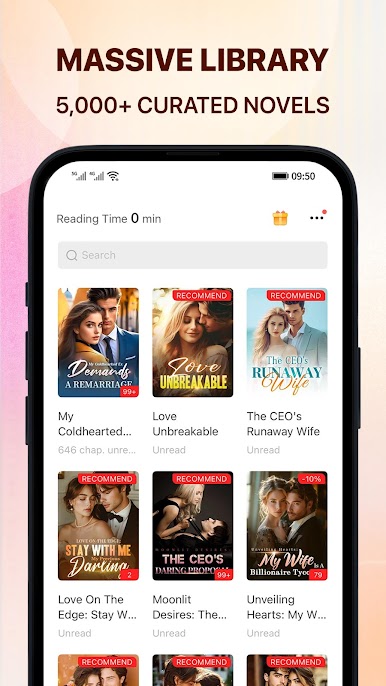
● Select ANY GENRE you like: romance, stories with reborn heroes, magical realism, eastern fantasy, the world of wuxia, horror stories, romantic love novels, fanfiction, sci-fi, and excellent original stories⋯ Download the app to find more!
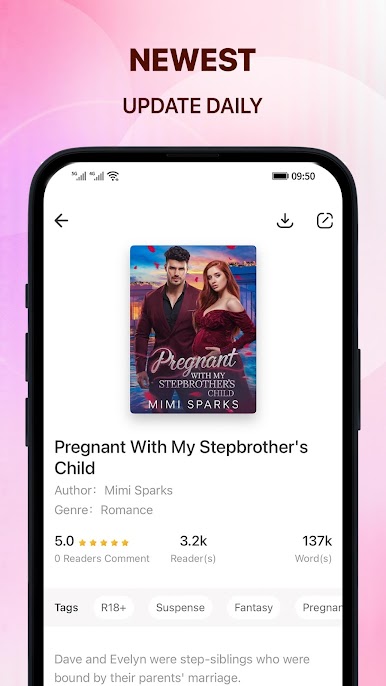
● Stories are UPDATED DAILY! Never be bored with new addictive plots and new worlds!
● Log in every day to get FREE coins and read fiction for free!
● Meet people who also like novels, discuss your favorite novels, and share your reading experience!
● Enjoy legal translation copies of worldwide popular novels: 'Marrying Her Was Easy', When Love Rebuilds From Frozen Hearts', 'The Humble Ex-wife Is Now A Brilliant Tycoon', 'The Price of Unrequited Love', 'Finding Bliss Again: My Baby Daddy Is The Most Powerful Man Alive?!', 'The Billionaire Who Lost His Sun', 'She Was The Joke, Now She's The Queen'.
SUBSCRIPTION:
- You can subscribe for unlimited access to our full story catalog and premium content
- The subscription is $13 monthly, $38 quarterly*
- You'll be able to read unlimited stories for the duration of your subscription
- Payment will be charged to your iTunes Account at confirmation of purchase
- Subscription automatically renews unless auto-renew is turned off for at least 24-hours before the end of the current period
- The account will be charged for renewal within 24-hours prior to the end of the current period at the cost of the chosen package
- Subscriptions may be managed by the user and auto-renewal may be turned off by going to the user's Account Settings after purchase
- No cancellation of the current subscription is allowed during the active subscription period
Facebook: https: //www.facebook.com/Onlit-105088314610646

Play Onlit-Novels and Fiction Story on PC. It’s easy to get started.
-
Download and install BlueStacks on your PC
-
Complete Google sign-in to access the Play Store, or do it later
-
Look for Onlit-Novels and Fiction Story in the search bar at the top right corner
-
Click to install Onlit-Novels and Fiction Story from the search results
-
Complete Google sign-in (if you skipped step 2) to install Onlit-Novels and Fiction Story
-
Click the Onlit-Novels and Fiction Story icon on the home screen to start playing

