


Nice Notifications
Play on PC with BlueStacks – the Android Gaming Platform, trusted by 500M+ gamers.

Page Modified on: Dec 23, 2025
Play Nice Notifications on PC
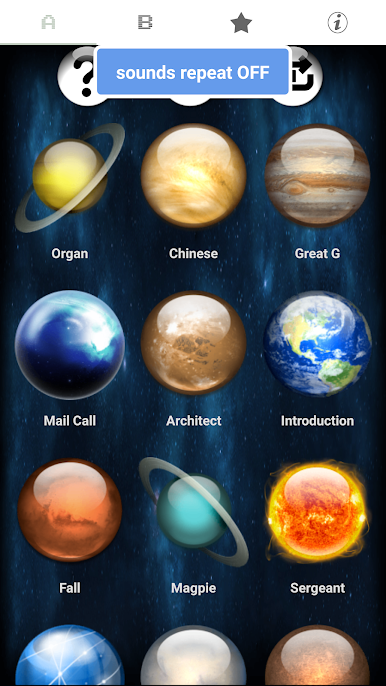
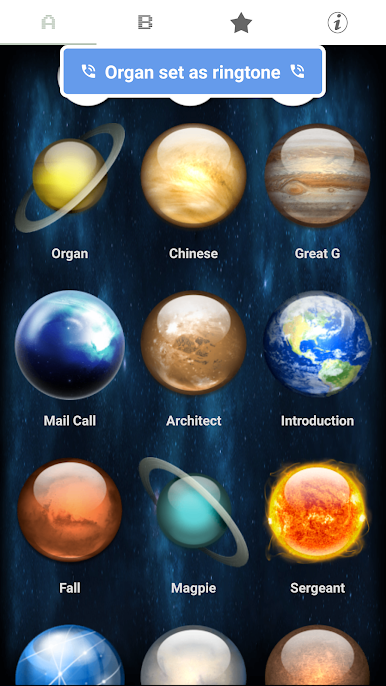
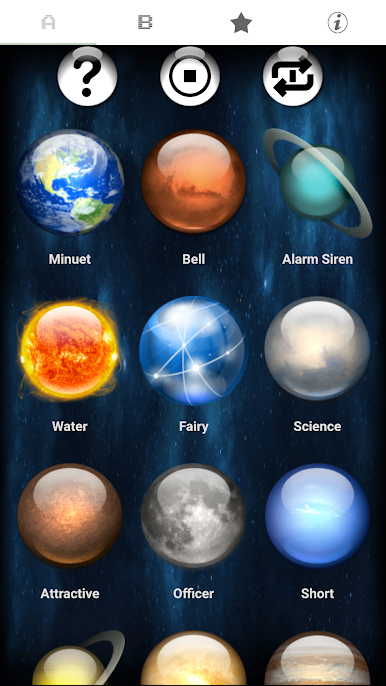
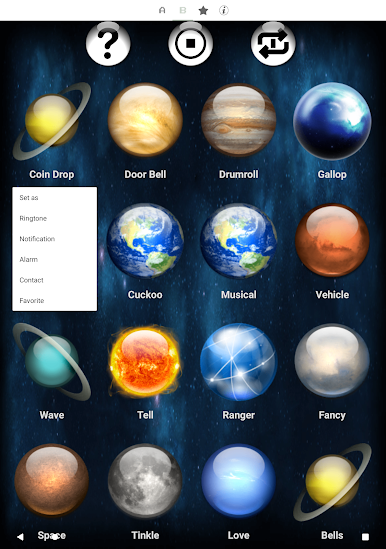
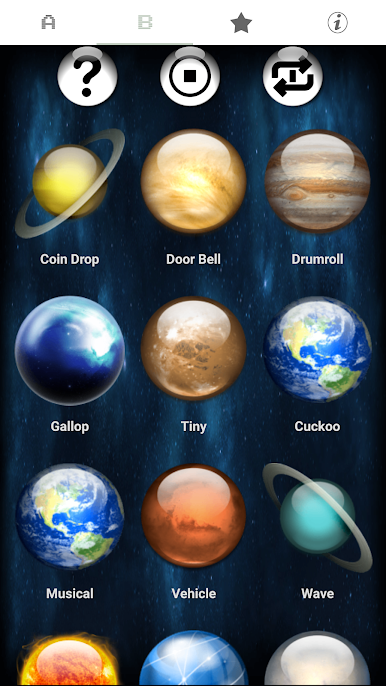
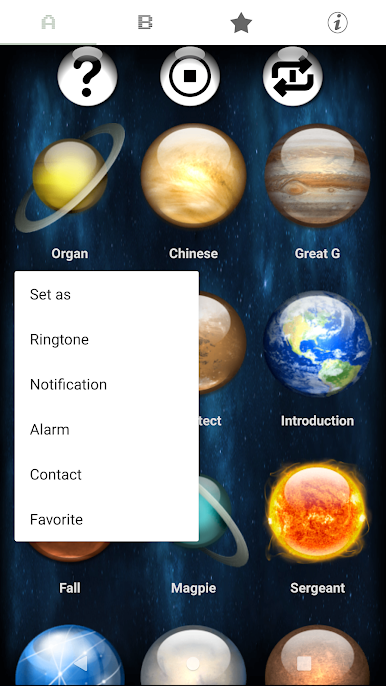
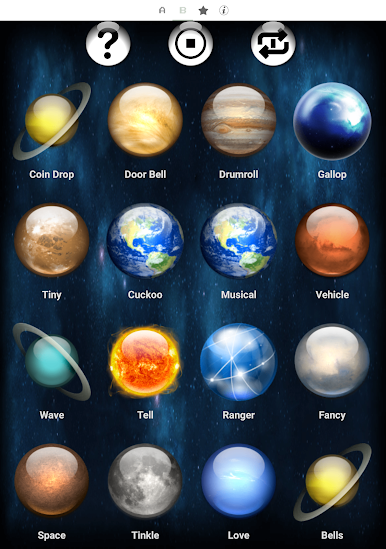
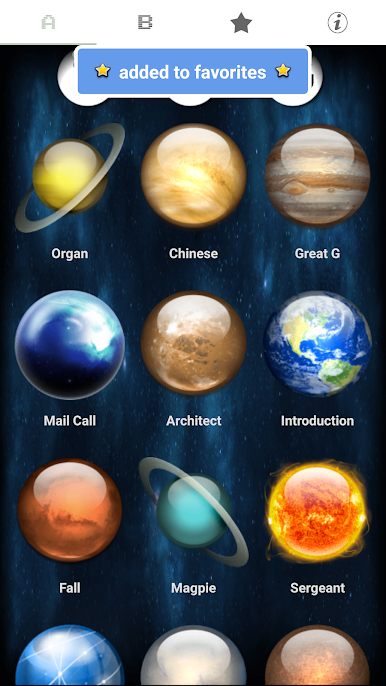
💯 Simply press each button to listen and to preview the loud and clear notification. If you like it, press and hold the button. Then select either notification, ringtone, alarm, or contact.
👍🏽 Download now and you can set a nice sound for each of your contacts so you will know who is calling without even looking!
💯 These free high volume sound effects are perfect for notifications, ringtones or alarms.
👍🏽 This application can be used with most phones or tablets. This easy and free application allows you to make your phone or tablet very unique.
💯 Best of all this application is free!
👍🏽 You are not limited to the notifications, alarms and ringtones that come with your device. Use this application to make your device your own.
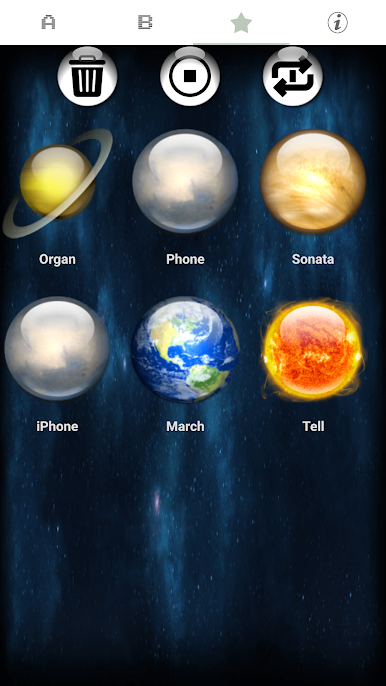
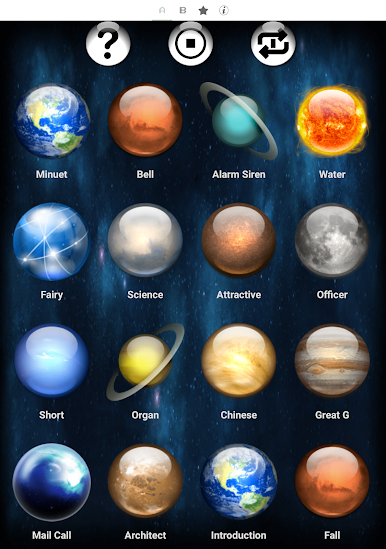
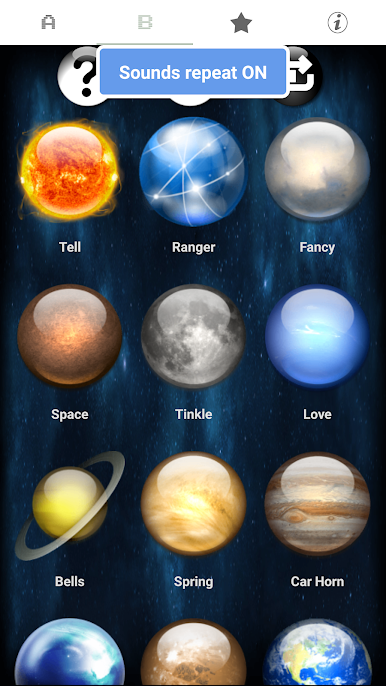
Play Nice Notifications on PC. It’s easy to get started.
-
Download and install BlueStacks on your PC
-
Complete Google sign-in to access the Play Store, or do it later
-
Look for Nice Notifications in the search bar at the top right corner
-
Click to install Nice Notifications from the search results
-
Complete Google sign-in (if you skipped step 2) to install Nice Notifications
-
Click the Nice Notifications icon on the home screen to start playing

