


SuperVPN - Fast VPN Proxy
Play on PC with BlueStacks – the Android Gaming Platform, trusted by 500M+ gamers.

Page Modified on: Jun 17, 2026
Main SuperVPN - Fast VPN Proxy on PC
Connect in one tap and enjoy a private, anonymous, and unrestricted online experience.
🚀 Why choose SuperVPN?
* Free VPN with unlimited bandwidth & time
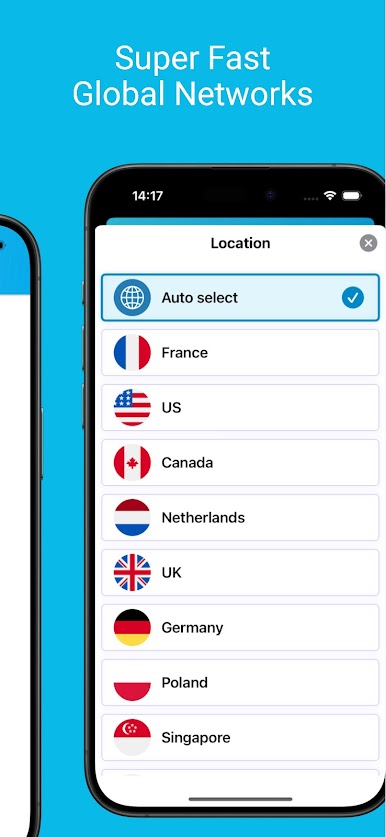
* Fast VPN servers worldwide for smooth browsing & streaming
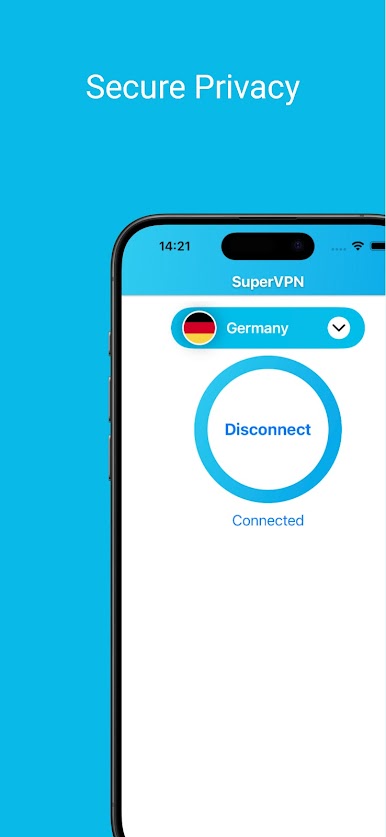
* Secure VPN connection to protect your privacy
* Unblock websites and apps anytime, anywhere
🔒 Secure & Private VPN
SuperVPN protects your data with strong encryption and keeps your online activity safe from third-party tracking. Browse the internet with confidence using a trusted private VPN.
⚡ Fast & Unlimited VPN Proxy
Enjoy high-speed connections with no limits:
* Unlimited bandwidth VPN
* No speed throttling
* Optimized global VPN servers
Perfect for streaming, gaming, and browsing.
🌍 Unblock & Access Everything
Bypass geo-restrictions and censorship:
* Unblock websites
* Access apps worldwide
* Open restricted content easily
👍 Simple & Easy to Use
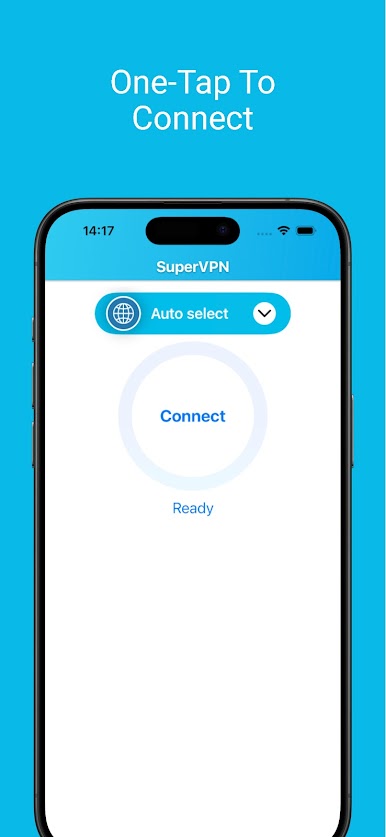
* One-tap VPN connection
* No registration required
* No configuration needed
* Works with WiFi, LTE, 4G, 5G
⭐ Powerful Features
* No-log policy for full anonymity
* App-level VPN (choose which apps use VPN)
* No root access required
* Stable and reliable connection
* Smart server selection
💎 VIP Upgrade
SuperVPN is free forever.
Upgrade to VIP for:
* Ad-free experience
* Faster VPN speeds
* Premium servers
* Better performance
Cancel anytime.
Play SuperVPN - Fast VPN Proxy on PC. It’s easy to get started.
-
Download and install BlueStacks on your PC
-
Complete Google sign-in to access the Play Store, or do it later
-
Look for SuperVPN - Fast VPN Proxy in the search bar at the top right corner
-
Click to install SuperVPN - Fast VPN Proxy from the search results
-
Complete Google sign-in (if you skipped step 2) to install SuperVPN - Fast VPN Proxy
-
Click the SuperVPN - Fast VPN Proxy icon on the home screen to start playing

