


WrestleVerse: Pro Wrestling GM
Play on PC with BlueStacks – the Android Gaming Platform, trusted by 500M+ gamers.

Page Modified on: Feb 9, 2026
Play WrestleVerse: Pro Wrestling GM on PC
-----
## Built for Wrestling Fans, by Wrestling Fans
WrestleVerse brings together the depth of TEW, the accessibility of MyGM, and a mobile-first experience that's fast, intuitive, and rewarding—whether you're booking dream cards on the bus or simming for hours.
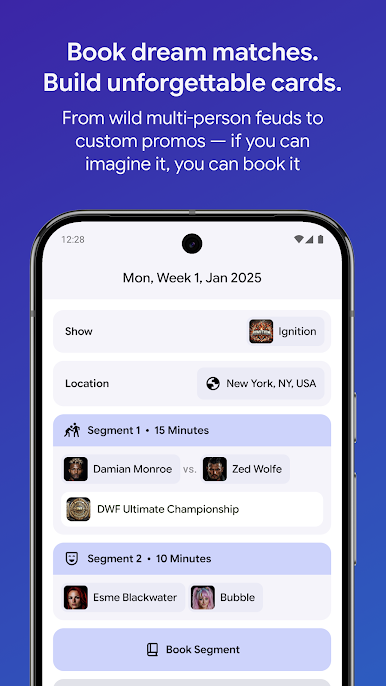
## Book Dream Matches in Seconds
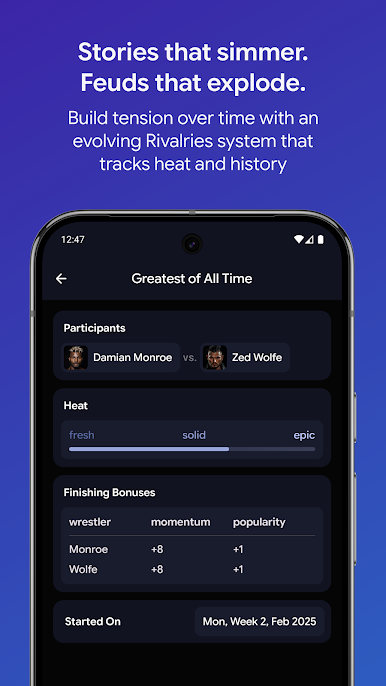
With the revolutionary Auto Booker, you can book complete shows in seconds with support for angles and tag team matches, while also prioritizing progressing active rivalries.
## Dynamic Commentary Engine
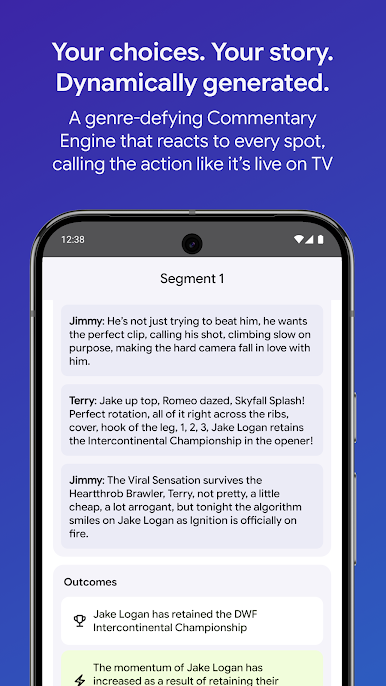
Bring your bookings to life with rich detail and enthusiastic analysis from our in-house commentators, Terry Law and Jimmy Boss. Experience a level of immersion unprecedented in mobile wrestling management games, completely automatically.
## Dive into the WrestleVerse
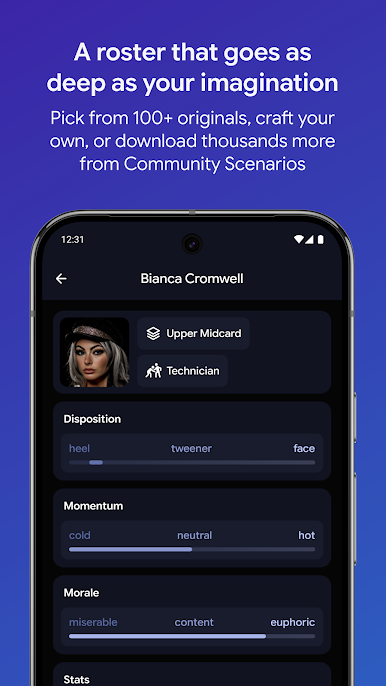
Explore our custom-built wrestling world featuring multiple promotions of different sizes and a roster of over 100 original wrestlers with unique personalities and styles.
## Create and Share Custom Scenarios
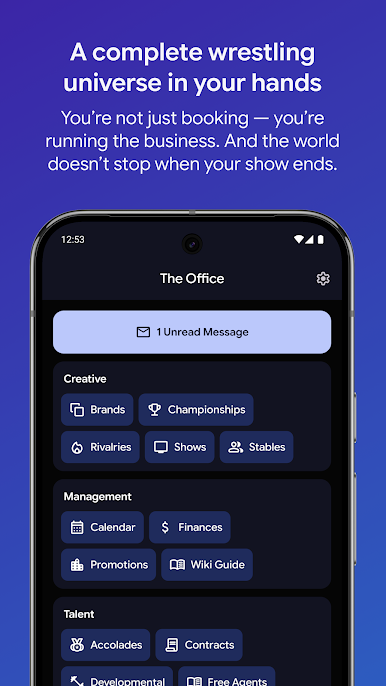
Design your own wrestling universe or download scenarios created by the community. Customize promotions, championships, shows, and rosters, then share your creations with players worldwide.
## Compete with Rival Promotions
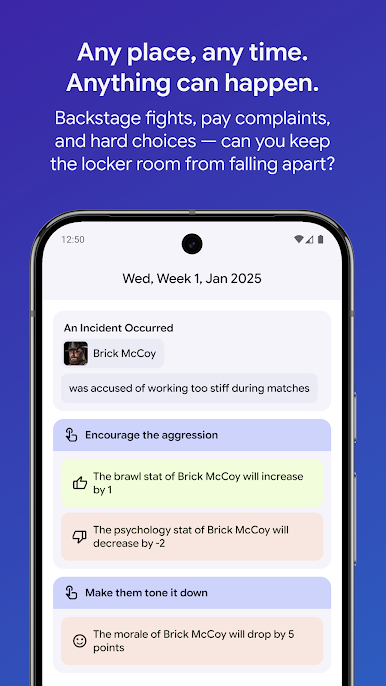
Experience a competitive and realistic game environment with support for multiple promotions in a single universe. Trade talent and vie for supremacy in the wrestling world.
## Advanced Spots System
With Spots v3, stretch your imagination when booking matches with tag team spots, interferences, and custom match finishes. Create memorable moments that captivate your audience.
-----
Download WrestleVerse now and take your place in wrestling history. Your booking. Your universe. Your rules.
Play WrestleVerse: Pro Wrestling GM on PC. It’s easy to get started.
-
Download and install BlueStacks on your PC
-
Complete Google sign-in to access the Play Store, or do it later
-
Look for WrestleVerse: Pro Wrestling GM in the search bar at the top right corner
-
Click to install WrestleVerse: Pro Wrestling GM from the search results
-
Complete Google sign-in (if you skipped step 2) to install WrestleVerse: Pro Wrestling GM
-
Click the WrestleVerse: Pro Wrestling GM icon on the home screen to start playing

