


Johnny Trigger - Sniper Game
Play on PC with BlueStacks – the Android Gaming Platform, trusted by 500M+ gamers.

Page Modified on: Jul 27, 2026
Main Johnny Trigger - Sniper Game on PC
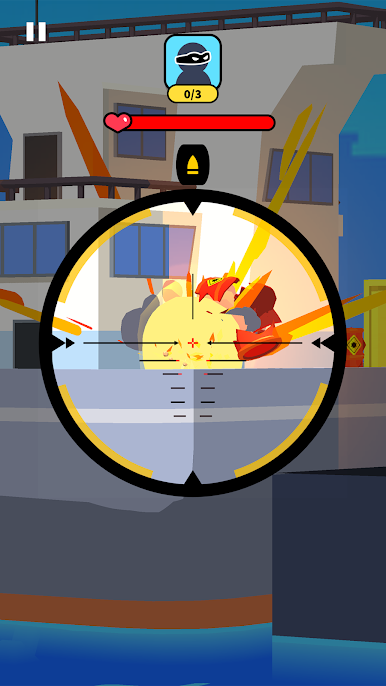
Usually such games make you run after enemies and hide around corners, which feels stressful. Not this time — sniper games have been modified and advanced.
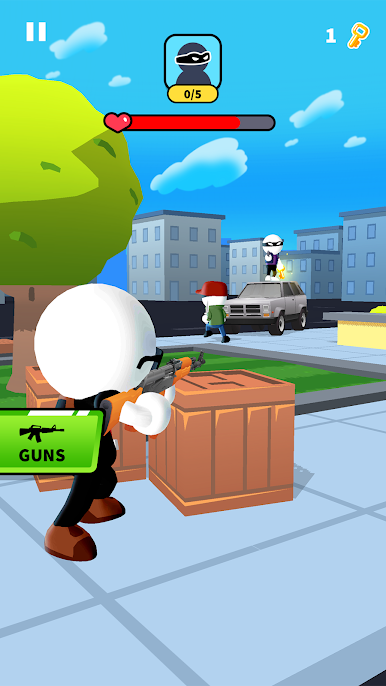
Bad guys can still hit you, but not as easily as before. Now you are a skilled agent who always finds the best spot for a perfect shot.
Great! Now you are a professional sharpshooter, our warmest congratulations!
Three tips to become the best agent ever.
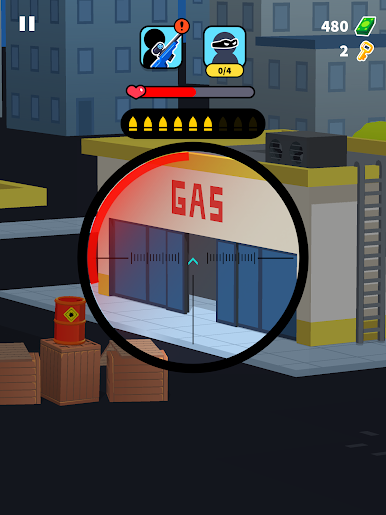
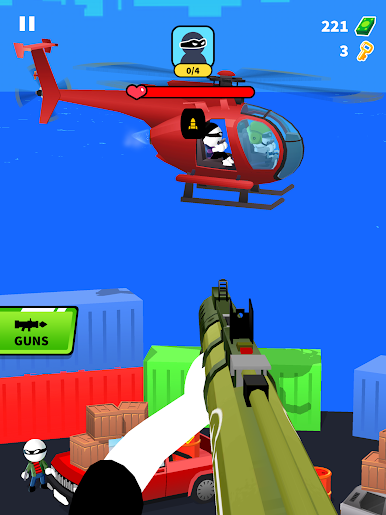
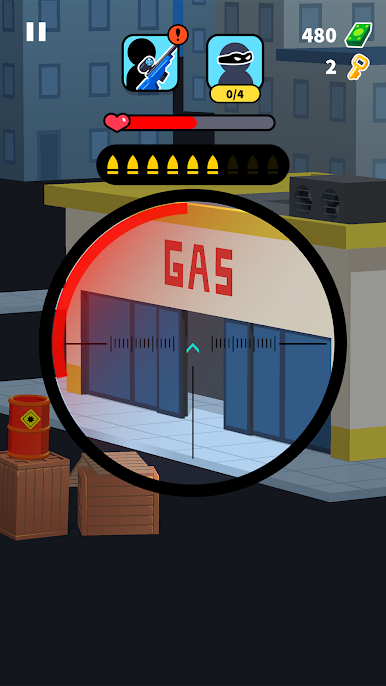
Watch your ammo — usually 4 bullets per level, sometimes up to 4 enemies 🎯. The boss needs more than one shot to be defeated.
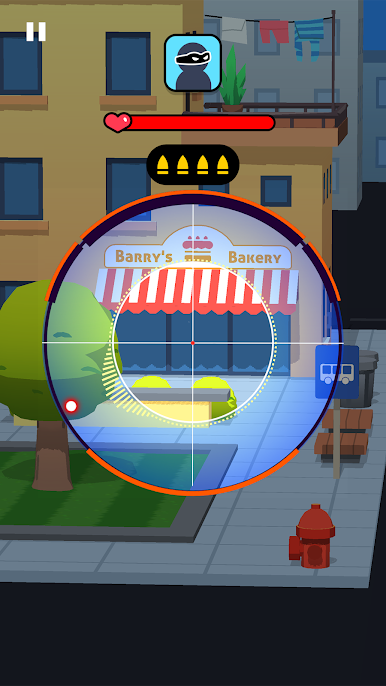
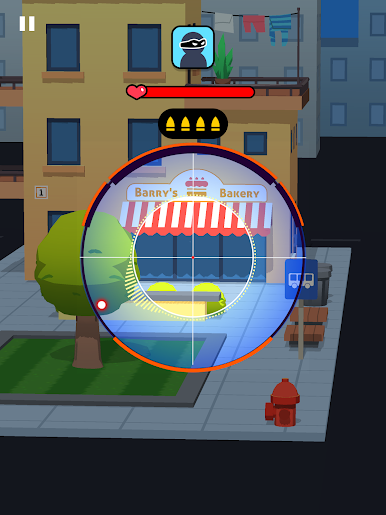
Precision is key — use the scope to line up the perfect shot.
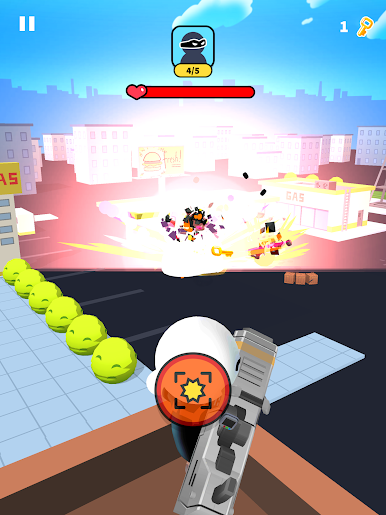
Stay sharp — enemies can run, hide or drive away, and they can defeat you too.
The breakthrough in sniper games offers distinctive features.💣
⚈ Diverse locations: from bakery to gas station.
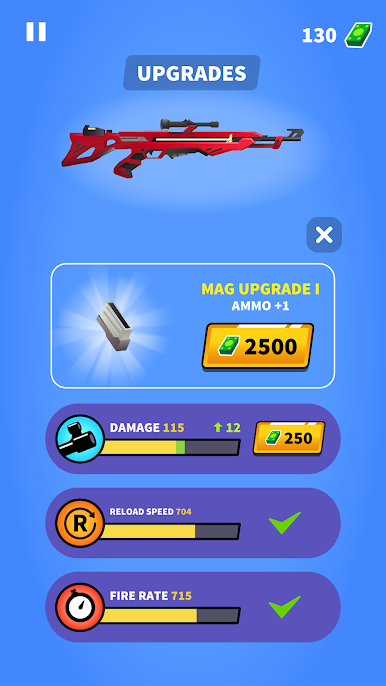
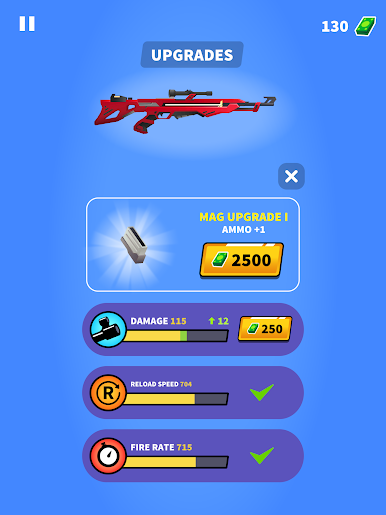
⚈ Unlock and upgrade gear with earned money.
⚈ Protect civilians while chasing villains.
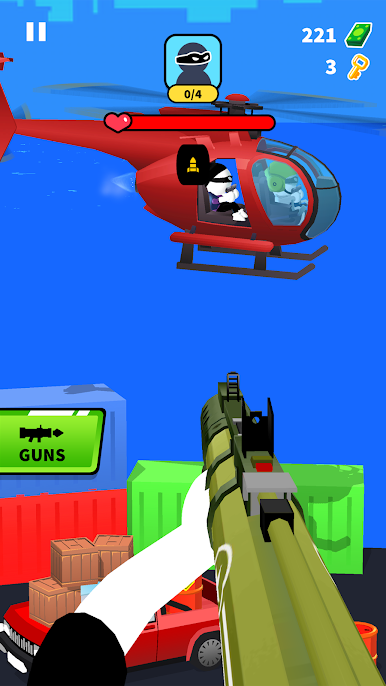
⚈ The main villain always tries to escape — don’t let him!
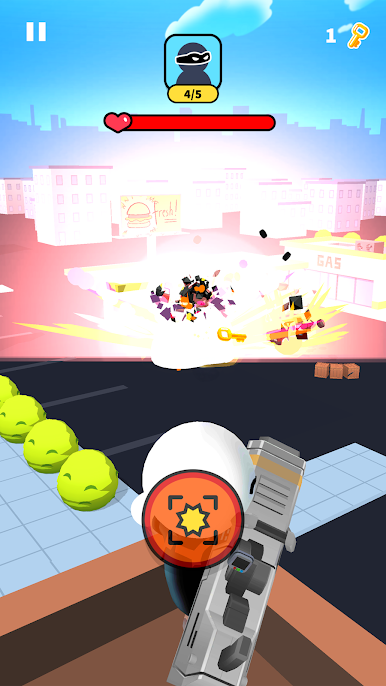
⚈ Collect golden keys for extra rewards and upgrades.
🔥 Time to choose: stick to old sniper games or download «Johnny Trigger - Sniper Game» and enjoy a fresh action experience!
Privacy Policy: https://say.games/privacy-policy
Terms of Use: https://say.games/terms-of-use


Play Johnny Trigger - Sniper Game on PC. It’s easy to get started.
-
Download and install BlueStacks on your PC
-
Complete Google sign-in to access the Play Store, or do it later
-
Look for Johnny Trigger - Sniper Game in the search bar at the top right corner
-
Click to install Johnny Trigger - Sniper Game from the search results
-
Complete Google sign-in (if you skipped step 2) to install Johnny Trigger - Sniper Game
-
Click the Johnny Trigger - Sniper Game icon on the home screen to start playing

