


BlurDock: Blur Dock Bar
Play on PC with BlueStacks – the Android Gaming Platform, trusted by 500M+ gamers.

Page Modified on: Feb 10, 2026
Play BlurDock: Blur Dock Bar on PC
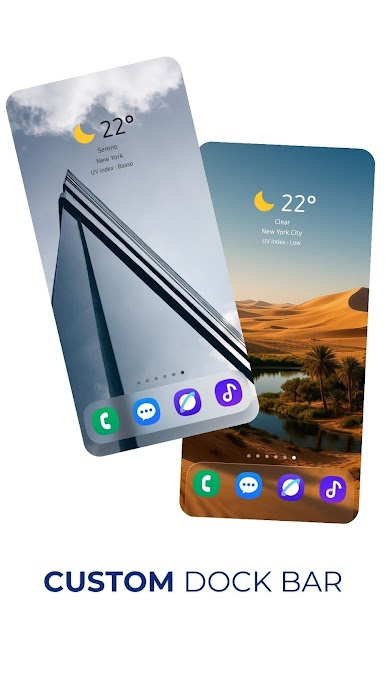
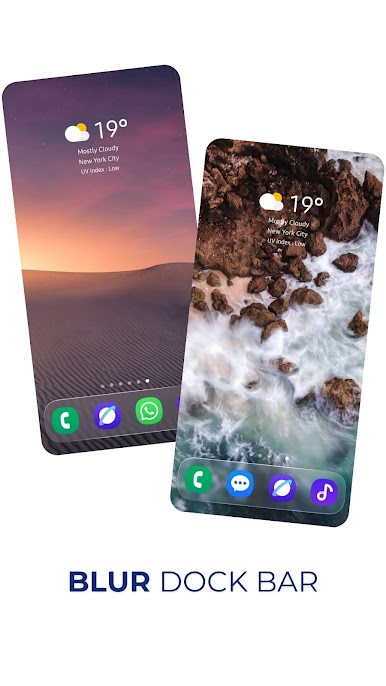
Recreate the blur dock bar and interface in your phone.
WITH REAL BLUR EFFECT AND PERSPECTIVE!
Now with Liquid Glass Simulation!
Formerly known as iWall, BlurDock is the most advanced wallpaper app for your phone:
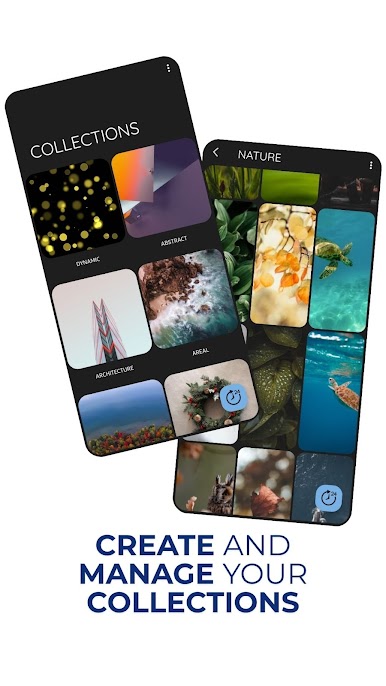
- Organize your wallpapers into collections
- Import your wallpapers from other applications, websites simply by sharing them with BlurDock
- Create your own collections
- Share themes with your friends with a simple click
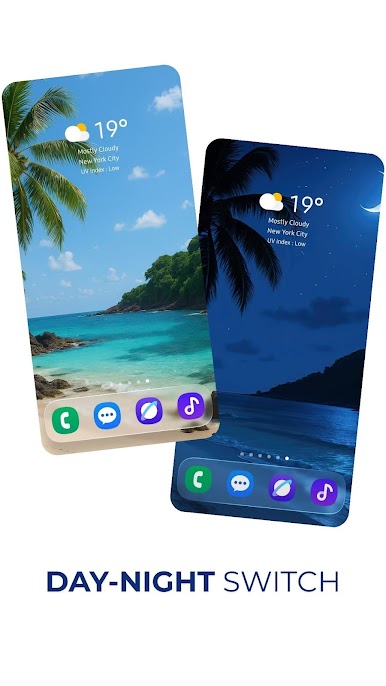
- Create wallpaper pairs for light/dark mode that will apply to your device's theme change
- Change wallpaper with a simple click!
- Create an blur interface that works on any launcher!
- Blur your launcher's dockbar
- Customize the blurry interface in many ways to make it fit your phone
- Change wallpaper every day with Daily Wallpaper function
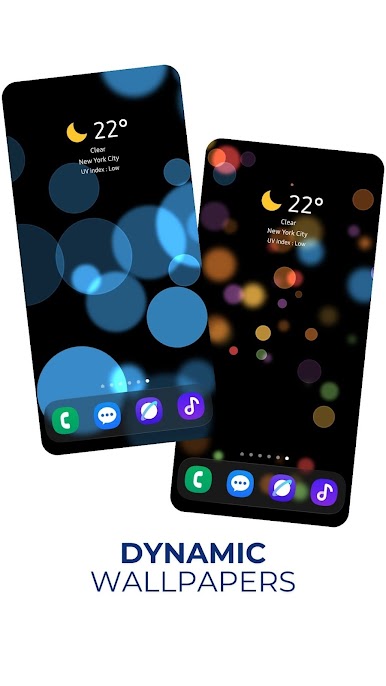
- Apply parallax perspective effect to all backgrounds
- Apply effects according to your phone theme (Light/Dark theme)
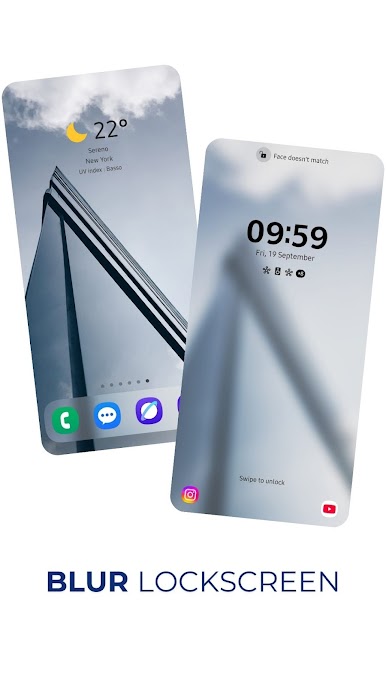
- Blurs the phone lockscreen
- Apply dark effects to your wallpapers to save battery
- Activate dark effects when your phone is in Power Saving mode
- And many other smart functions
BlurDock uses the potential of the live wallpaper to recreate blur interface your device and to adopt many smart functions.
(some of the wallpapers used in the screenshots are not included in BlurDock, you can still download them from the internet and import them into BlurDock)
Play BlurDock: Blur Dock Bar on PC. It’s easy to get started.
-
Download and install BlueStacks on your PC
-
Complete Google sign-in to access the Play Store, or do it later
-
Look for BlurDock: Blur Dock Bar in the search bar at the top right corner
-
Click to install BlurDock: Blur Dock Bar from the search results
-
Complete Google sign-in (if you skipped step 2) to install BlurDock: Blur Dock Bar
-
Click the BlurDock: Blur Dock Bar icon on the home screen to start playing

