


Metrolink
Play on PC with BlueStacks – the Android Gaming Platform, trusted by 500M+ gamers.

Page Modified on: Dec 5, 2025
Play Metrolink on PC
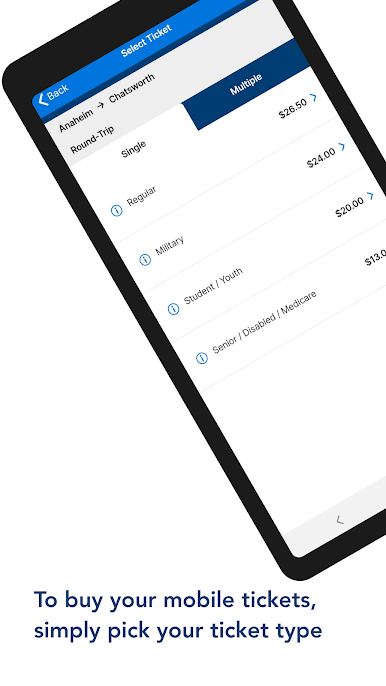
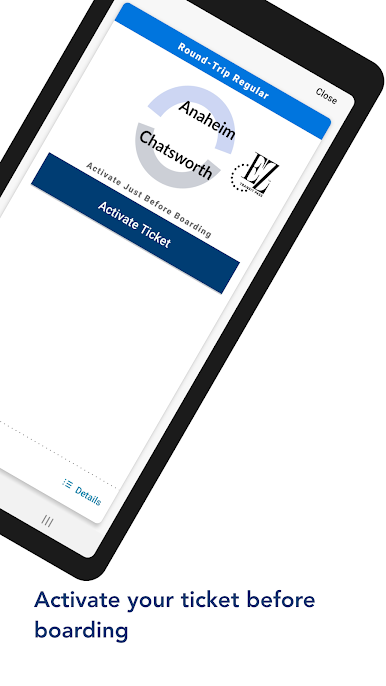
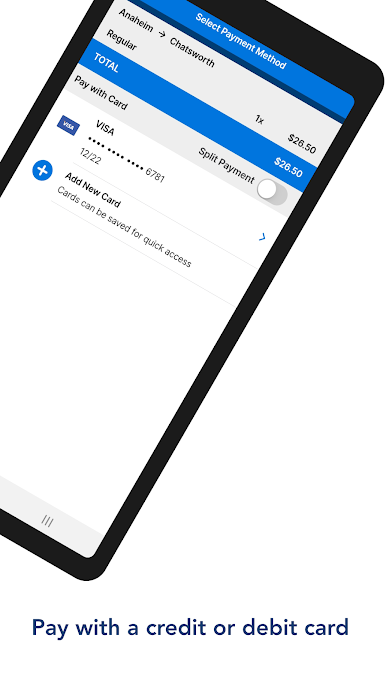
With the Metrolink App, you can securely purchase Metrolink One-Way, Round-Trip tickets, 7-Day, 5-Day/ 10-Day Flex, Monthly and Weekend Day Passes in seconds. Purchasing a ticket is easy: select your trip & ticket type, enter your payment card information, activate your ticket prior to boarding and your device is your ticket.
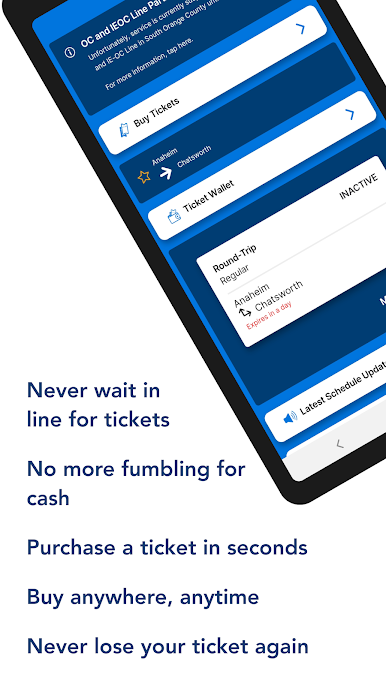
Never lose your ticket again! Once you purchase your ticket, it will always be in your ticket wallet. Need to replace your phone? No problem - you can easily transfer any purchased ticket to a new device.
We are making the app better every day! Visit www.metrolinktrains.com/app for more information.
Features:
● Secure ticket purchasing with your credit or debit card
● Your device is your ticket
● Easy to select your origin and destination to purchase
● Never lose your ticket - tickets can be easily transferred if your phone is lost or stolen
Play Metrolink on PC. It’s easy to get started.
-
Download and install BlueStacks on your PC
-
Complete Google sign-in to access the Play Store, or do it later
-
Look for Metrolink in the search bar at the top right corner
-
Click to install Metrolink from the search results
-
Complete Google sign-in (if you skipped step 2) to install Metrolink
-
Click the Metrolink icon on the home screen to start playing

