

K2 Workspace
Play on PC with BlueStacks – the Android Gaming Platform, trusted by 500M+ gamers.

Page Modified on: Nov 12, 2024
Run K2 Workspace on PC or Mac
Get freedom from your phone’s obvious limitations. Use K2 Workspace, made by SourceCode Technology Holdings, Inc, a Productivity app on your PC or Mac with BlueStacks, and level up your experience.
About the App
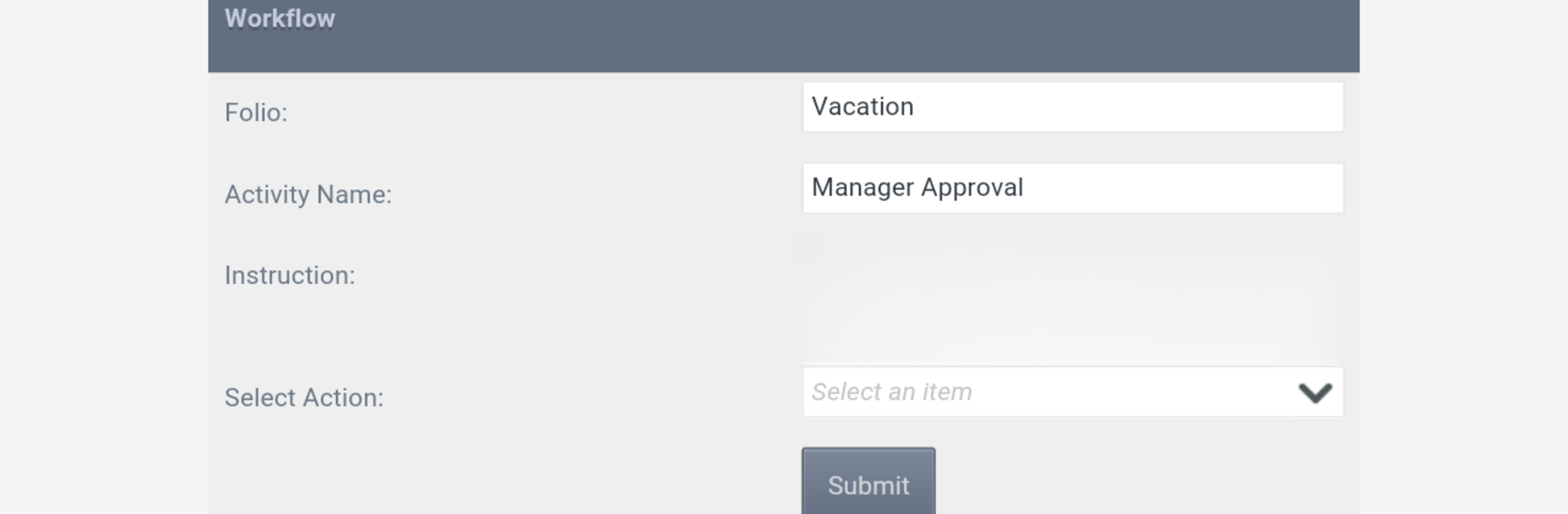
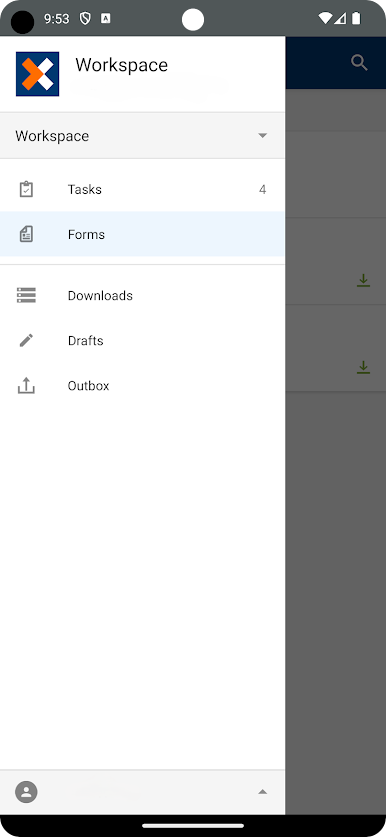
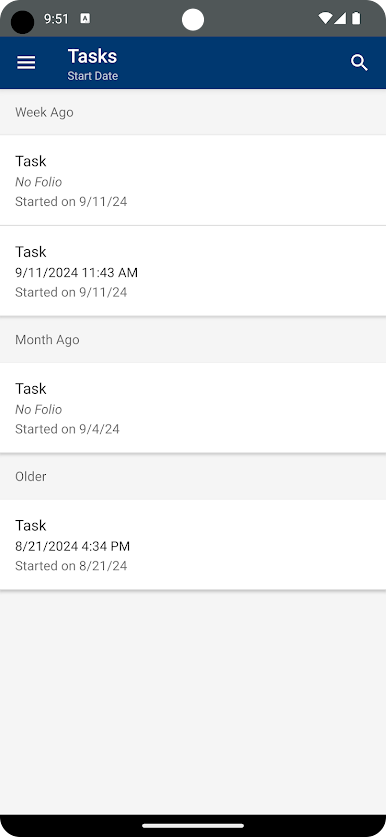
K2 Workspace brings your work right to your pocket, whether you’re in the middle of a commute or just stepping out for a break. Made for those with K2 Cloud or K2 Five accounts, this productivity tool puts everything you need — tasks, forms, and action items — in one neat spot. You’ll get that sense of having your workday under control, no matter where you are or what the Wi-Fi situation is.
App Features
-
Unified Task List
Keep track of all your workflow tasks from different places in just one easy-to-navigate list. No more bouncing between multiple screens — you can handle new items as soon as they pop up. -
Offline Work Capability
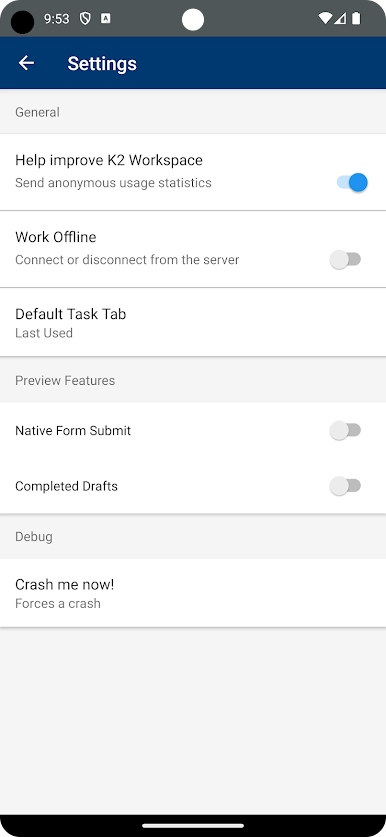
If you’re somewhere with spotty service or on the go, don’t worry. K2 Workspace lets you keep chipping away at your most important tasks, even when you’re offline, so you’re always in the loop. -
Smart Task Scheduling
Busy this afternoon? Just push that task to a time that actually fits your plan — might be later tonight or next week. It’s easy to put things off until you’re ready (or until after your morning coffee). -
Flexible Task Management
Work moves fast, and sometimes things change. Quickly redirect a task to someone else or ask for a team member’s take, all from the same screen. No complicated steps or endless email chains. -
Real-Time Task & Form Access
Check up on a task’s progress or pull up the forms you need right from your phone. All your key info is close at hand, so decision-making is just a tap away.
You can also try out K2 Workspace on BlueStacks if you’re curious what managing your workload feels like on a bigger screen.
Eager to take your app experience to the next level? Start right away by downloading BlueStacks on your PC or Mac.
Play K2 Workspace on PC. It’s easy to get started.
-
Download and install BlueStacks on your PC
-
Complete Google sign-in to access the Play Store, or do it later
-
Look for K2 Workspace in the search bar at the top right corner
-
Click to install K2 Workspace from the search results
-
Complete Google sign-in (if you skipped step 2) to install K2 Workspace
-
Click the K2 Workspace icon on the home screen to start playing

