


카카오톡 채널 관리자
Play on PC with BlueStacks – the Android Gaming Platform, trusted by 500M+ gamers.

Page Modified on: Nov 4, 2025
Play 카카오톡 채널 관리자 on PC
It’s even more convenient because you can manage stores registered on Kakao Map in one place.
1. 1:1 Chat
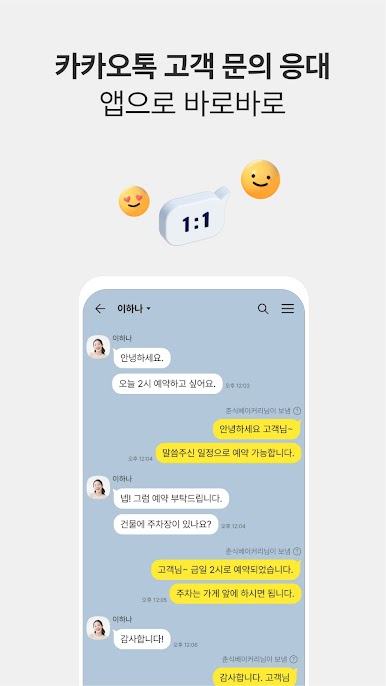
• Respond to customer inquiries received via KakaoTalk in real time and communicate with them.
2. Message
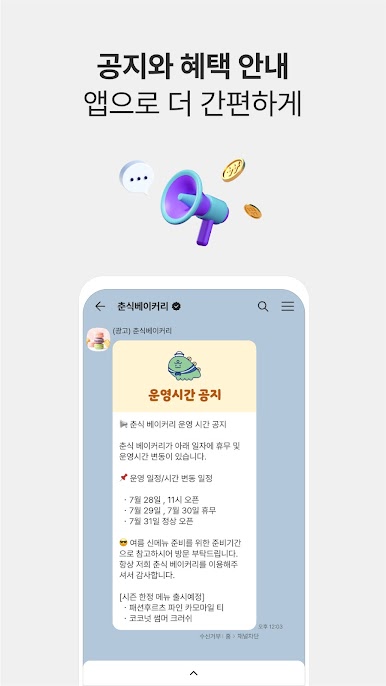
• Clearly deliver notices or benefits to your channel friends through messages.
3. Dashboard
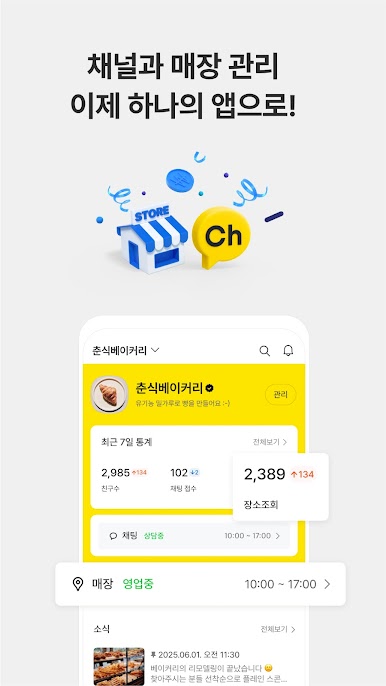
• Check the latest statistics, reviews, and comments of your channel and store at a glance and get hints for growth.
4. News
• Share the latest news with your friends using photos, videos, etc.
5. Coupon
• Gather customers by offering various benefits such as discounts or gifts.
6. Store Management
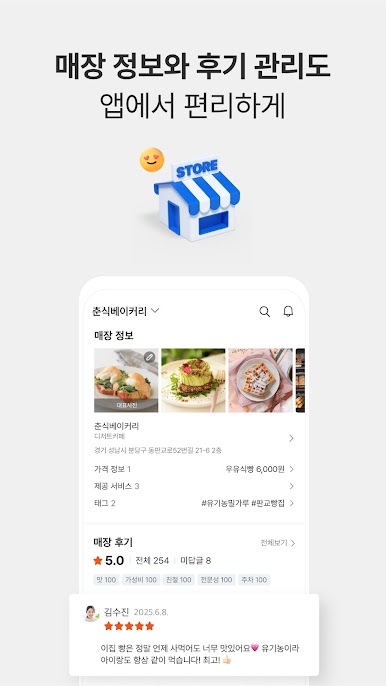
• Manage Kakao Map store information such as business hours, menus, and reviews.
7. Link Sharing
• Promote your channel and store anywhere using link URLs and QR codes.
You can also use various management functions such as wallet and cash management and business review.
※ Access permission guide
[Required access permission]
• Phone: Used to maintain the device's notification settings
[Optional access permission]
• Camera: Take attached images such as profile, background photo, store photo, coupon, news, or 1:1 chat
• Storage space: Used to send or save photos such as profile, news, store photo, coupon, chat room, etc.
• Notification: Used to receive notifications of major activities occurring in the channel such as chat, comments, etc.
* You can use the service even if you do not agree to the optional access permission.
----
Developer contact:
1577-3754

Play 카카오톡 채널 관리자 on PC. It’s easy to get started.
-
Download and install BlueStacks on your PC
-
Complete Google sign-in to access the Play Store, or do it later
-
Look for 카카오톡 채널 관리자 in the search bar at the top right corner
-
Click to install 카카오톡 채널 관리자 from the search results
-
Complete Google sign-in (if you skipped step 2) to install 카카오톡 채널 관리자
-
Click the 카카오톡 채널 관리자 icon on the home screen to start playing

