


Bounce Ball Escape
Play on PC with BlueStacks – the Android Gaming Platform, trusted by 500M+ gamers.

Page Modified on: Apr 28, 2026
Play Bounce Ball Escape on PC or Mac
Join millions to experience Bounce Ball Escape, an exciting Action game from KAYAC Inc.. With BlueStacks App Player, you are always a step ahead of your opponent, ready to outplay them with faster gameplay and better control with the mouse and keyboard on your PC or Mac.
About the Game
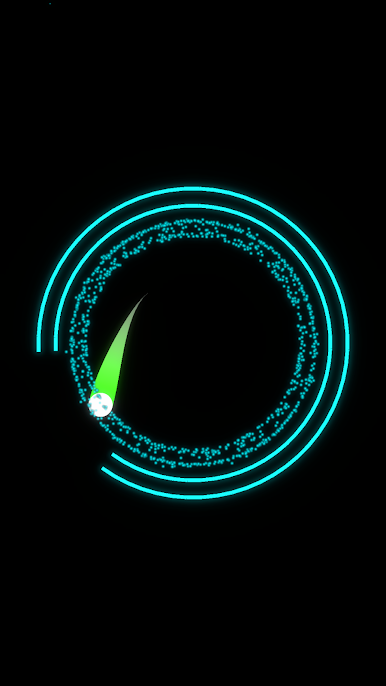
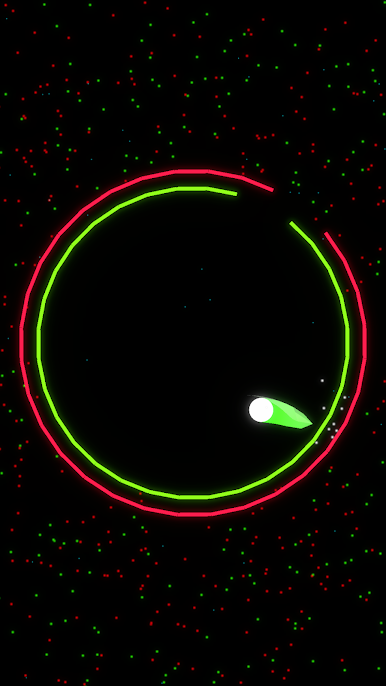
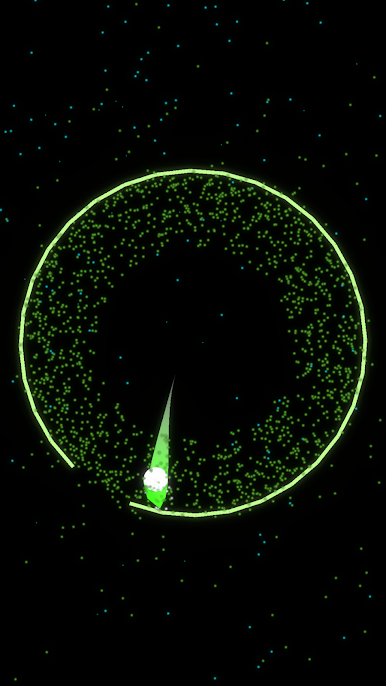
Bounce Ball Escape is a quick, pick-up-and-play Action game from KAYAC Inc. that’s all about clean moves and sharp timing. You’ll spin layered rings to line up openings so a bright little ball can slip through each layer and break free. It’s simple to grasp, surprisingly tense, and ridiculously easy to get hooked on after “just one more try.”
Game Features
- Smooth ring rotation: Drag on the screen to rotate every ring together, then release at the perfect moment to send the ball sailing through the gaps.
- Precision that feels great: Tiny adjustments matter. Nudge a ring a hair, wait a beat, and nail that thread-the-needle escape.
- Minimalist, neon vibe: Crisp colors, glowing circles, and clean animations keep the focus on the puzzle—no clutter, just satisfying clarity.
- Fast rounds, instant retries: Stages are short and snappy, so you can jump in during a break and restart in a heartbeat when the timing’s off.
- Rising difficulty curve: Early stages teach the basics; later ones add extra rings, tighter windows, and trickier alignments that test your rhythm.
- Intuitive, one-hand play: Designed for quick swipes and subtle spins, whether you’re lounging on the couch or waiting in line.
- Play comfortably on PC: Prefer a bigger screen and steady mouse drags? BlueStacks makes those precise rotations feel extra clean without changing the pick-up-and-play feel.
Get ready for a buttery smooth, high-performance gaming action only on BlueStacks.
Play Bounce Ball Escape on PC. It’s easy to get started.
-
Download and install BlueStacks on your PC
-
Complete Google sign-in to access the Play Store, or do it later
-
Look for Bounce Ball Escape in the search bar at the top right corner
-
Click to install Bounce Ball Escape from the search results
-
Complete Google sign-in (if you skipped step 2) to install Bounce Ball Escape
-
Click the Bounce Ball Escape icon on the home screen to start playing

