

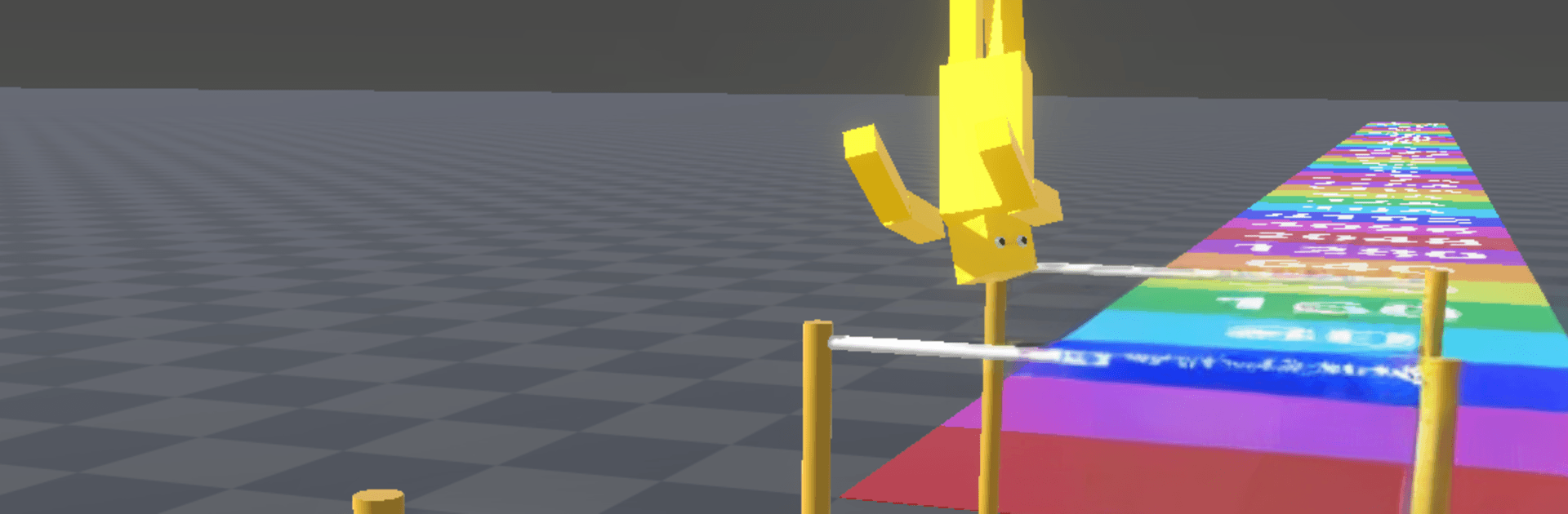
High Bar Jumper
Play on PC with BlueStacks – the Android Gaming Platform, trusted by 500M+ gamers.

Page Modified on: Apr 10, 2026
Play High Bar Jumper on PC or Mac
From the innovators and creators at KAYAC Inc., High Bar Jumper is another fun addition to the World of Action games. Go beyond your mobile screen and play it bigger and better on your PC or Mac. An immersive experience awaits you.
About the Game
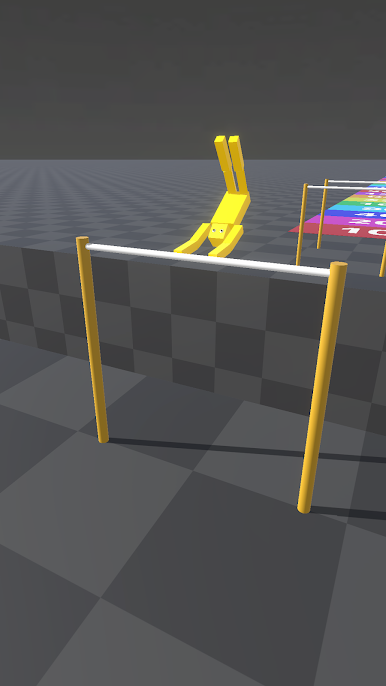
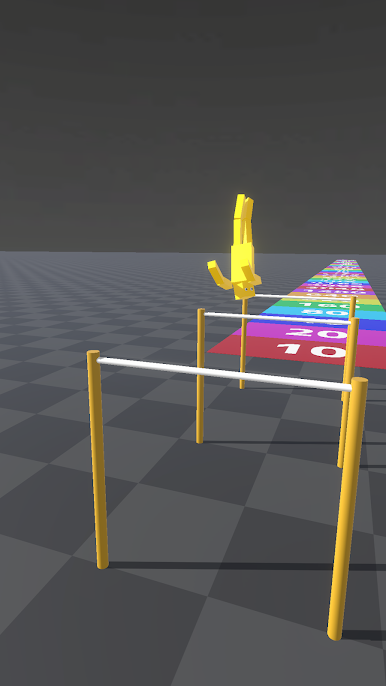
High Bar Jumper is a snappy Action game from KAYAC Inc. that turns a single perfect swipe into a soaring, hold-your-breath moment. You swing on a bar, cut loose at just the right instant, and try to touch down on a faraway scoreboard. It’s super easy to understand, and surprisingly tough to nail—exactly the kind of “one more try” challenge that keeps you hooked.
Game Features
- Swipe, swing, release: Build momentum with a smooth swipe, then let go at the sweet spot to launch your athlete into the air. One finger is all you need.
- Timing that makes the jump: Tiny differences in when you release change your flight path. Hesitate and you’ll flop; hit it clean and you’ll sail.
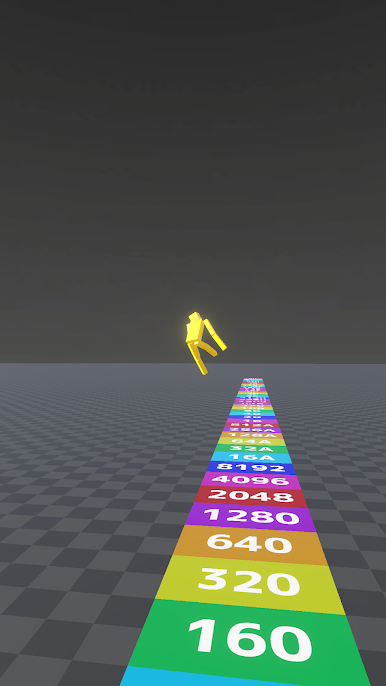
- Scoreboard landings: Each level is a simple goal with a big payoff—stick the landing on that distant scoreboard to clear the stage.
- Short, satisfying runs: Quick attempts mean you can experiment, reset, and try again without breaking your flow.
- Momentum you can feel: Your swing speed and angle matter, and learning how they affect your arc is half the fun.
- Easy to pick up, hard to master: Early jumps feel breezy, but chasing those massive flights takes practice and a steady hand.
- Great on the go—or bigger: Plays comfortably one-handed on mobile, and feels crisp on BlueStacks if you want those long swipes on a larger screen.
Slay your opponents with your epic moves. Play it your way on BlueStacks and dominate the battlefield.
Play High Bar Jumper on PC. It’s easy to get started.
-
Download and install BlueStacks on your PC
-
Complete Google sign-in to access the Play Store, or do it later
-
Look for High Bar Jumper in the search bar at the top right corner
-
Click to install High Bar Jumper from the search results
-
Complete Google sign-in (if you skipped step 2) to install High Bar Jumper
-
Click the High Bar Jumper icon on the home screen to start playing

