


Ragdoll Skater
Play on PC with BlueStacks – the Android Gaming Platform, trusted by 500M+ gamers.

Page Modified on: Jun 12, 2026
Main Ragdoll Skater on PC
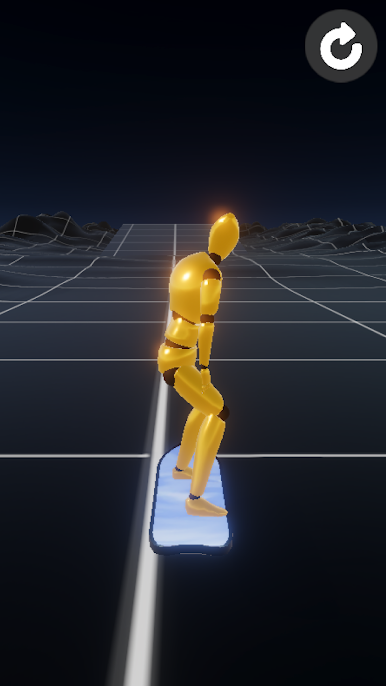
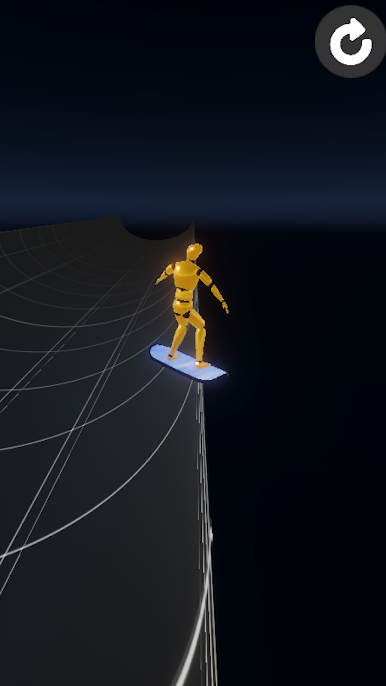
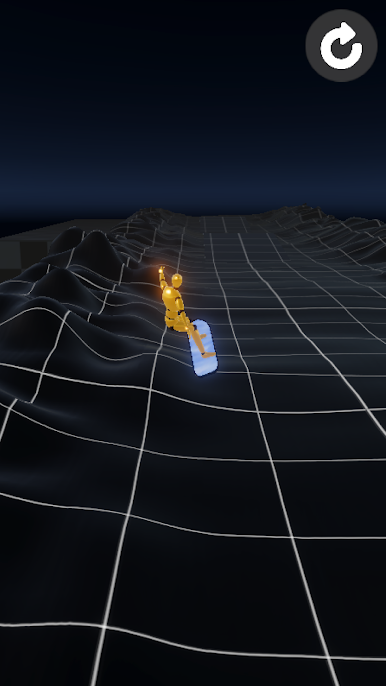
Control the center of gravity of a wobbly ragdoll on a skateboard — swipe to balance and glide down the slopes in this hypercasual game!
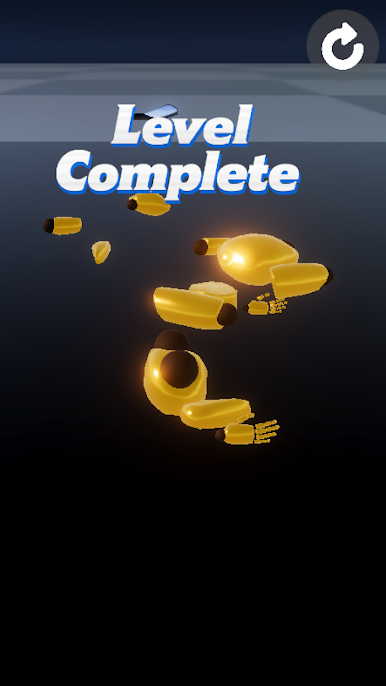
Tilt too far and your ragdoll starts to wobble... then spectacularly launches into the air. The crash physics are half the fun!
▼ Controls
・Swipe left/right: Lean to steer
・Swipe down: Crouch
・Quick swipe up: Jump
▼ Features
・Wobbly ragdoll physics that feel amazing
・Depth hidden in simple swipe controls: crouch, jump, pump
・Jump from the jump ramp!
An addictive, satisfying skate game with a delightfully awkward feel and hilarious crash animations.
Play Ragdoll Skater on PC. It’s easy to get started.
-
Download and install BlueStacks on your PC
-
Complete Google sign-in to access the Play Store, or do it later
-
Look for Ragdoll Skater in the search bar at the top right corner
-
Click to install Ragdoll Skater from the search results
-
Complete Google sign-in (if you skipped step 2) to install Ragdoll Skater
-
Click the Ragdoll Skater icon on the home screen to start playing

