


Slow Mo Strike: Knives in Time
Play on PC with BlueStacks – the Android Gaming Platform, trusted by 500M+ gamers.

Page Modified on: Sep 15, 2026
Main Slow Mo Strike: Knives in Time on PC
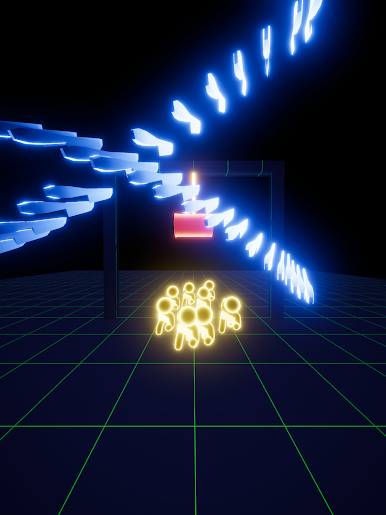
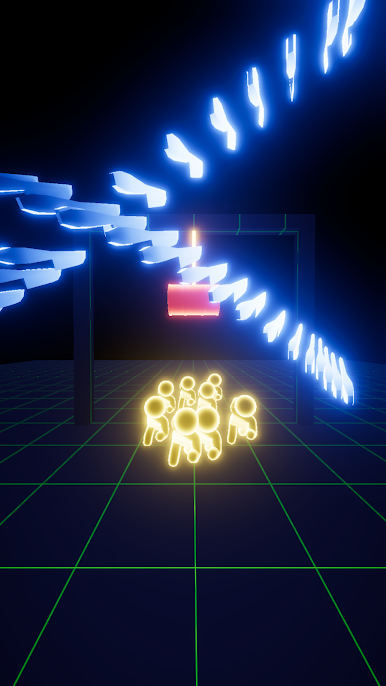
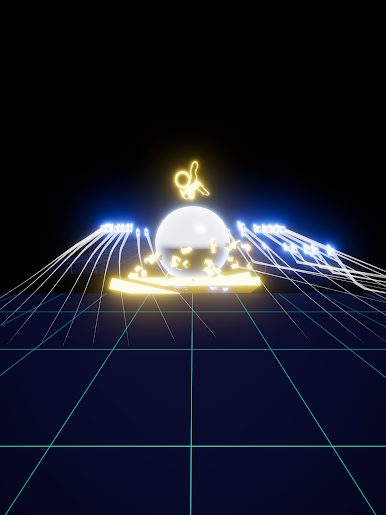
Trace a line with your finger, and knives appear along your path — up to 30 of them, floating in frozen time. Let go, and the world snaps back to full speed: every knife flies at once, clearing the stage in a single neon burst. One-finger control, endless chain reactions.
■ One finger. That's all.
- Hold: time slows down
- Trace: place up to 30 knives along your line
- Release: they all fly at once!
No complicated controls — instantly satisfying from the very first touch.
■ The longer you trace, the bigger the burst
One knife is nice. Thirty is spectacular. Clear the whole field in one perfectly timed release, and a cinematic slow-mo camera captures your finest moment.
■ Think before you release
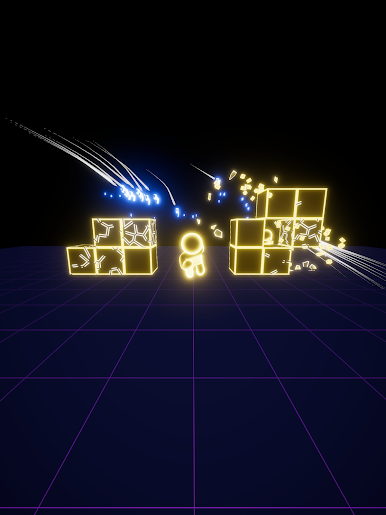
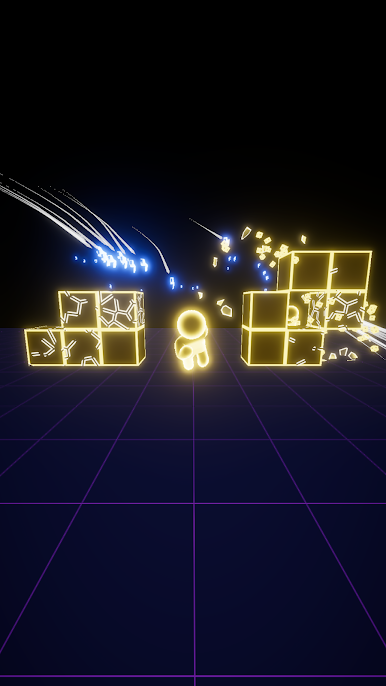
- Set off reactive barrels for one huge chain reaction
- Cut ropes to drop payloads from above
- Break bridges and watch everything tumble into the pit
- Send knives through a ×3 gate and they triple — timing is everything!
The right target, in the right order, at the right moment. Every stage is a little physics puzzle.
■ Targets that keep you thinking
Shielded targets, splitting targets, rolling giants, flying saucers, metal brutes that deflect your knives… every stage brings a new twist to outsmart.
■ Unlock new ways to throw
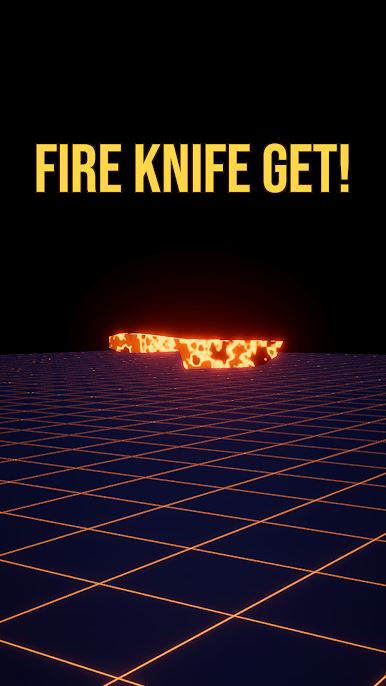
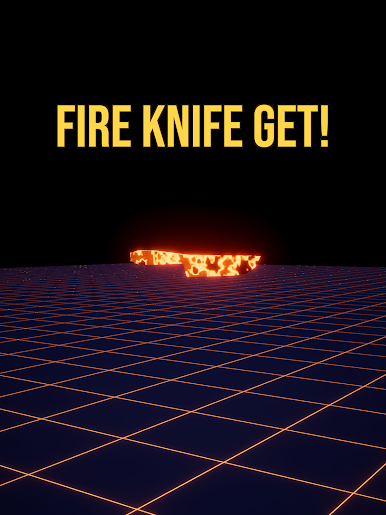
Shurikens, boomerangs, blazing trails, chain lightning — each unlock changes how you draw your line.
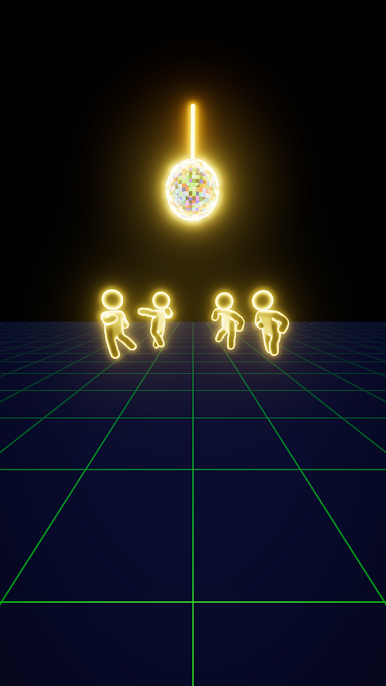
■ A world of pure neon
Minimal, glowing, and satisfying — visual and audio feedback tuned for that perfect "aaah" moment.
Perfect for a quick, satisfying break — or a deep arcade session.
Five minutes turns into "just one more stage" before you know it.
Stop time. Draw your line. Let them fly.



Play Slow Mo Strike: Knives in Time on PC. It’s easy to get started.
-
Download and install BlueStacks on your PC
-
Complete Google sign-in to access the Play Store, or do it later
-
Look for Slow Mo Strike: Knives in Time in the search bar at the top right corner
-
Click to install Slow Mo Strike: Knives in Time from the search results
-
Complete Google sign-in (if you skipped step 2) to install Slow Mo Strike: Knives in Time
-
Click the Slow Mo Strike: Knives in Time icon on the home screen to start playing

