


Addons for Minecraft
Play on PC with BlueStacks – the Android Gaming Platform, trusted by 500M+ gamers.

Page Modified on: Nov 25, 2025
Main Addons for Minecraft on PC
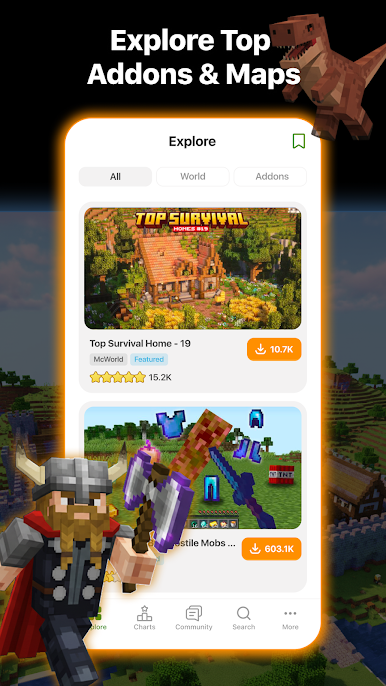
• All Add-Ons fully tested, and repackaged as needed.
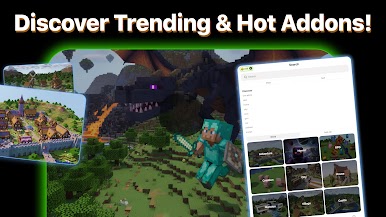
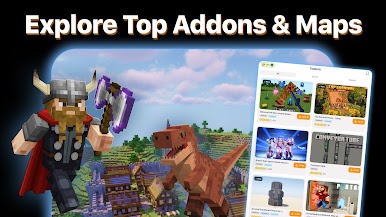
• Compilation of the best and unique Add-Ons available.
• Will be updated constantly with more items.
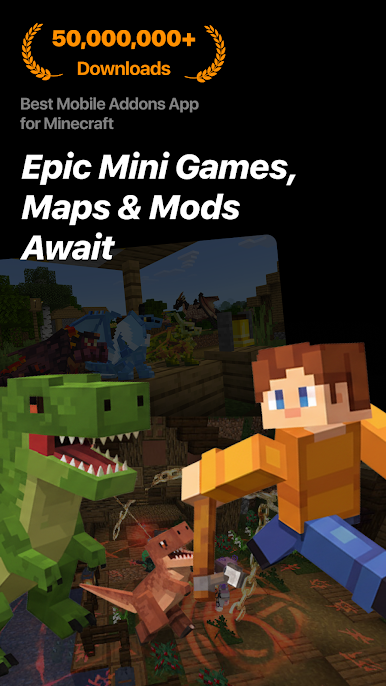
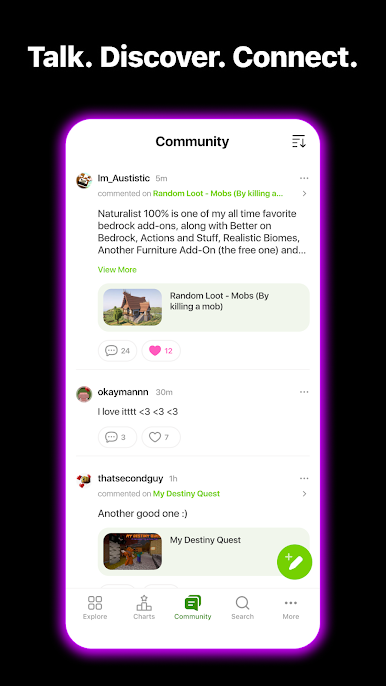
Available on newest version of Minecraft is a new feature called Add-Ons. Using Add-Ons, you can transform the worlds, and modify the mob behaviors and properties, essentially creating new kind of games. You can change the look of mobs as you would with skins, and create brand new worlds as with mods, but without any hacks required.
Note to Add-On Creators: If you would like to list your Add-On on the app, please send us the Add-On using the instruction provided in the app. We will include link to your Add-On page and honor the download ads URL if you have any.
Disclaimer:
This is not an official Minecraft product. It is not approved by or associated with Mojang.
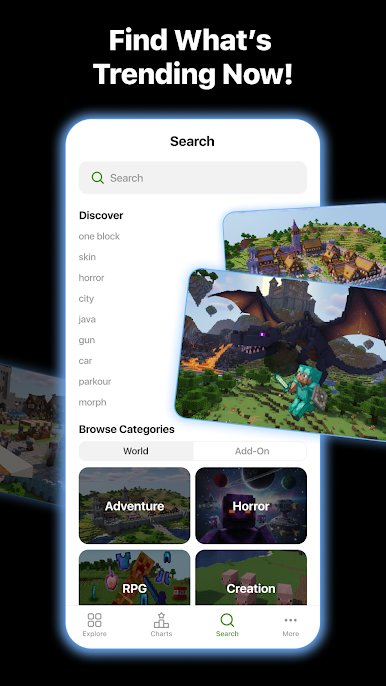
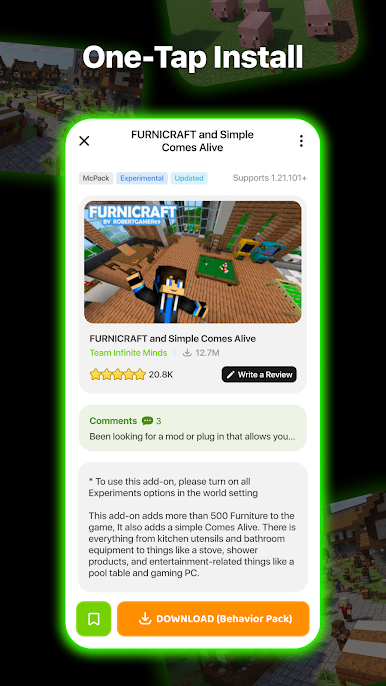

Play Addons for Minecraft on PC. It’s easy to get started.
-
Download and install BlueStacks on your PC
-
Complete Google sign-in to access the Play Store, or do it later
-
Look for Addons for Minecraft in the search bar at the top right corner
-
Click to install Addons for Minecraft from the search results
-
Complete Google sign-in (if you skipped step 2) to install Addons for Minecraft
-
Click the Addons for Minecraft icon on the home screen to start playing

