


Sweety Crush
Play on PC with BlueStacks – the Android Gaming Platform, trusted by 500M+ gamers.

Page Modified on: Aug 9, 2026
Main Sweety Crush on PC
Get ready for a sugary rush of joy! Sweety Crushis the adorable match-3 game that turns your screen into a delightful candy kingdom. Swap colorful treats, create delicious combos, and solve puzzles in the most charming and cheerful world!
Sweet Features:
• A Candy-Coated World: Explore vibrant levels filled with lollipops, cupcakes, gummy bears, and all your favorite sweets!
• Adorable Power-ups: Unleash the Sugar Storm, the Jellybean Blast, and the Cupcake Rainbow to clear the board in the cutest way possible.
• Hundreds of Tasty Levels: Enjoy a variety of fun and brain-tickling challenges that are easy to pick up but sweetly satisfying to master.
• Cute Characters & Stories: Meet charming friends on your journey through the delightful Sweety Kingdom.
• Perfectly Sweet Gameplay: Simple, relaxing, and full of cheerful music and satisfying sounds. It’s the perfect escape!
Sweety Crushis a treat for all ages. Whether you have 5 minutes or an hour, it’s the perfect way to add a little sweetness to your day!
👉 Download FREE now and start your sweetest adventure!




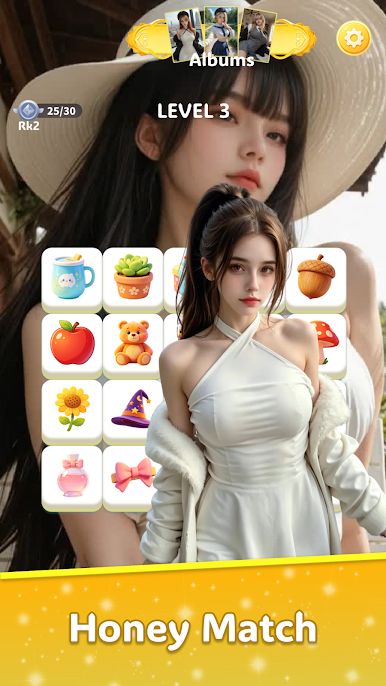
Play Sweety Crush on PC. It’s easy to get started.
-
Download and install BlueStacks on your PC
-
Complete Google sign-in to access the Play Store, or do it later
-
Look for Sweety Crush in the search bar at the top right corner
-
Click to install Sweety Crush from the search results
-
Complete Google sign-in (if you skipped step 2) to install Sweety Crush
-
Click the Sweety Crush icon on the home screen to start playing

