


Splendid Life
Play on PC with BlueStacks – the Android Gaming Platform, trusted by 500M+ gamers.

Page Modified on: Mar 12, 2026
Main Splendid Life on PC
1. Simple Ancient-Style Characters and Graphics
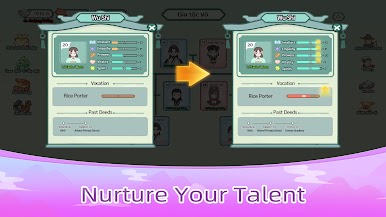
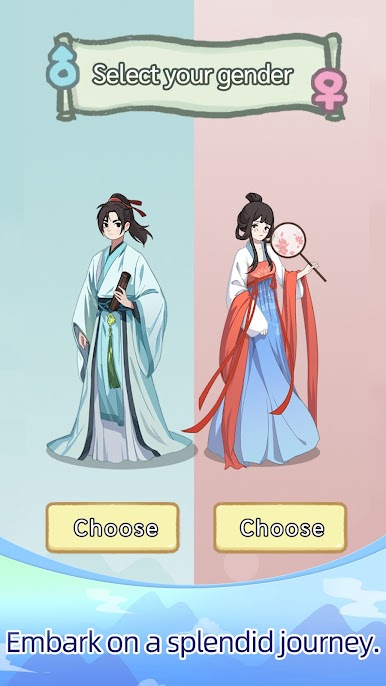
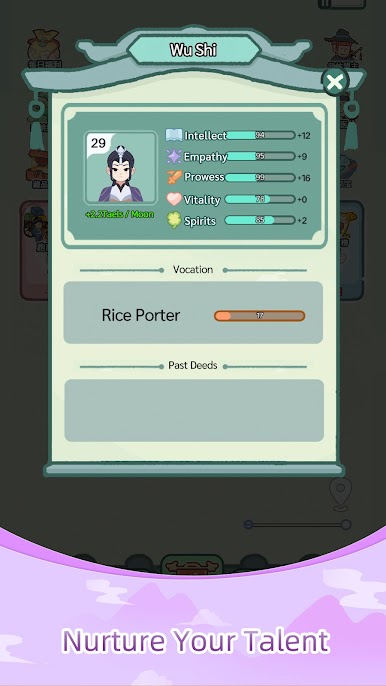
Experience a refreshing and rustic ancient aesthetic with detailed facial changes that allow players to feel the subtle transformations and growth of life in a relaxed and pleasant atmosphere.
2. Family Management and Fate's Choices
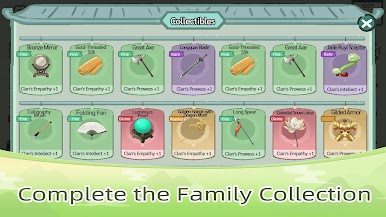
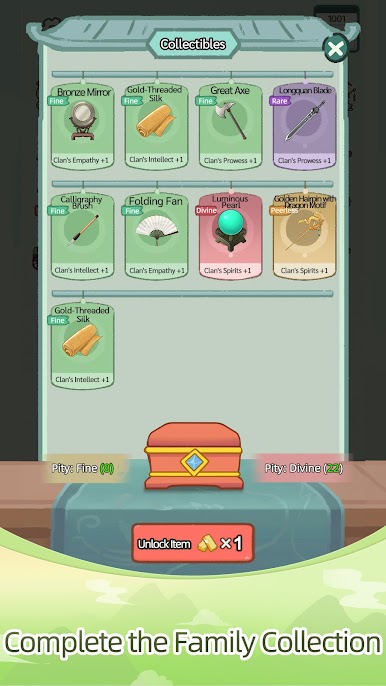
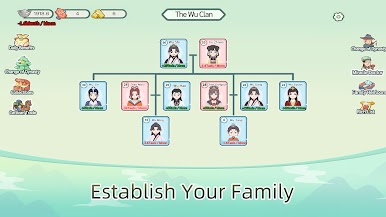
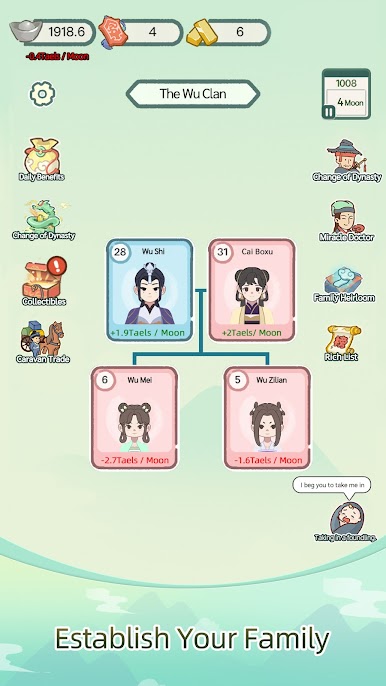
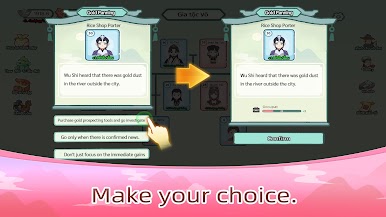
It is your responsibility to lead your family to prosperity. The growth of each member and every decision you make will influence your family's development and destiny. Continuously make choices to drive your family forward and build an everlasting legacy.
3. Era and Setting
The game is set in ancient times. Here, you can choose from a variety of professions, each with its own promotion path and corresponding ranks. There are even hidden ranks that can be unlocked to trigger quests for a change of dynasty.
4. Acquiring Wealth
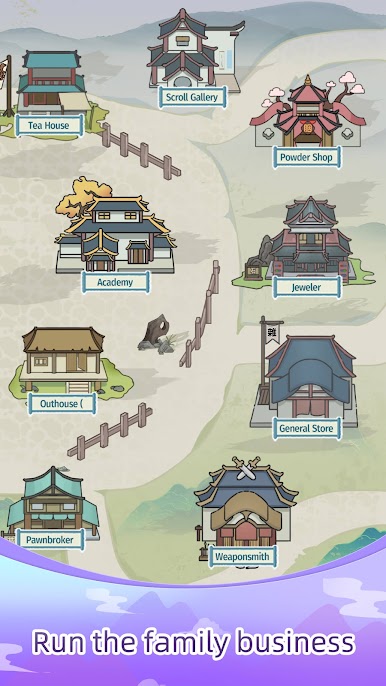
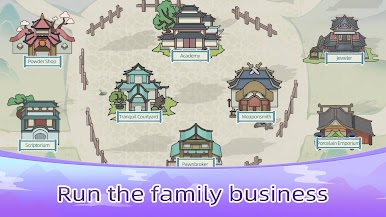
Players can manage various shops (such as a general store, blacksmith shop, apothecary, pawn shop, etc.). Increase your income by hiring staff to manage the businesses. You can also significantly boost your family's wealth through cross-country trading, giving your family members more options when facing events.
5. Rich Storylines and Random Events
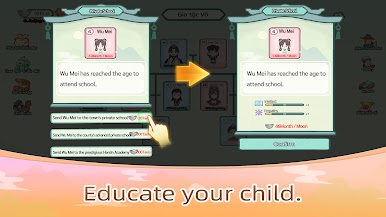
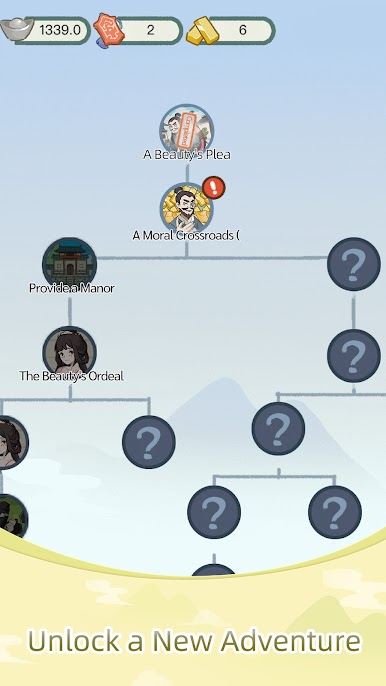
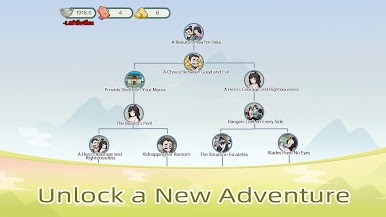
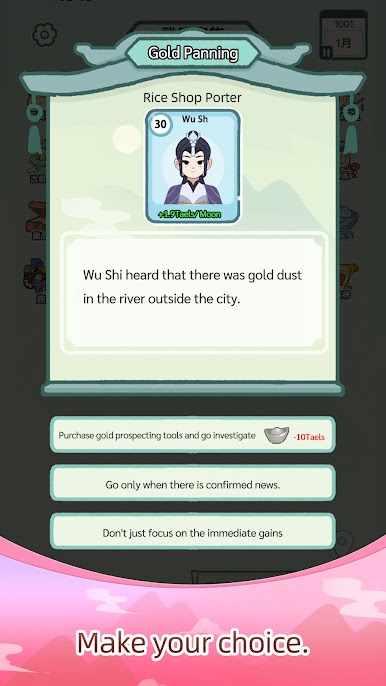
The game features a variety of random events (such as attending school, illnesses, windfalls, and career-related events) that will test your decision-making skills. Different choices will lead to different outcomes and affect your basic stats. With even more rich and varied adventures, every playthrough is a unique experience.



Play Splendid Life on PC. It’s easy to get started.
-
Download and install BlueStacks on your PC
-
Complete Google sign-in to access the Play Store, or do it later
-
Look for Splendid Life in the search bar at the top right corner
-
Click to install Splendid Life from the search results
-
Complete Google sign-in (if you skipped step 2) to install Splendid Life
-
Click the Splendid Life icon on the home screen to start playing

