

Crafting And Building X
Play on PC with BlueStacks – the Android Gaming Platform, trusted by 500M+ gamers.

Page Modified on: Jan 25, 2026
Play Crafting And Building X on PC
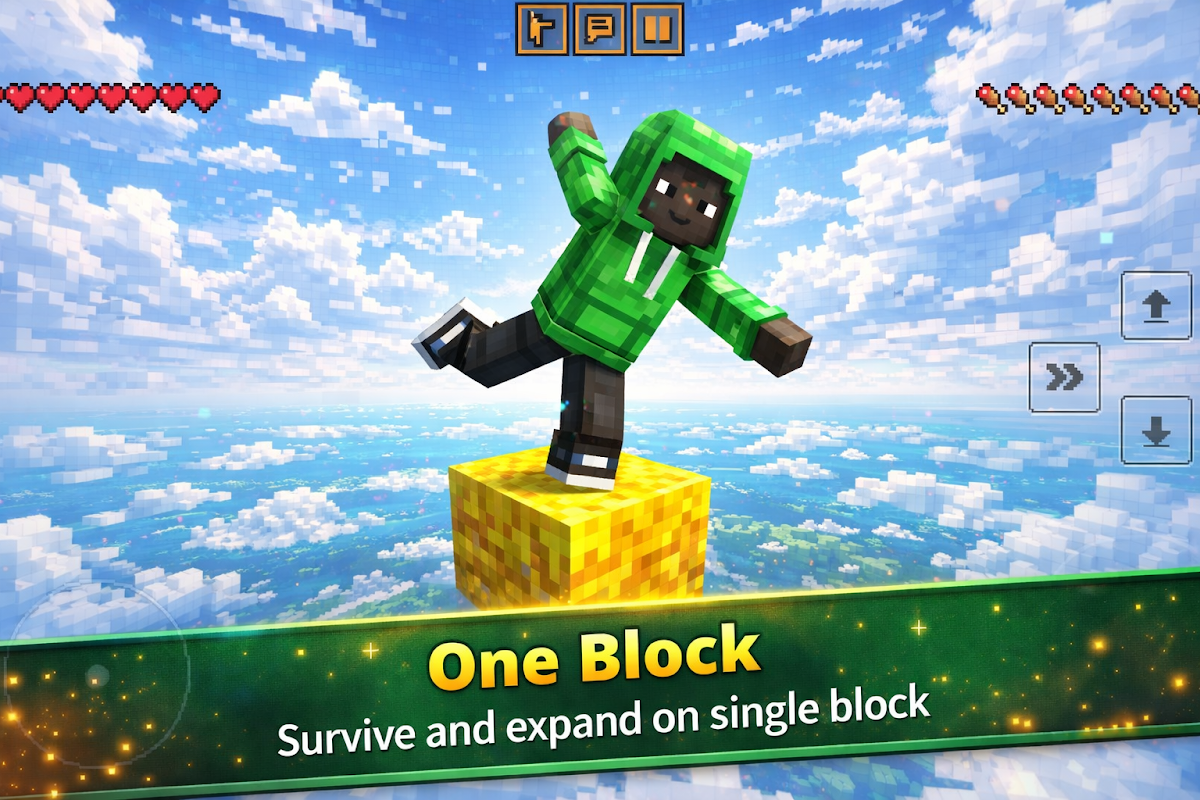
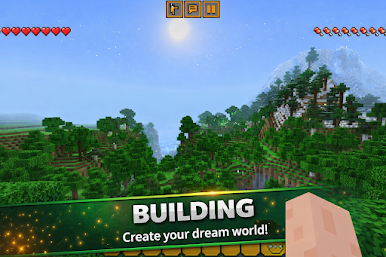
In Crafting And Building X, players can focus on Crafting And Building using many types of blocks and materials. Build houses, towers, bridges, floating islands, or simple survival platforms. Every world is shaped by your own ideas through Crafting And Building gameplay.
Design your environment block by block, shape the landscape, and discover new areas as you expand your world. From small builds to large projects, every creation starts with your ideas.
Explore different environments, experiment with crafting, and enjoy a relaxed sandbox experience made for players who love building and creativity.
Game Features :
✔️ Open Sandbox World – Explore and build freely in a creative crafting and building block environment
✔️ Crafting & Building System – Use blocks, tools, and materials to create your own world
✔️ Creative Building – Design houses, structures, and custom landscapes
✔️ Exploration Gameplay – Discover new areas and expand your builds
Start your journey and enjoy a sandbox world craft built around creativity, exploration, and Crafting And Building.
Play Crafting And Building X on PC. It’s easy to get started.
-
Download and install BlueStacks on your PC
-
Complete Google sign-in to access the Play Store, or do it later
-
Look for Crafting And Building X in the search bar at the top right corner
-
Click to install Crafting And Building X from the search results
-
Complete Google sign-in (if you skipped step 2) to install Crafting And Building X
-
Click the Crafting And Building X icon on the home screen to start playing

