


Dragon Haven
Play on PC with BlueStacks – the Android Gaming Platform, trusted by 500M+ gamers.

Page Modified on: Mar 27, 2026
Play Dragon Haven on PC
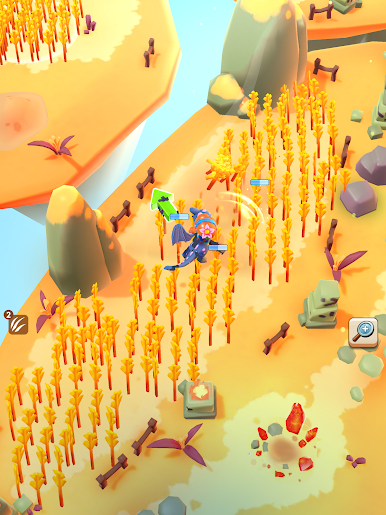
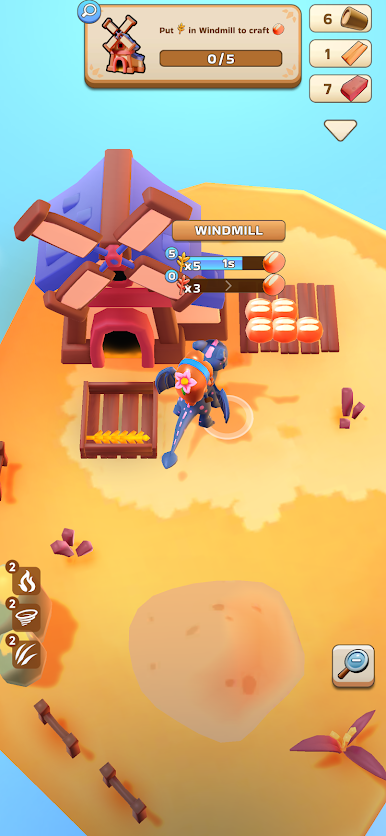
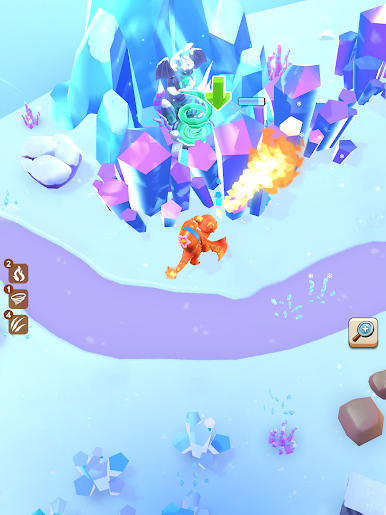
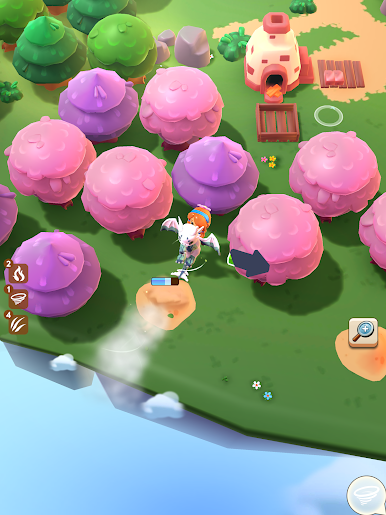
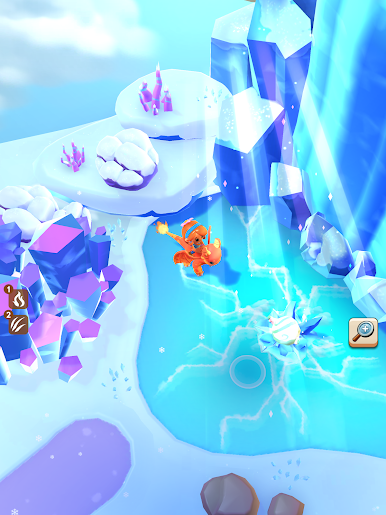
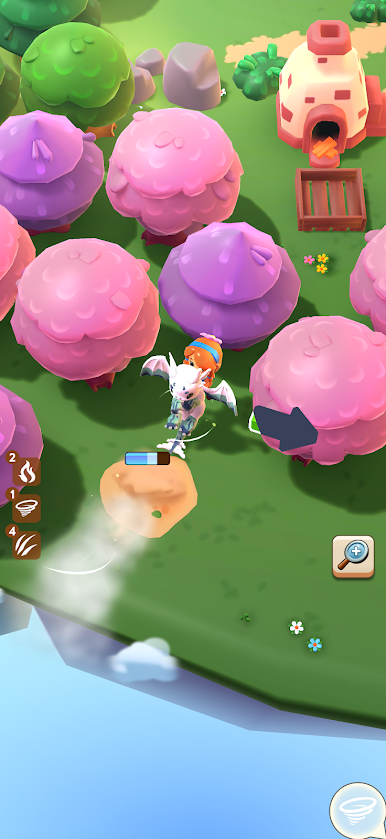
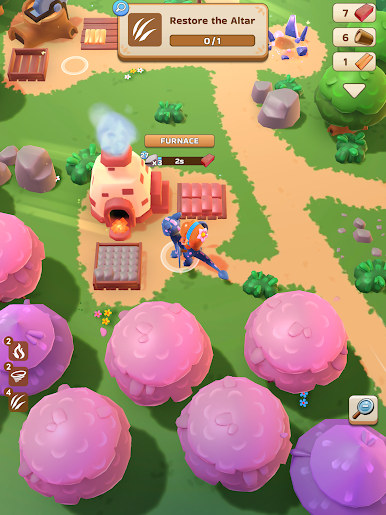
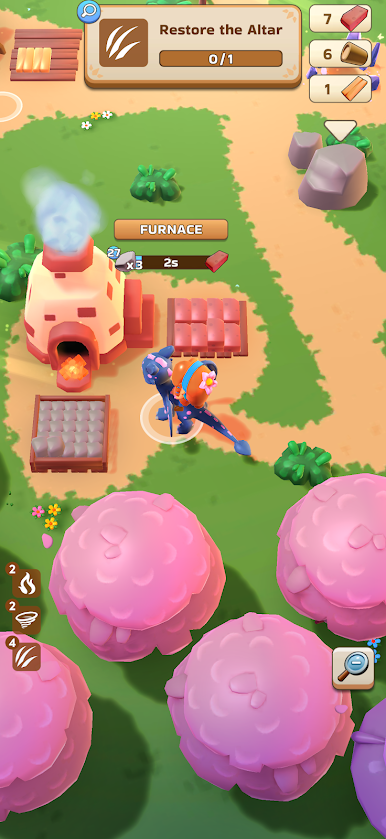
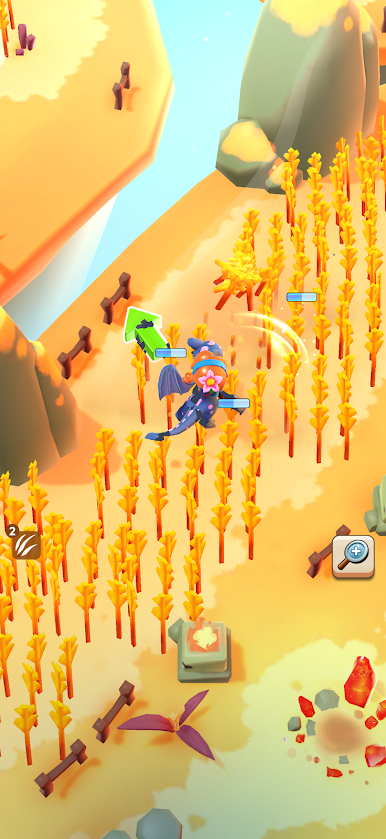
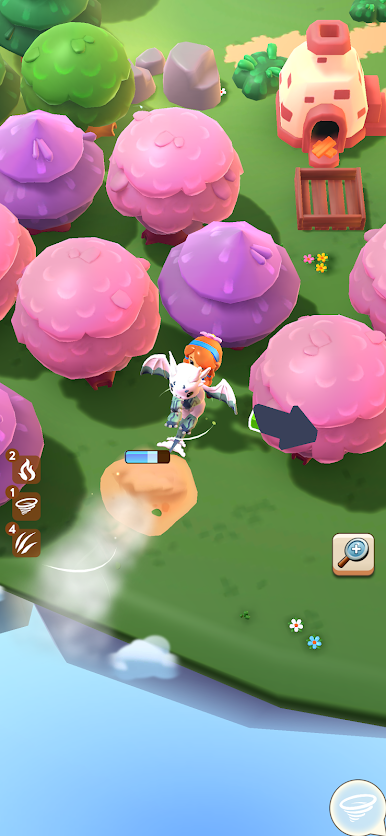
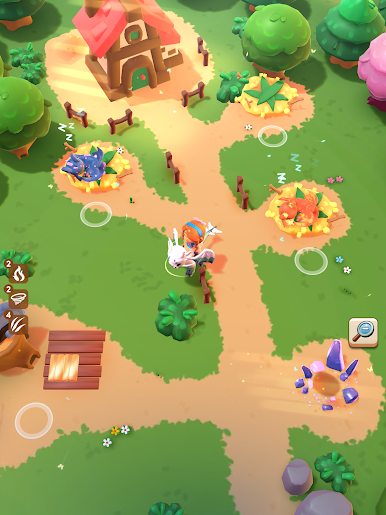
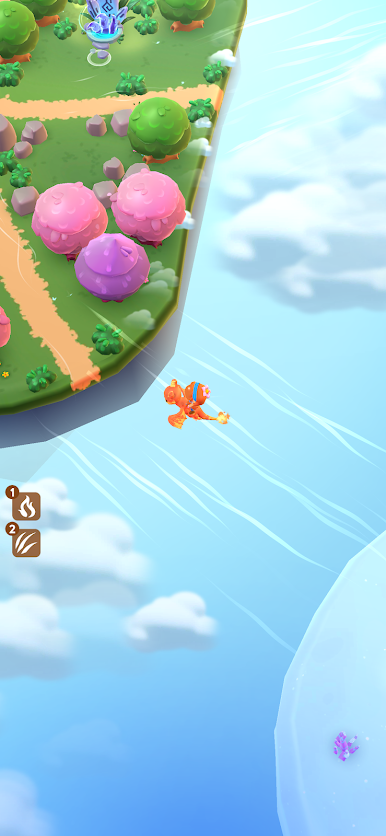
In Dragon Haven, you are the keeper of an ancient sanctuary — a place where dormant dragon eggs wait to be hatched and a forgotten world waits to be rediscovered. Journey through breathtaking biomes, each more mysterious than the last, collecting rare resources and uncovering the powers sealed within your dragons.
The dragons were here before the world had a name.
Every hatch brings a new ally. Every biome holds a new secret. Every resource unlocks a new possibility.
This is more than an idle game. It's a living, breathing world — and it grows as long as you do.
Your dragons are waiting. Will you answer the call?


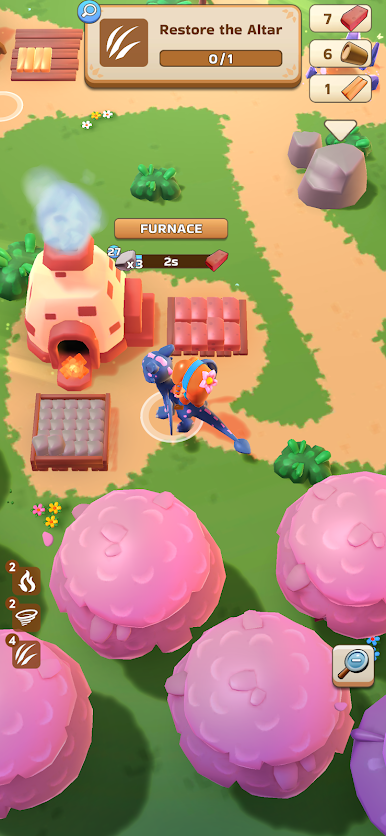
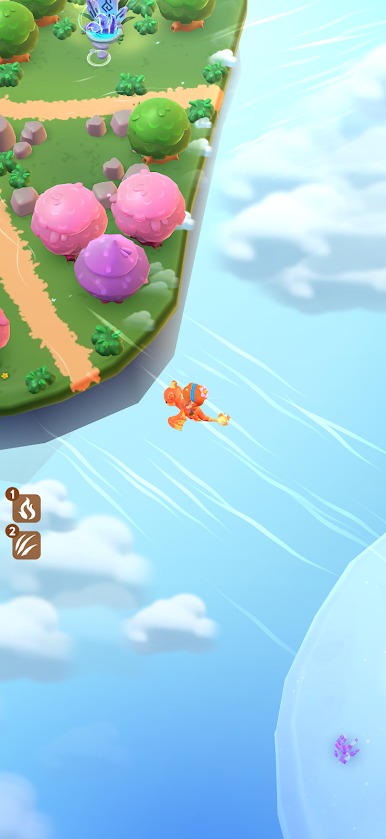
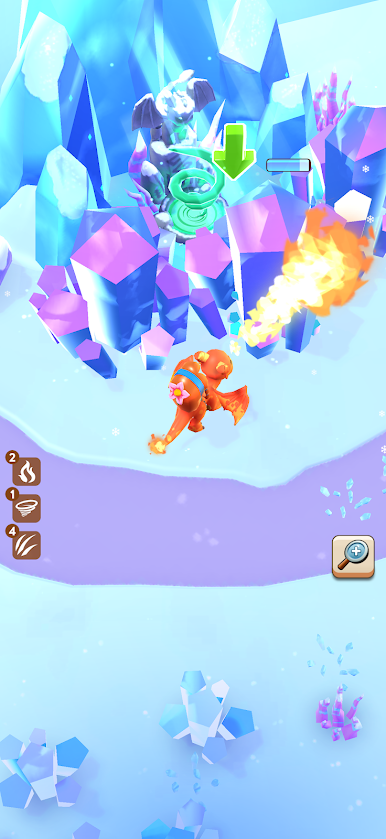
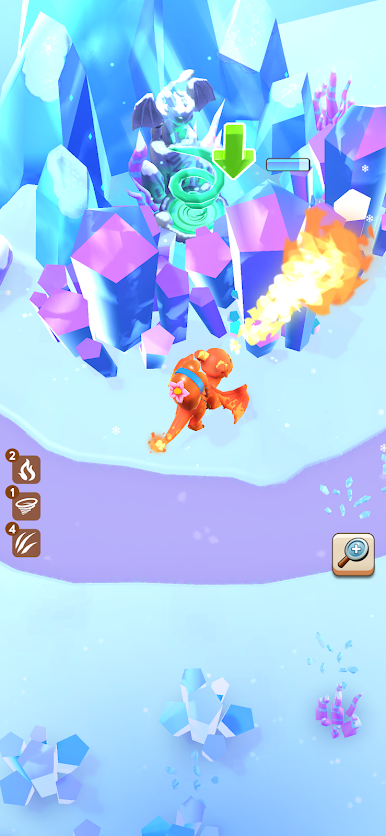
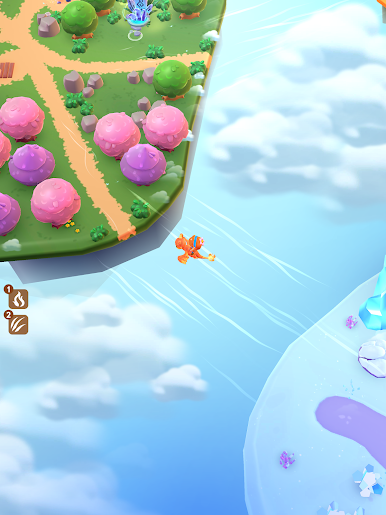
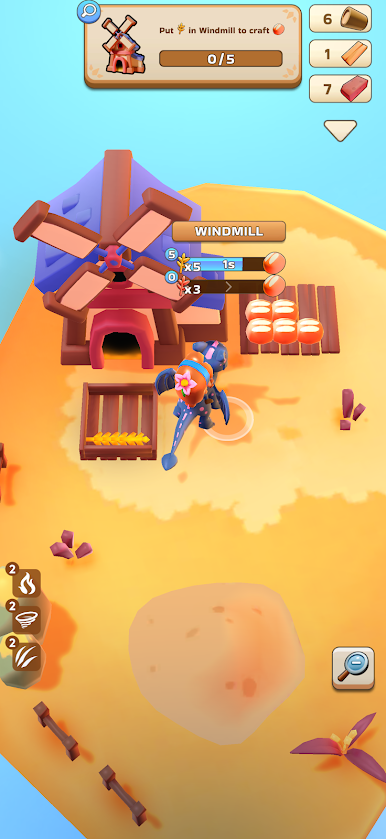
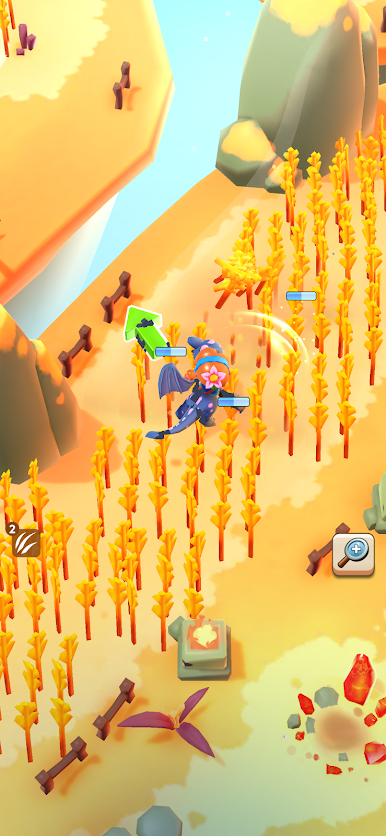
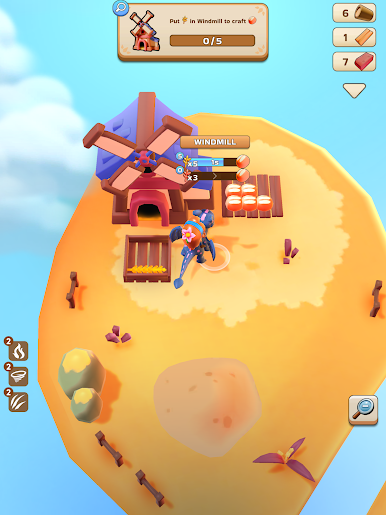
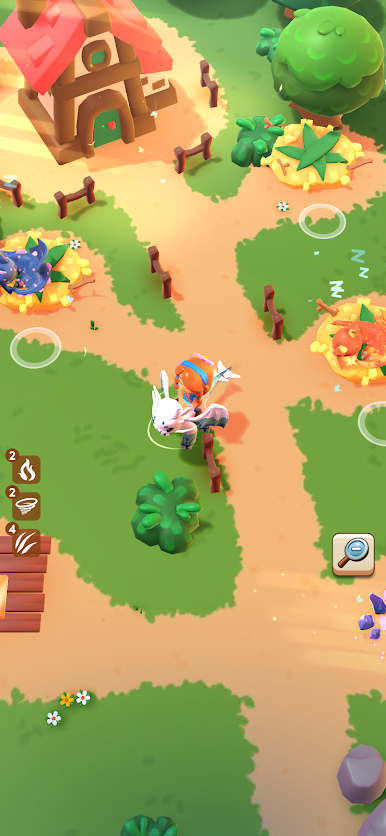
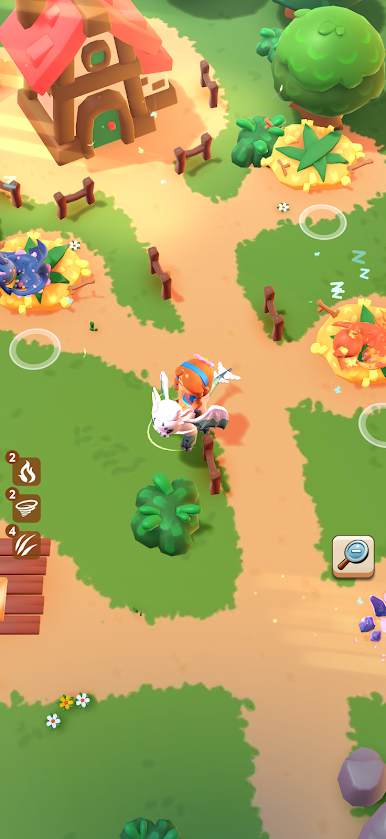
Play Dragon Haven on PC. It’s easy to get started.
-
Download and install BlueStacks on your PC
-
Complete Google sign-in to access the Play Store, or do it later
-
Look for Dragon Haven in the search bar at the top right corner
-
Click to install Dragon Haven from the search results
-
Complete Google sign-in (if you skipped step 2) to install Dragon Haven
-
Click the Dragon Haven icon on the home screen to start playing

