


Knife Wheels
Play on PC with BlueStacks – the Android Gaming Platform, trusted by 500M+ gamers.

Page Modified on: Jun 26, 2026
Play Knife Wheels on PC
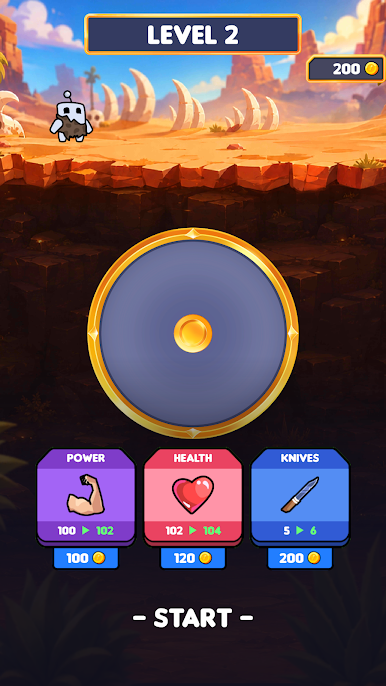
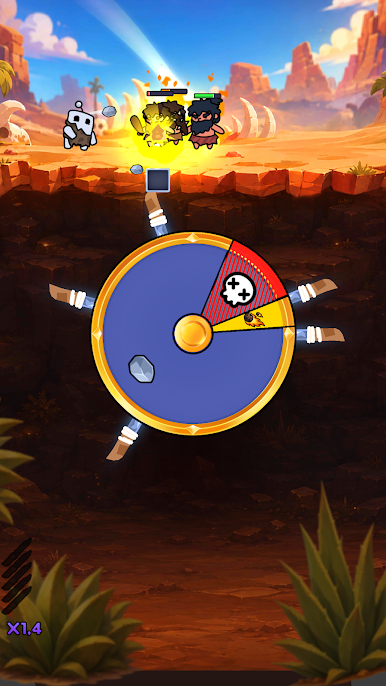
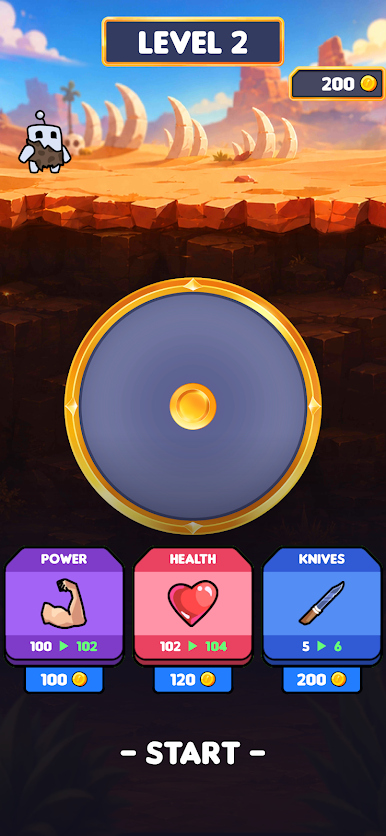
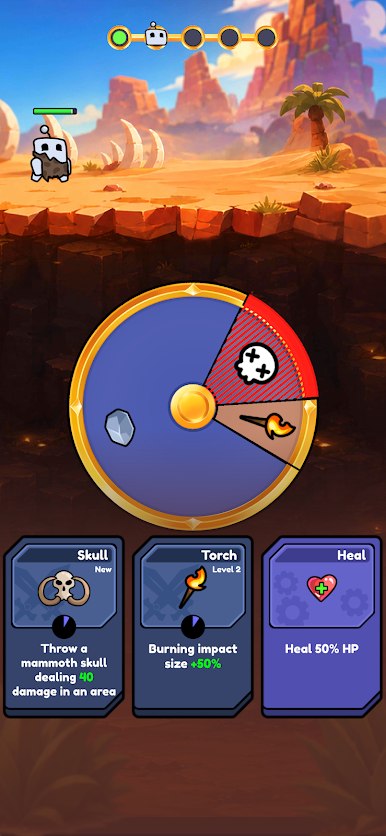
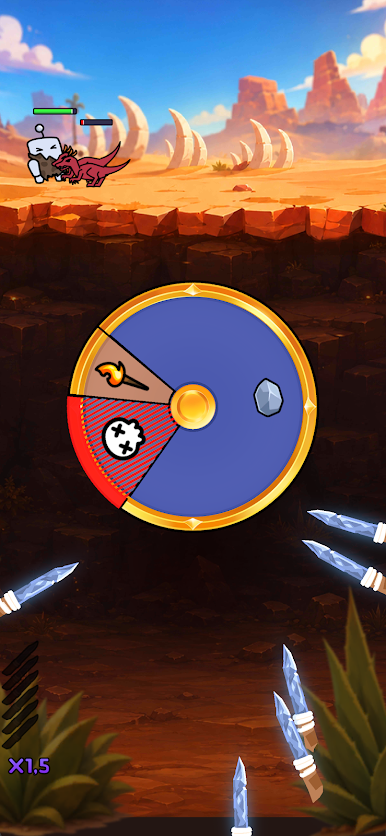
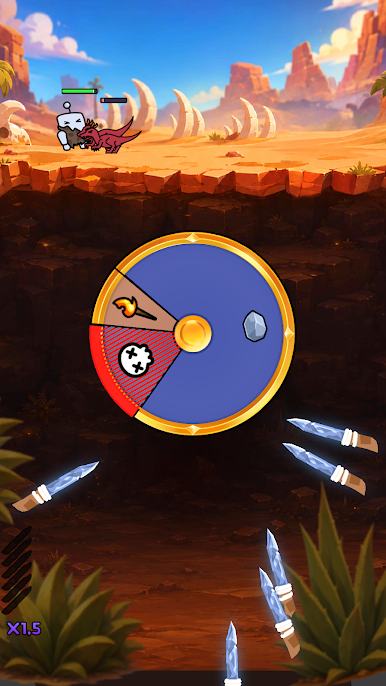
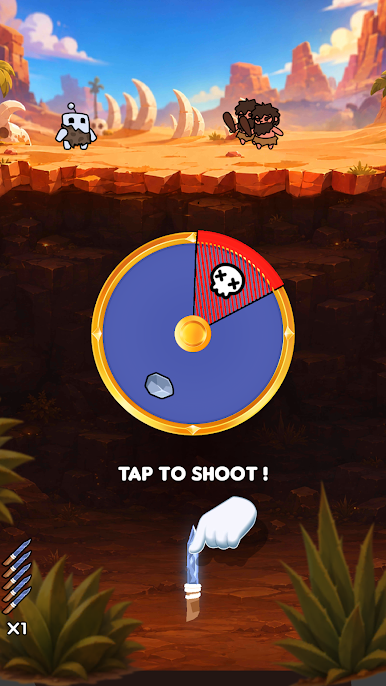
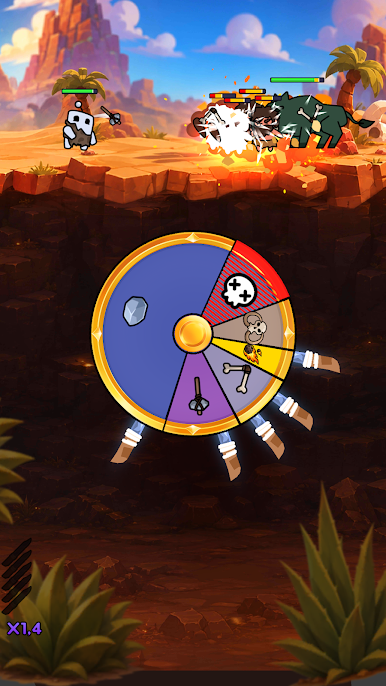
Jump into a fast-paced action roguelite where every spin decides your fate. Use the wheel to unlock powerful weapons, upgrades, and abilities as you battle through endless waves of enemies.
Choose your strategy, adapt to each run, and become stronger with every victory. Easy to play, hard to master!
Features:
🎯 Unique spin-based gameplay
⚔️ Fight endless waves of enemies
🛡️ Unlock powerful weapons and upgrades
🎲 Every run is different
🏆 Challenge yourself and climb higher
Can you survive long enough to become the ultimate hero? Spin the wheel and find out!
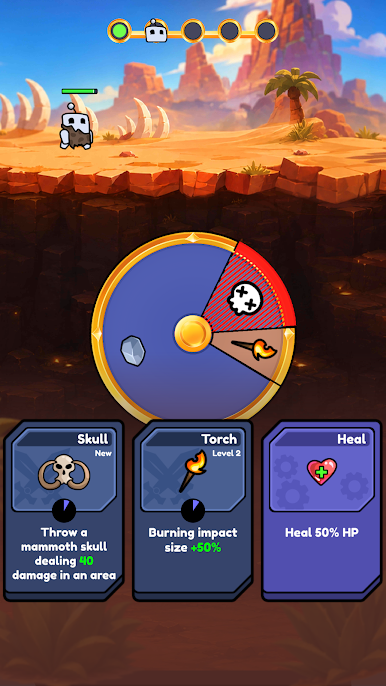
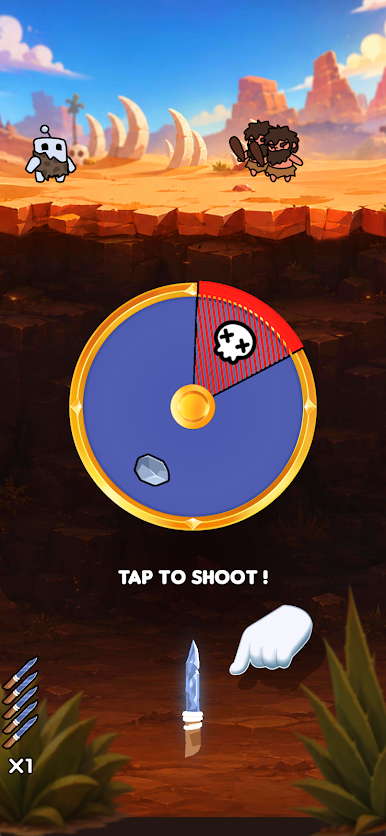
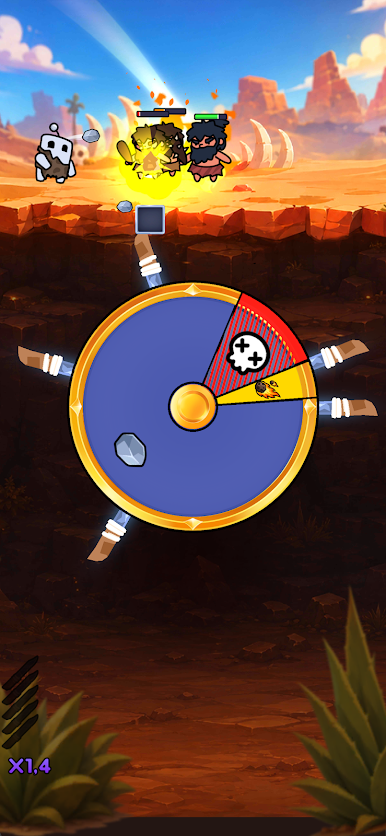
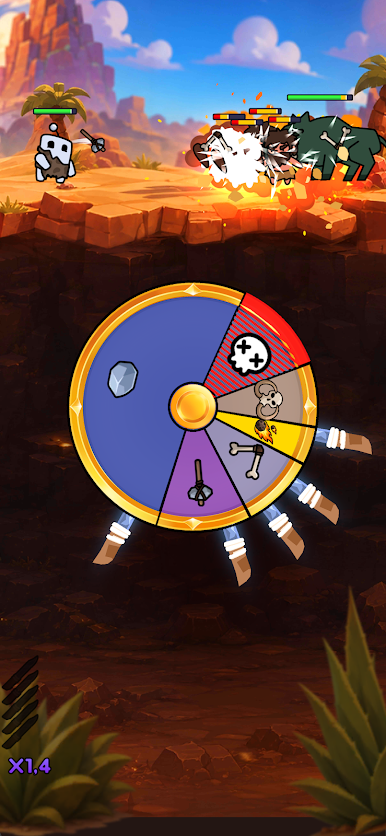
Play Knife Wheels on PC. It’s easy to get started.
-
Download and install BlueStacks on your PC
-
Complete Google sign-in to access the Play Store, or do it later
-
Look for Knife Wheels in the search bar at the top right corner
-
Click to install Knife Wheels from the search results
-
Complete Google sign-in (if you skipped step 2) to install Knife Wheels
-
Click the Knife Wheels icon on the home screen to start playing

