

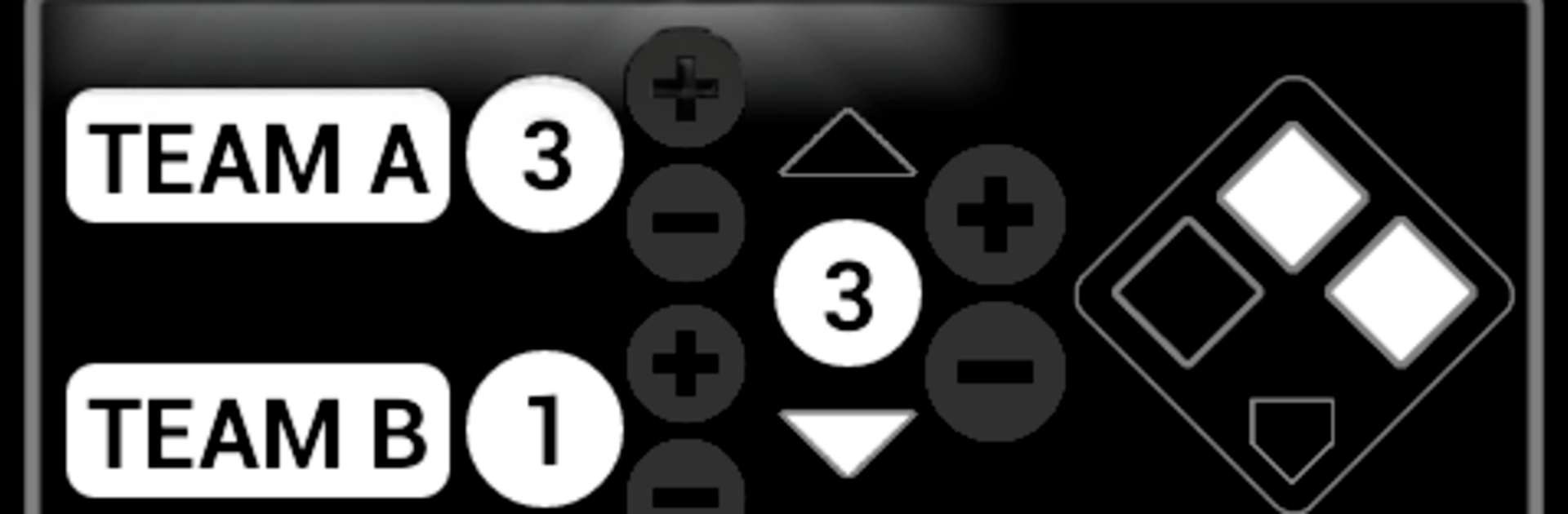
Baseball Umpire (Counter)
Play on PC with BlueStacks – the Android Gaming Platform, trusted by 500M+ gamers.

Page Modified on: Aug 28, 2026
Run Baseball Umpire (Counter) on PC or Mac
What’s better than using Baseball Umpire (Counter) by HKK Apps? Well, try it on a big screen, on your PC or Mac, with BlueStacks to see the difference.
About the App
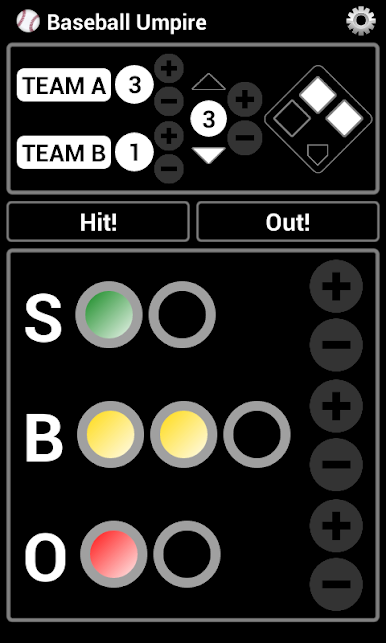
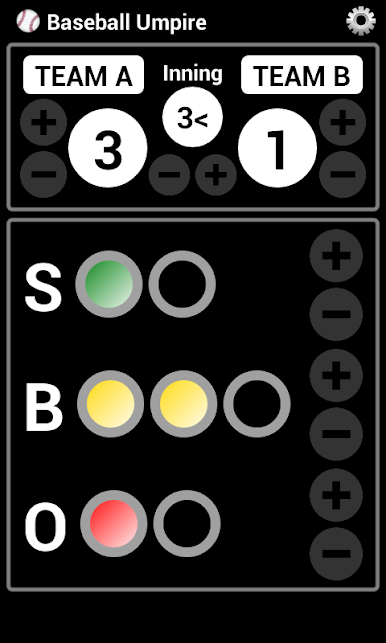
Baseball Umpire (Counter) keeps the essentials right where you need them, so you can focus on the field and not your hands. It’s a clean, tap-and-go tool that tracks the action without getting in the way. Built for quick decisions in real time, this Sports app puts everything on one screen and keeps the game moving smoothly.
App Features
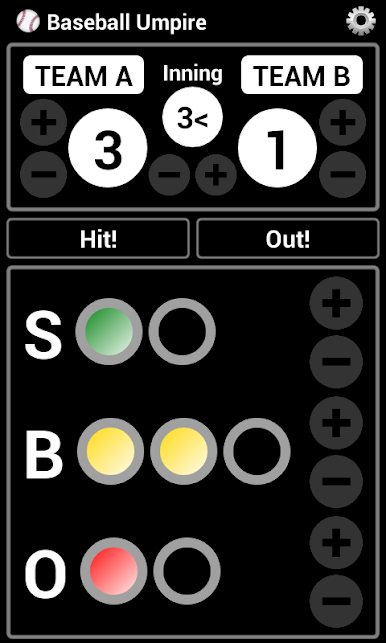
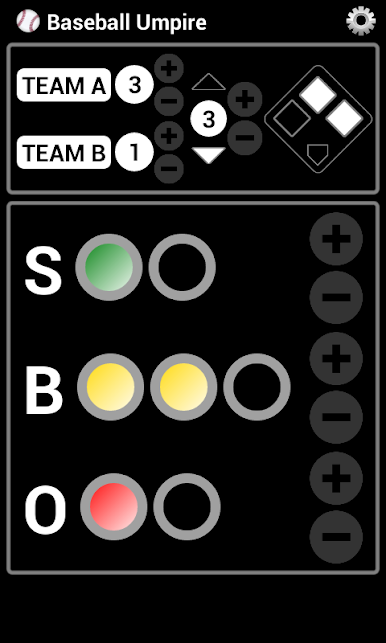
- All-in-one screen: See balls, strikes, outs, and the inning in one clear view, so you’re never hunting through menus mid-play.
- Quick corrections: Tap the wrong button? No problem—adjust counts or back up a step in a second.
- Easy inning flow: Flip between half-innings with simple controls that match how a real game unfolds.
- Big, readable controls: Bold counters and large buttons make it easy to hit the right action even when things get hectic.
- Fast resets: Clear the slate between batters or half-innings with a single action to stay organized.
- Streamlined design: No clutter, no distractions—just the tools you actually use from first pitch to final out.
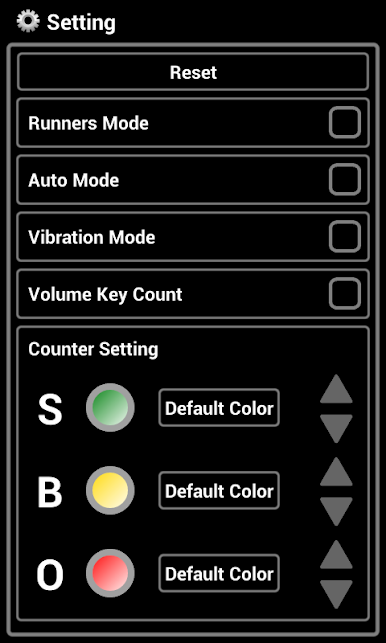
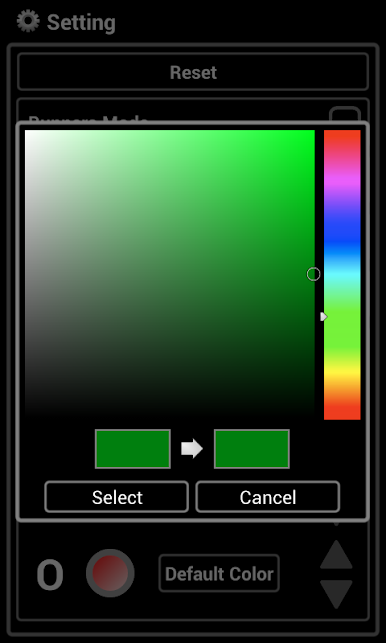
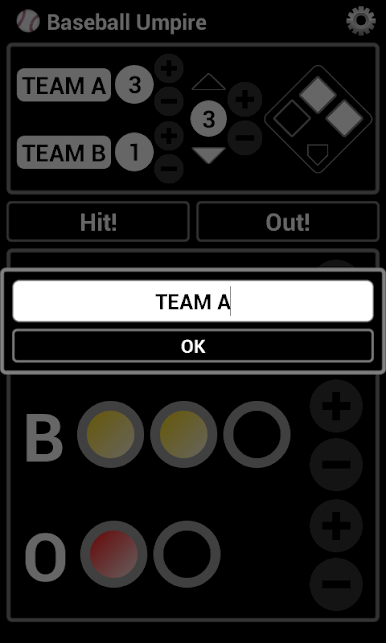
- Flexible setup: Choose the counters you want visible and fine-tune basic behavior to fit your routine.
- Great on larger screens: Prefer extra space? Run Baseball Umpire (Counter) on BlueStacks for a crisp, click-friendly layout.
Eager to take your app experience to the next level? Start right away by downloading BlueStacks on your PC or Mac.
Play Baseball Umpire (Counter) on PC. It’s easy to get started.
-
Download and install BlueStacks on your PC
-
Complete Google sign-in to access the Play Store, or do it later
-
Look for Baseball Umpire (Counter) in the search bar at the top right corner
-
Click to install Baseball Umpire (Counter) from the search results
-
Complete Google sign-in (if you skipped step 2) to install Baseball Umpire (Counter)
-
Click the Baseball Umpire (Counter) icon on the home screen to start playing

