


KC Learn+
Play on PC with BlueStacks – the Android Gaming Platform, trusted by 500M+ gamers.

Page Modified on: Sep 16, 2026
Play KC Learn+ on PC
Product features of KC Learn+
1. Innovation model to inspire the potential for independent exploration
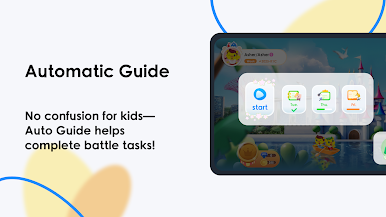
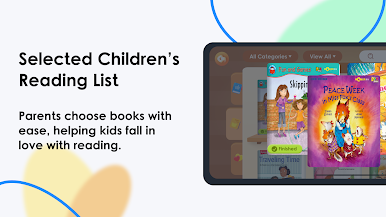
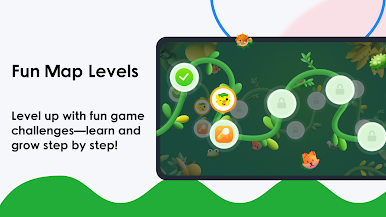
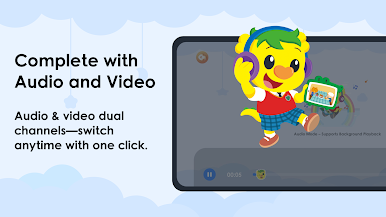
- Offer Interesting and rich content with strong guidance, and operate simply.
- Capture children’s attention effectively through high interactivity and proven educational efficacy.
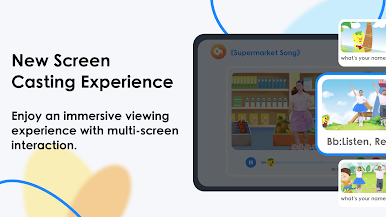
- Simulate real-life scenarios and multi-dimensional.
2. Scientifically designed and effective curriculum
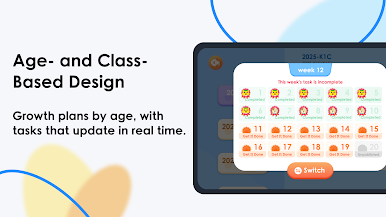
- Establish a premium, systematically structured curriculum with spiraling difficulty, focusing on every step of growth.
3. Independent exploration skills nurture to achieve holistic development
- Engage in immersive interactive activities and personalized learning paths.
Play KC Learn+ on PC. It’s easy to get started.
-
Download and install BlueStacks on your PC
-
Complete Google sign-in to access the Play Store, or do it later
-
Look for KC Learn+ in the search bar at the top right corner
-
Click to install KC Learn+ from the search results
-
Complete Google sign-in (if you skipped step 2) to install KC Learn+
-
Click the KC Learn+ icon on the home screen to start playing

