


Quick Paint
Play on PC with BlueStacks – the Android Gaming Platform, trusted by 500M+ gamers.

Page Modified on: Mar 11, 2026
Play Quick Paint on PC
How to Play
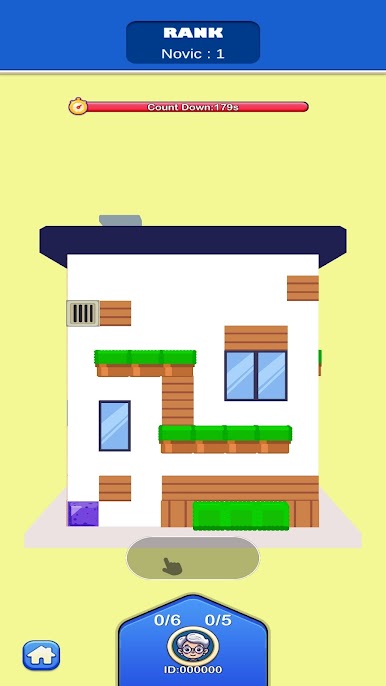
• Swipe up/down/left/right to move and paint.
• Fill all empty tiles to complete the level.
• Plan your path and finish with 100% coverage.
Features
• Simple controls, instant fun: One-finger swipes with smooth, satisfying paint effects.
• Clever puzzle levels: Short, relaxing stages with increasing challenge.
• Challenge & battle modes: Race against time and test your skills.
• Rankings & progress: Climb the leaderboard and prove your painting speed.
• Skins to unlock: Collect diamonds and unlock cute rollers/skins.
Ready to paint fast and think smart?
Download Quick Paint and swipe your way to a perfectly painted home

Play Quick Paint on PC. It’s easy to get started.
-
Download and install BlueStacks on your PC
-
Complete Google sign-in to access the Play Store, or do it later
-
Look for Quick Paint in the search bar at the top right corner
-
Click to install Quick Paint from the search results
-
Complete Google sign-in (if you skipped step 2) to install Quick Paint
-
Click the Quick Paint icon on the home screen to start playing

