


Kingdom UP
Play on PC with BlueStacks – the Android Gaming Platform, trusted by 500M+ gamers.

Page Modified on: Jul 13, 2026
Play Kingdom UP on PC
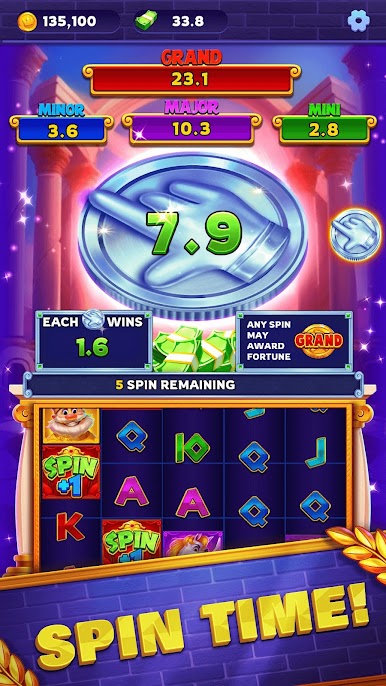
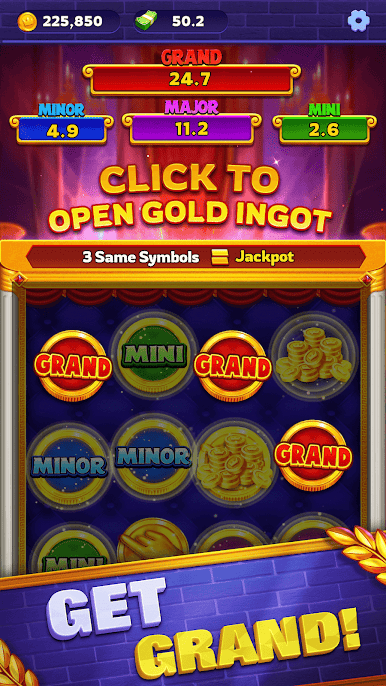
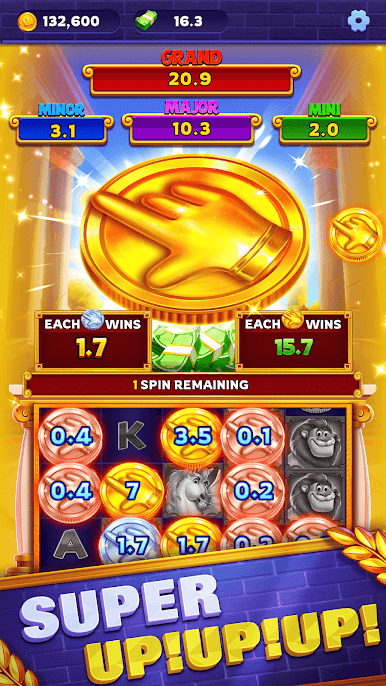
What’s more, by playing and accumulating points, players can redeem real cash rewards for a double payout experience. All cash rewards come directly from ad revenue, completely independent of Google, ensuring safety and reliability. Join Kingdom Up now, withdraw cash easily, and enjoy your path to wealth!


Play Kingdom UP on PC. It’s easy to get started.
-
Download and install BlueStacks on your PC
-
Complete Google sign-in to access the Play Store, or do it later
-
Look for Kingdom UP in the search bar at the top right corner
-
Click to install Kingdom UP from the search results
-
Complete Google sign-in (if you skipped step 2) to install Kingdom UP
-
Click the Kingdom UP icon on the home screen to start playing

