

Happy Match Cafe™
Play on PC with BlueStacks – the Android Gaming Platform, trusted by 500M+ gamers.

Page Modified on: Nov 20, 2025
Play Happy Match Cafe™ on PC or Mac
Step into the World of Happy Match Cafe™, a thrilling Puzzle game from the house of KINGS FORTUNE PTE.LTD.. Play this Android game on BlueStacks App Player and experience immersive gaming on PC or Mac.
About the Game
Happy Match Cafe™ is a Puzzle game from KINGS FORTUNE PTE.LTD. that blends cozy design vibes with breezy brainteasers. One minute you’re matching cute 3D objects, the next you’re fixing up a charming café and unlocking themed rooms. It’s relaxed, colorful, and easy to pick up—perfect for quick breaks or a longer unwind. Prefer a bigger screen? You can also play it on PC with BlueStacks.
Game Features
- Mix-and-match 3D fun: Sort and match delightful 3D items as you work through tidy, satisfying levels that feel great to complete.
- Cozy café makeovers: Earn rewards to renovate spaces, pick décor, and build out themed areas that show off your style.
- Satisfying ASMR touches: Smooth animations, crisp taps, and gentle effects make every action feel oddly soothing.
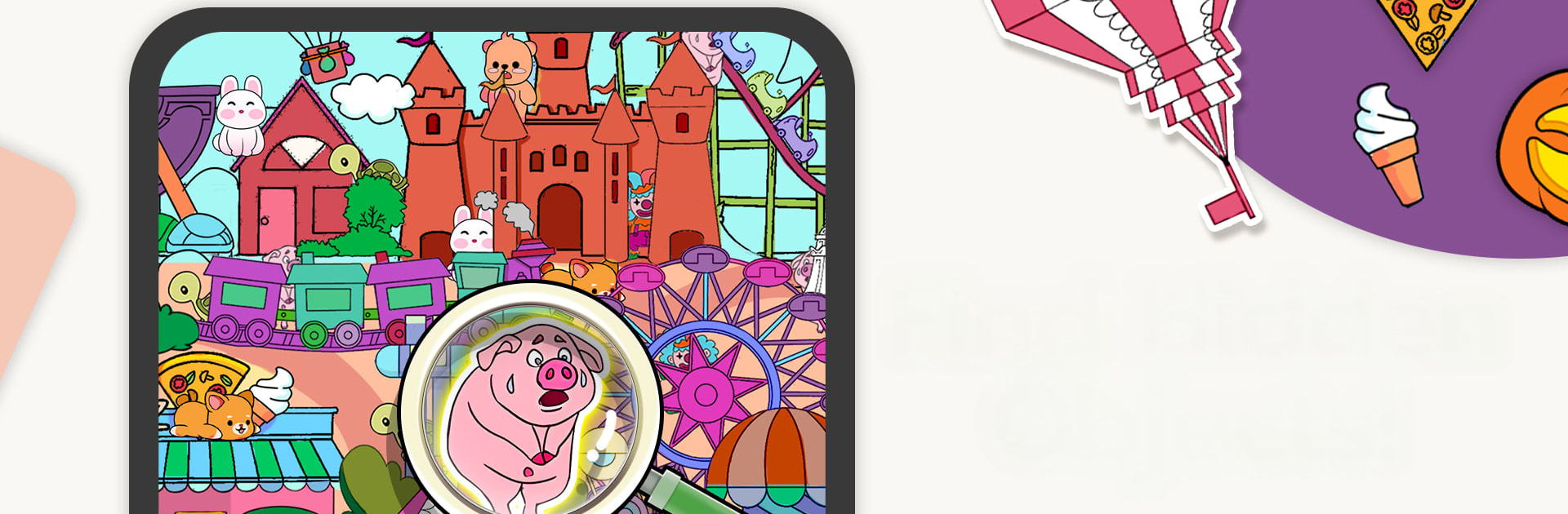
- Spot-the-difference rounds: Scan clusters of lookalike objects and find what’s off—simple idea, surprisingly addictive.
- One-line drawing puzzles: Trace figures in a single stroke; it’s quick to learn and surprisingly clever.
- Play your way: Hop between matching, drawing, and difference-finding—stick to your favorite or mix it up whenever you like.
- Handy boosters: Use special props when a level gets tricky and keep your streak going.
- Seasonal events: Limited-time challenges and festive themes keep the café fresh with new decorations to unlock.
- Bright 3D visuals: Clean, colorful objects and smooth effects make every level easy on the eyes.
- Made for all schedules: Short levels, clear goals, and simple controls—great for a few minutes or a longer chill session.
Slay your opponents with your epic moves. Play it your way on BlueStacks and dominate the battlefield.















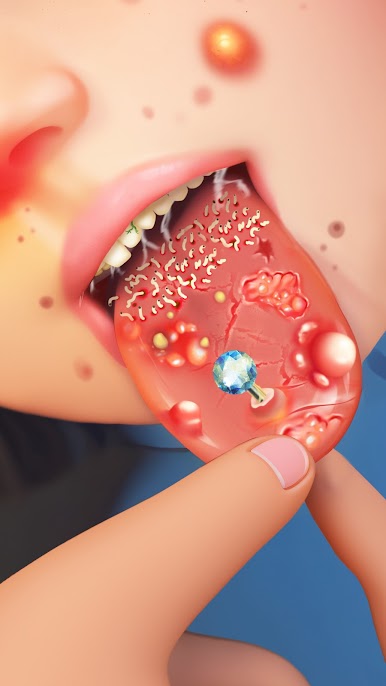




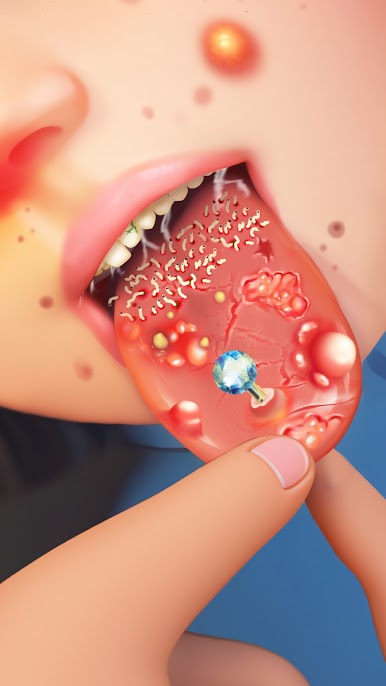

Play Happy Match Cafe™ on PC. It’s easy to get started.
-
Download and install BlueStacks on your PC
-
Complete Google sign-in to access the Play Store, or do it later
-
Look for Happy Match Cafe™ in the search bar at the top right corner
-
Click to install Happy Match Cafe™ from the search results
-
Complete Google sign-in (if you skipped step 2) to install Happy Match Cafe™
-
Click the Happy Match Cafe™ icon on the home screen to start playing

