


Water Me Please!Brain Teaser
Play on PC with BlueStacks – the Android Gaming Platform, trusted by 500M+ gamers.

Page Modified on: Aug 21, 2024
Play Water Me Please!Brain Teaser on PC or Mac
Explore a whole new adventure with Water Me Please!Brain Teaser, a Puzzle game created by Kiragames Co., Ltd.. Experience great gameplay with BlueStacks, the most popular gaming platform to play Android games on your PC or Mac.
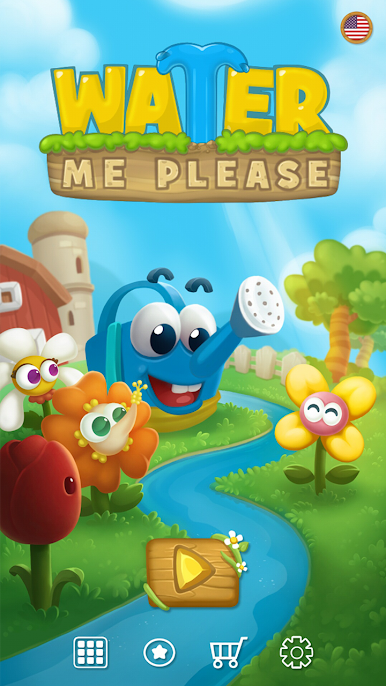
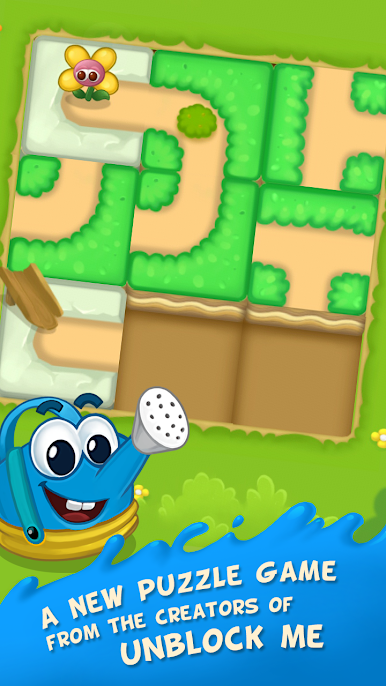
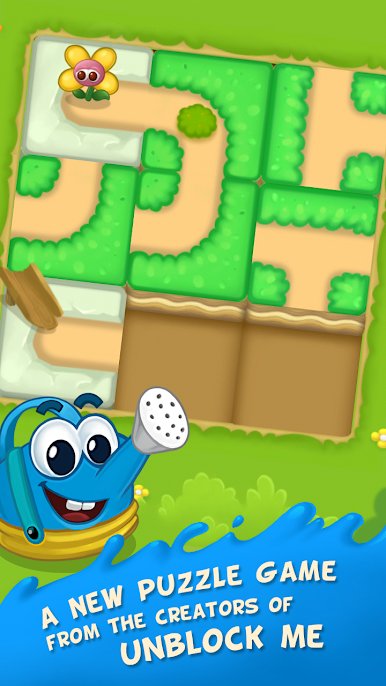
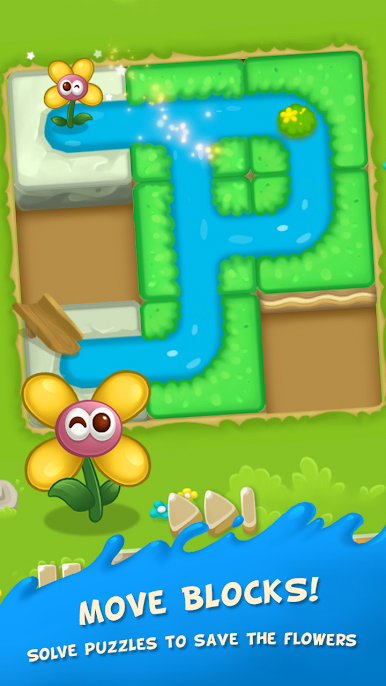
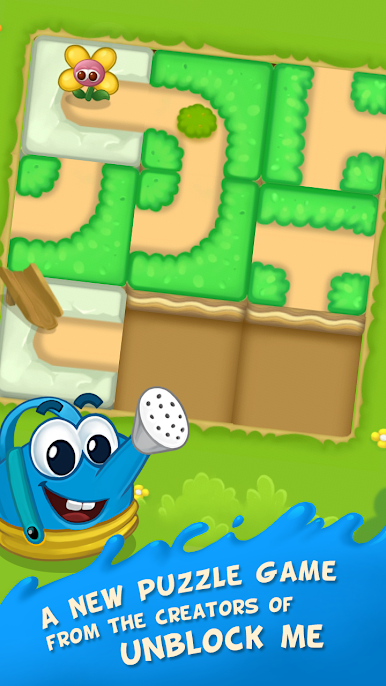
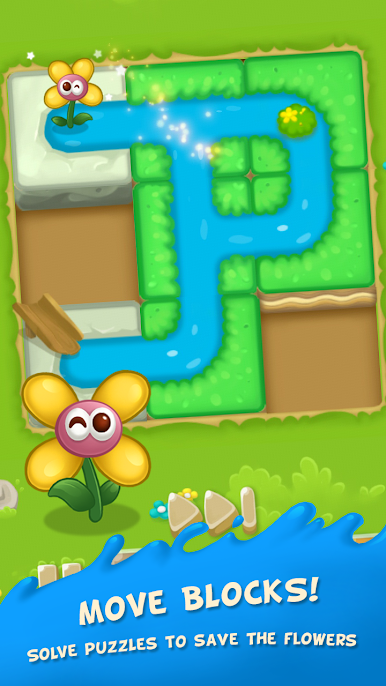
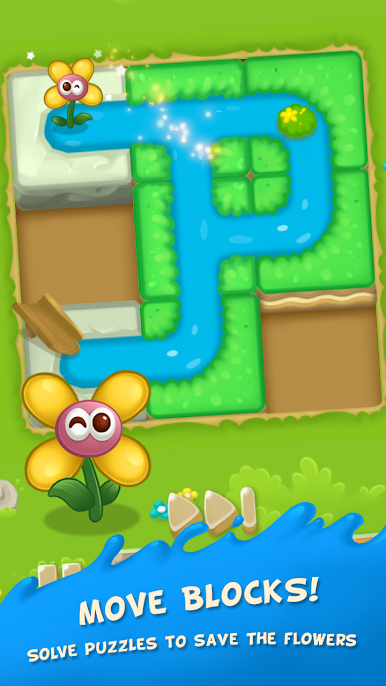
Water Me Please! Brain Teaser is a chill slide-the-tiles puzzle where the whole goal is to get water from a tiny can over to a thirsty flower. Tiles shift up, down, left, or right to form a path, then you hit go and watch the stream run through. It starts simple, almost cozy, then adds little twists that make the brain do a quick double take. It has that clean Unblock Me feel, with a cute farm theme, bright colors, and a friendly vibe that does not nag or rush. Relax Mode lets players take their time and think, while Challenge Mode cares about moves or timing, so there is a nice bounce between calm and clever.
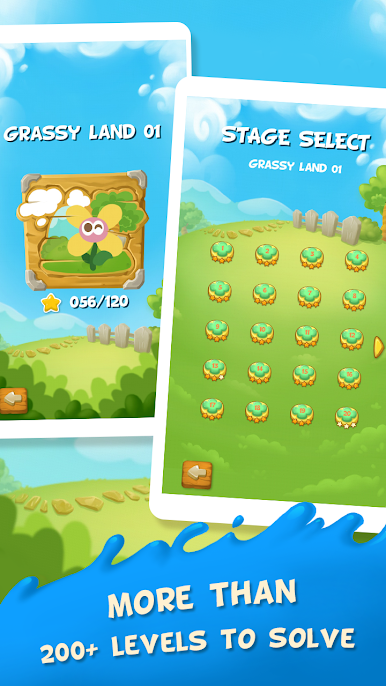
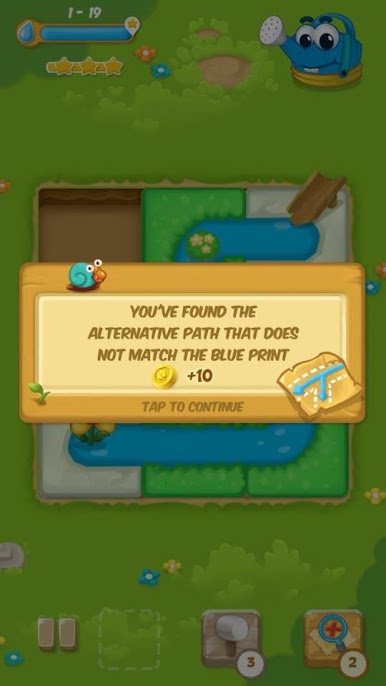
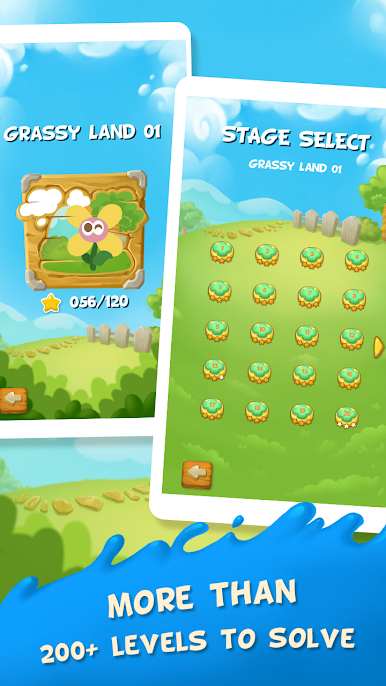
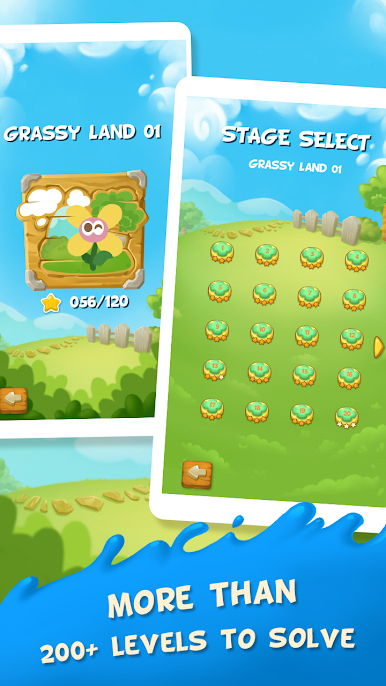
There are tons of stages, well over 600, so it turns into a great pick up for a few minutes, then oops twenty minutes gone kind of game. The helpers are neat too. The Blueprint gives guidance when a layout feels impossible, the Hammer can fix a bad piece choice, and the Frozen Clock helps when the timer is being a pest. It teaches the basics clearly, then ramps up puzzles in a way that feels fair. On PC with BlueStacks, dragging pieces with a mouse is smooth and it is easy to see the board on a bigger screen, so planning paths feels cleaner. It is family friendly without feeling kiddy, just a smart little brain workout with a cute flower cheering at the end.
Slay your opponents with your epic moves. Play it your way on BlueStacks and dominate the battlefield.





Play Water Me Please!Brain Teaser on PC. It’s easy to get started.
-
Download and install BlueStacks on your PC
-
Complete Google sign-in to access the Play Store, or do it later
-
Look for Water Me Please!Brain Teaser in the search bar at the top right corner
-
Click to install Water Me Please!Brain Teaser from the search results
-
Complete Google sign-in (if you skipped step 2) to install Water Me Please!Brain Teaser
-
Click the Water Me Please!Brain Teaser icon on the home screen to start playing

