

Counter
Play on PC with BlueStacks – the Android Gaming Platform, trusted by 500M+ gamers.

Page Modified on: Apr 6, 2025
Run Counter on PC or Mac
What’s better than using Counter by Keep It Simple? Well, try it on a big screen, on your PC or Mac, with BlueStacks to see the difference.
About the App
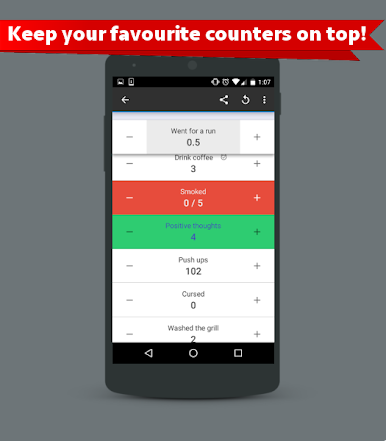
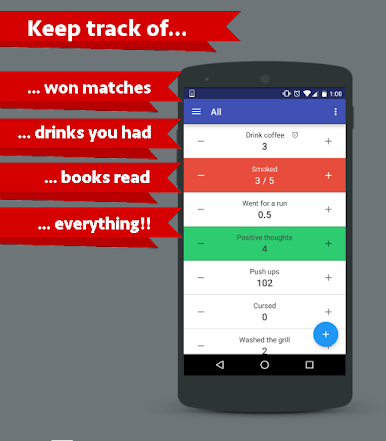
Counter is the kind of tally app you open once and end up using for, well, everything. It’s quick, clean, and flexible, so you can track habits, wins, items, sales, or any quirky little metric you care about. Prefer clicking on a keyboard? You can run Counter on BlueStacks, too, if you like keeping tabs from your desktop.
App Features
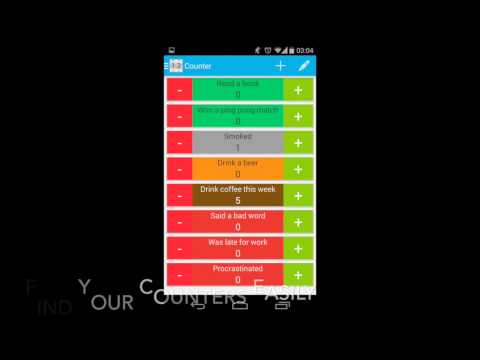
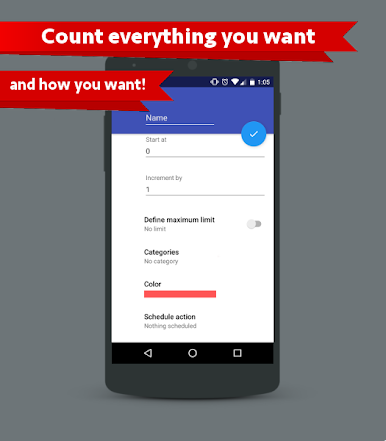
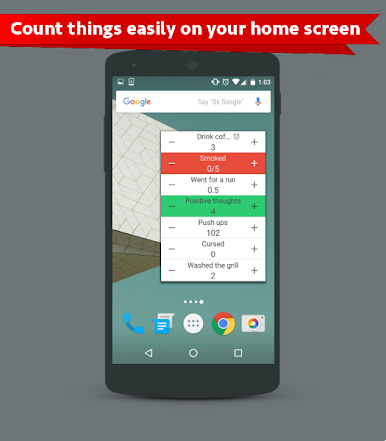
- Multiple counters: Create as many tallies as you need and keep them all in one tidy place.
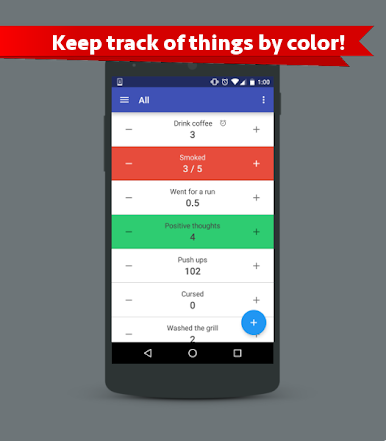
- Custom colors: Color‑code each counter so you can spot what’s what at a glance.
- Goals you can hit: Set a target number and watch your progress climb toward it.
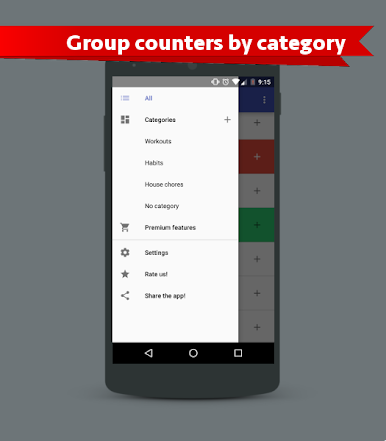
- Categories that make sense: Group related counters together to keep things organized.
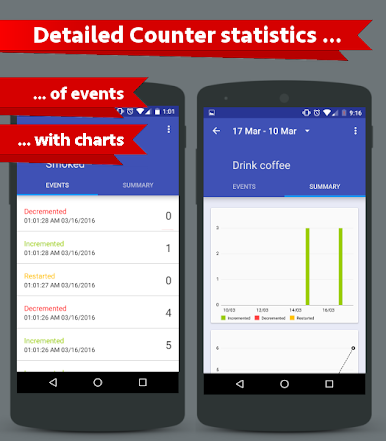
- Clear stats: Check totals and trends for each counter to see how things are going over time.
- Flexible increments: Change the step size on the fly—use whole numbers or decimals when precision matters.
- Negative values: Need to subtract or track below zero? That’s supported, too.
- Handy widget: Add a home‑screen widget to bump counts without opening the app.
- Watch support: Log counts from your wrist with Android Wear when your phone’s not handy.
- Easy exports: Save your data to a spreadsheet file for backup or deeper analysis.
- Random ideas: Generate playful counter suggestions when you want something to test—or just for fun.
A Tools app by Keep It Simple that helps you track wins, habits, and everyday numbers without fuss.
Ready to experience Counter on a bigger screen, in all its glory? Download BlueStacks now.
Play Counter on PC. It’s easy to get started.
-
Download and install BlueStacks on your PC
-
Complete Google sign-in to access the Play Store, or do it later
-
Look for Counter in the search bar at the top right corner
-
Click to install Counter from the search results
-
Complete Google sign-in (if you skipped step 2) to install Counter
-
Click the Counter icon on the home screen to start playing

