


Smash City
Play on PC with BlueStacks – the Android Gaming Platform, trusted by 500M+ gamers.

Page Modified on: Sep 22, 2026
Play Smash City on PC
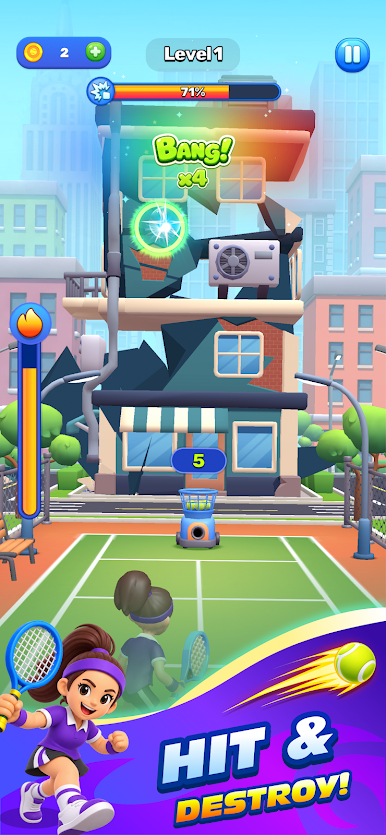
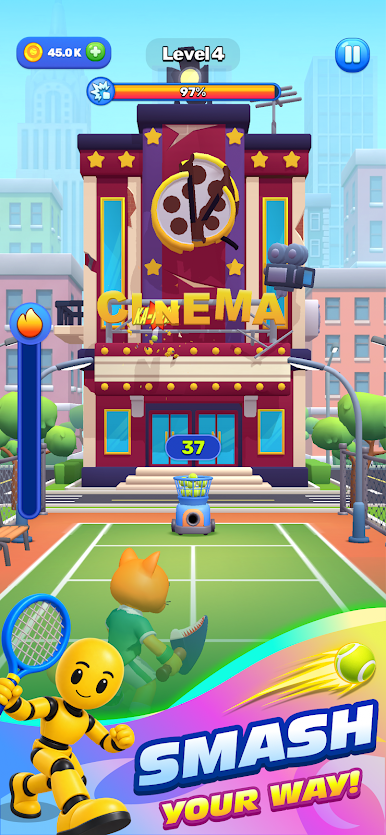
Swipe at the right moment to hit tennis balls back and destroy everything in your path. Knock down buildings, cause massive destruction, and watch the city fall apart!
Upgrade your racket and ball machine to hit harder, unlock crazy tools that send balls flying in unexpected ways, and power up your character as you progress.
Explore new worlds, become stronger, and discover even more satisfying ways to smash everything!
How much of the city can you destroy?



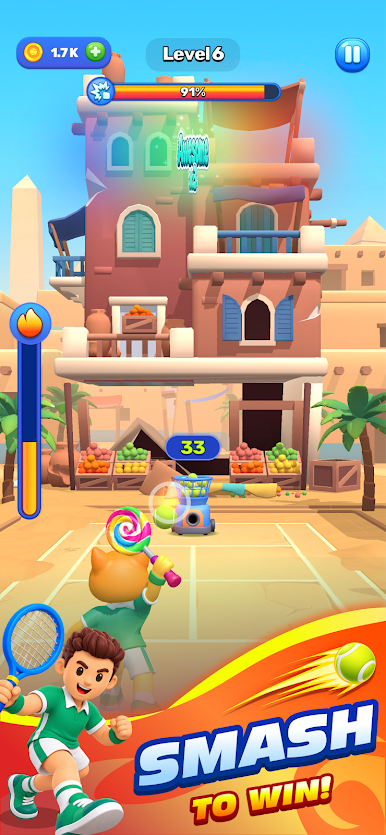
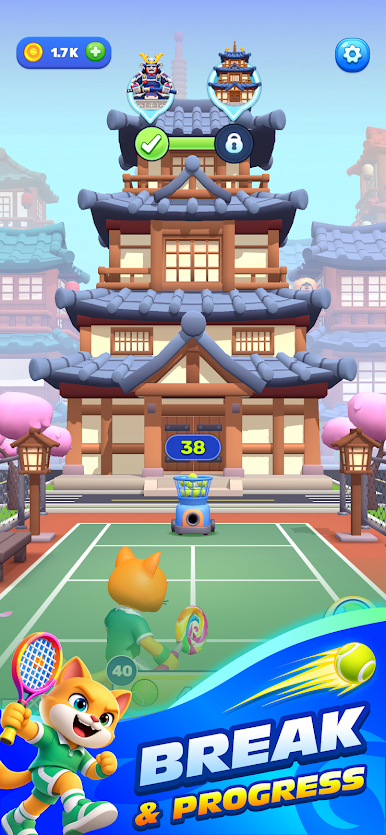
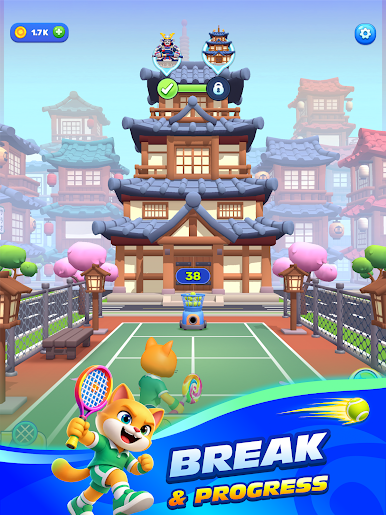
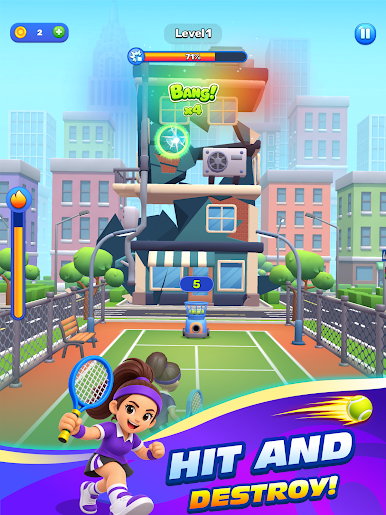

Play Smash City on PC. It’s easy to get started.
-
Download and install BlueStacks on your PC
-
Complete Google sign-in to access the Play Store, or do it later
-
Look for Smash City in the search bar at the top right corner
-
Click to install Smash City from the search results
-
Complete Google sign-in (if you skipped step 2) to install Smash City
-
Click the Smash City icon on the home screen to start playing

