


Dream Fashion Shop 3
Play on PC with BlueStacks – the Android Gaming Platform, trusted by 500M+ gamers.

Page Modified on: Aug 11, 2025
Play Dream Fashion Shop 3 on PC
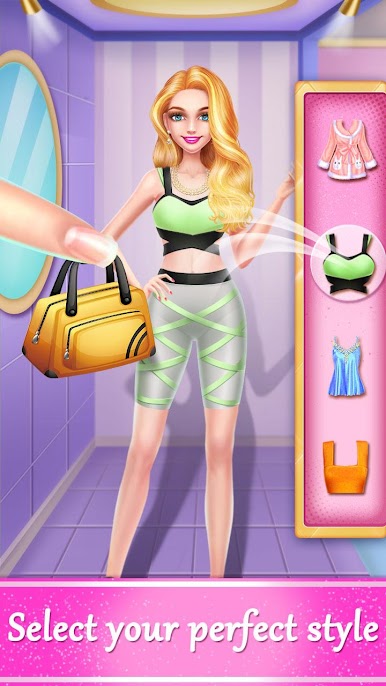
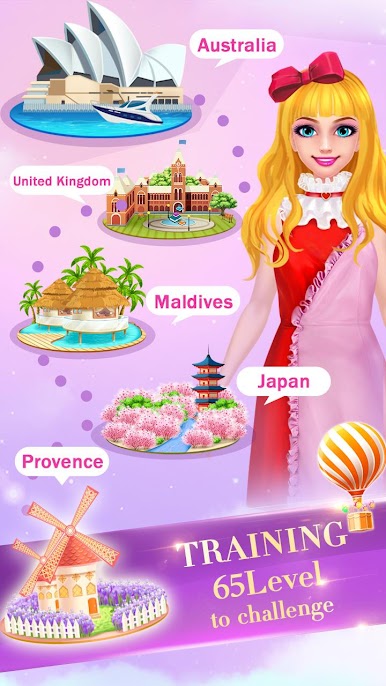
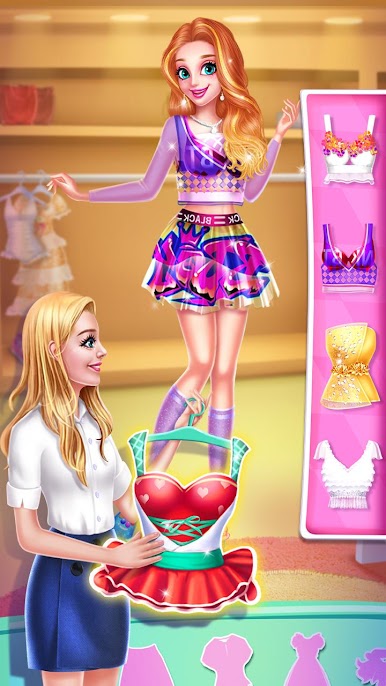
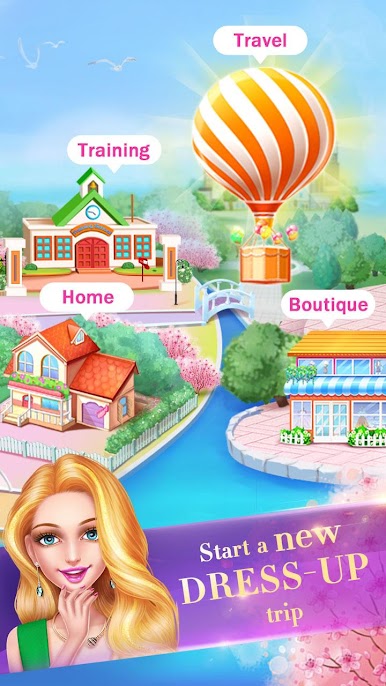
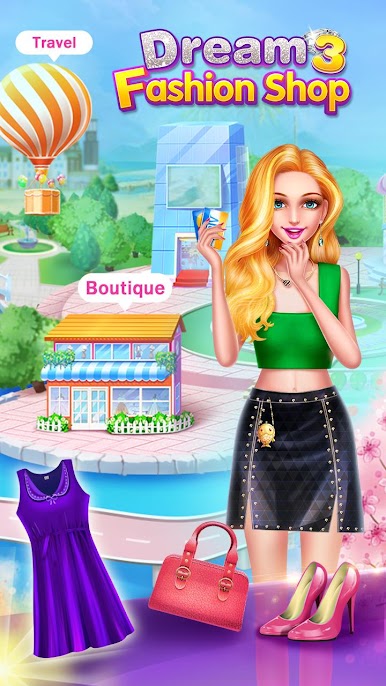
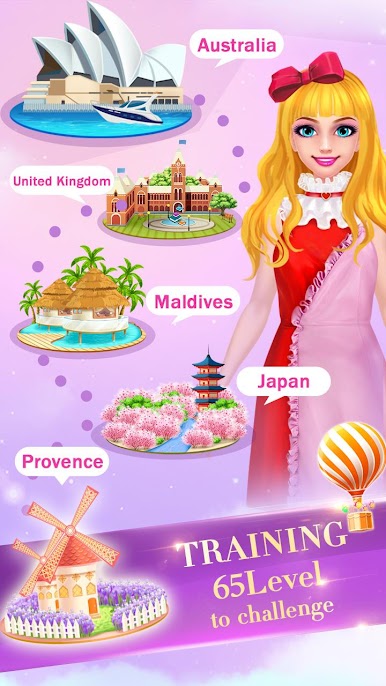
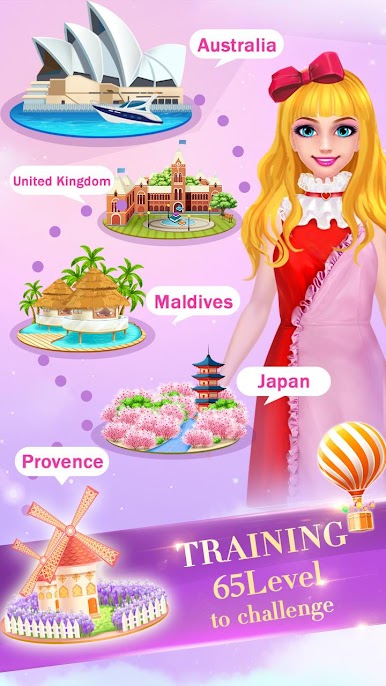
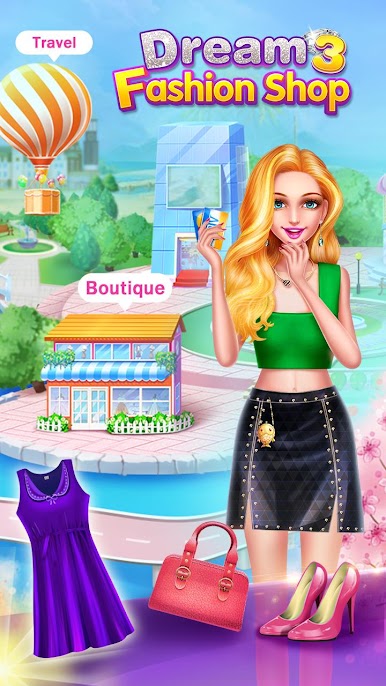
You are gonna take a hot air balloon to explore the world. As a fashion beauty, your stories are widely circulated in this lively dream town. The simple cute girl, gentle young mother, and even the new superstar are all in your shop to have you design for them.🎈🎈 Besides, people all like to share their stories with you, especially the sweet secrets among girls.
Features:
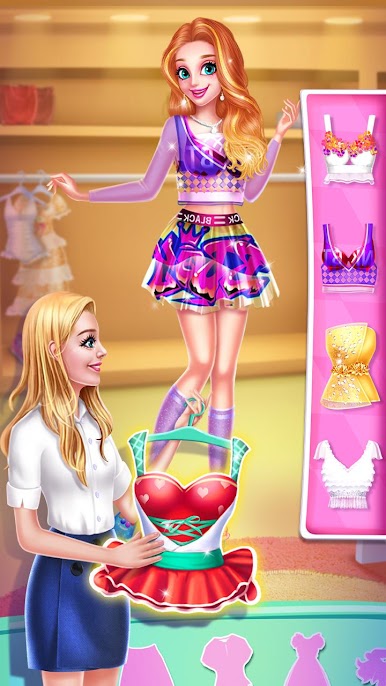
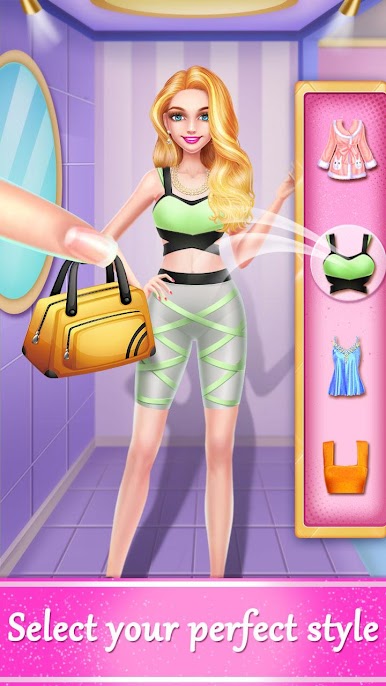
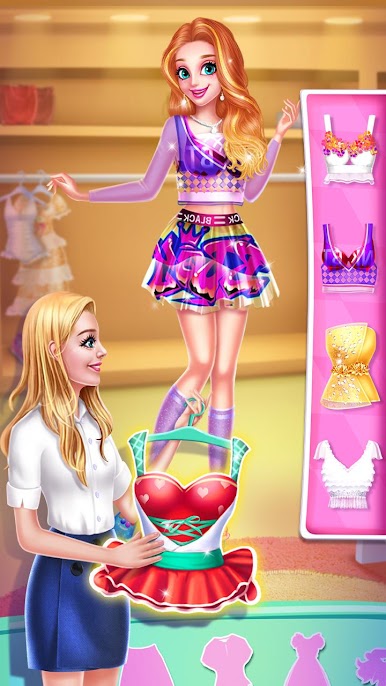
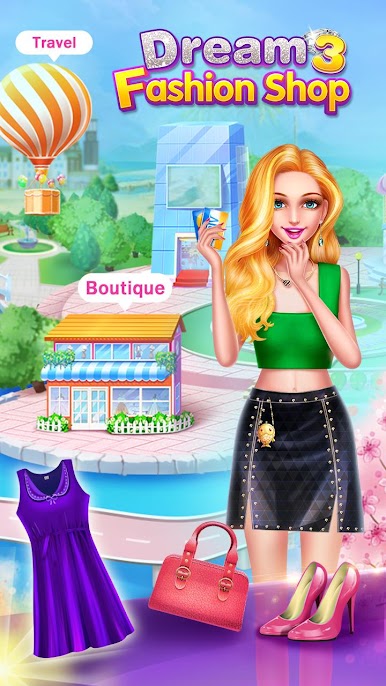
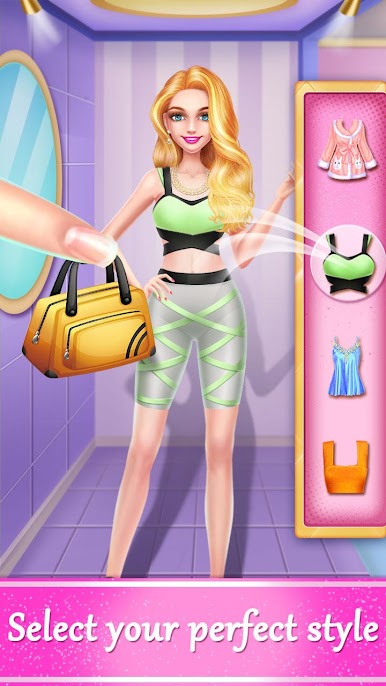
🤑 Run your fashion boutique to design the newest fashion clothes
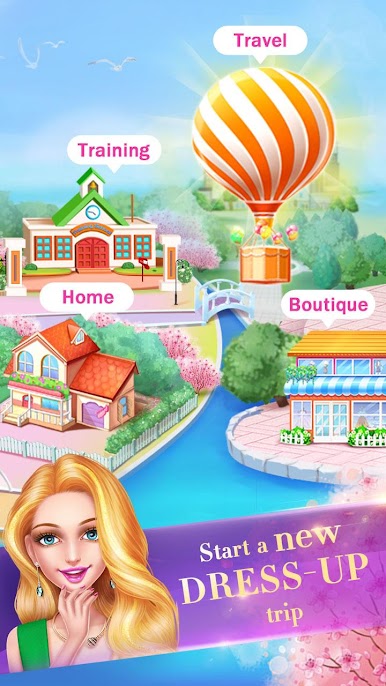
🤑 Explore the world to start your new adventures.
🤑 Fun and exciting fashion courses to become the best fashion stylist
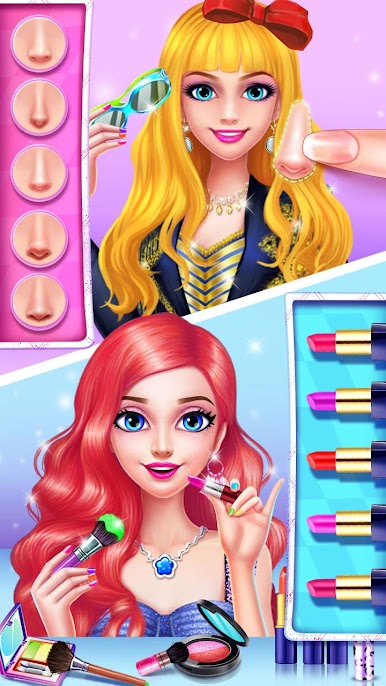
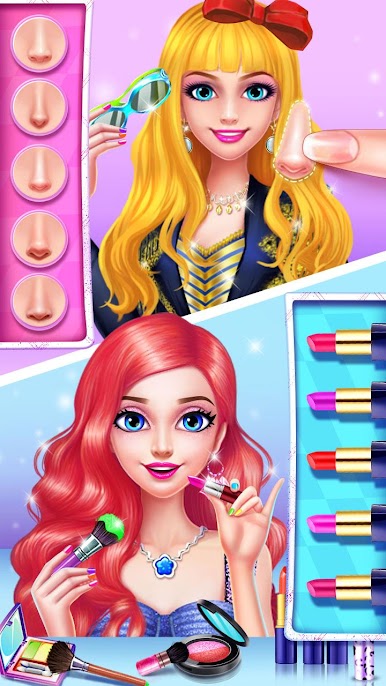
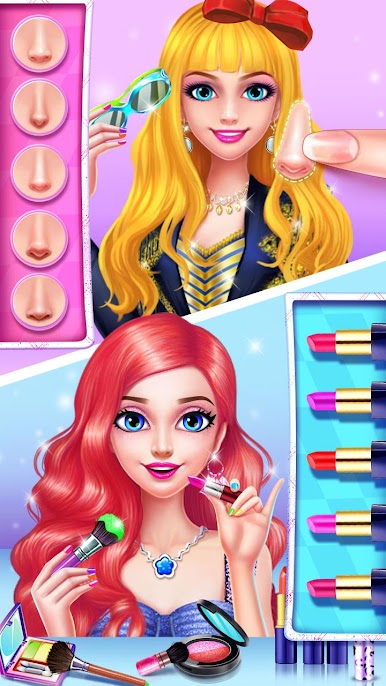
🤑 Experience unique makeup and have a facial spa in the newly opened makeover shop
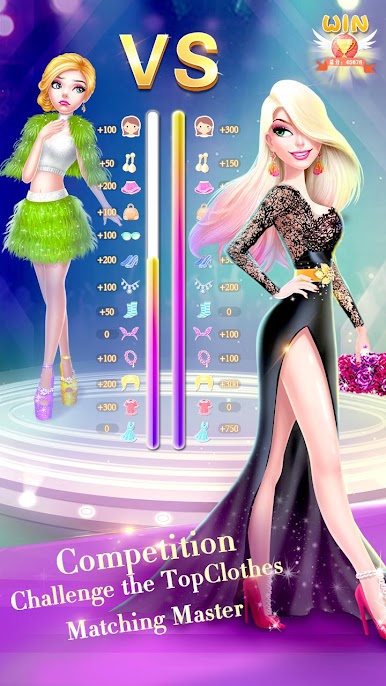
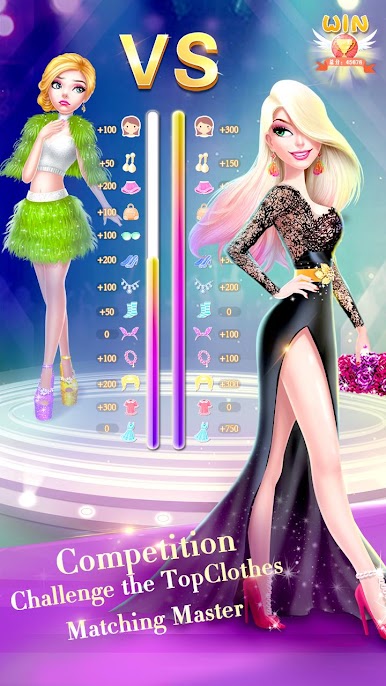
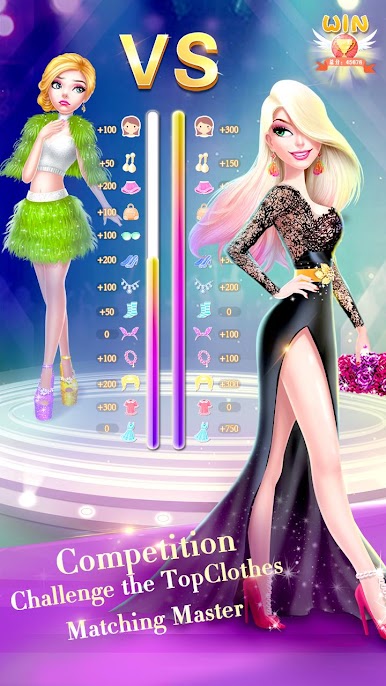
🤑 Compete with the other stylists in the super fashion competition
🤑 Tons of beautify clothes, finding the beautiful clothes from all over the world
🤑 Rich game scenes
Everything is ready in the fashion boutique, so what are you still waiting for?




Play Dream Fashion Shop 3 on PC. It’s easy to get started.
-
Download and install BlueStacks on your PC
-
Complete Google sign-in to access the Play Store, or do it later
-
Look for Dream Fashion Shop 3 in the search bar at the top right corner
-
Click to install Dream Fashion Shop 3 from the search results
-
Complete Google sign-in (if you skipped step 2) to install Dream Fashion Shop 3
-
Click the Dream Fashion Shop 3 icon on the home screen to start playing

