

BopBash : Party Mini Games
Play on PC with BlueStacks – the Android Gaming Platform, trusted by 500M+ gamers.

Page Modified on: Oct 8, 2026
Play BopBash : Party Mini Games on PC or Mac
BopBash : Party Mini Games by Koko Zone has plenty to keep you busy. BlueStacks lets you play it on PC or Mac with more screen space, better control, and fewer mobile limits.
About the Game
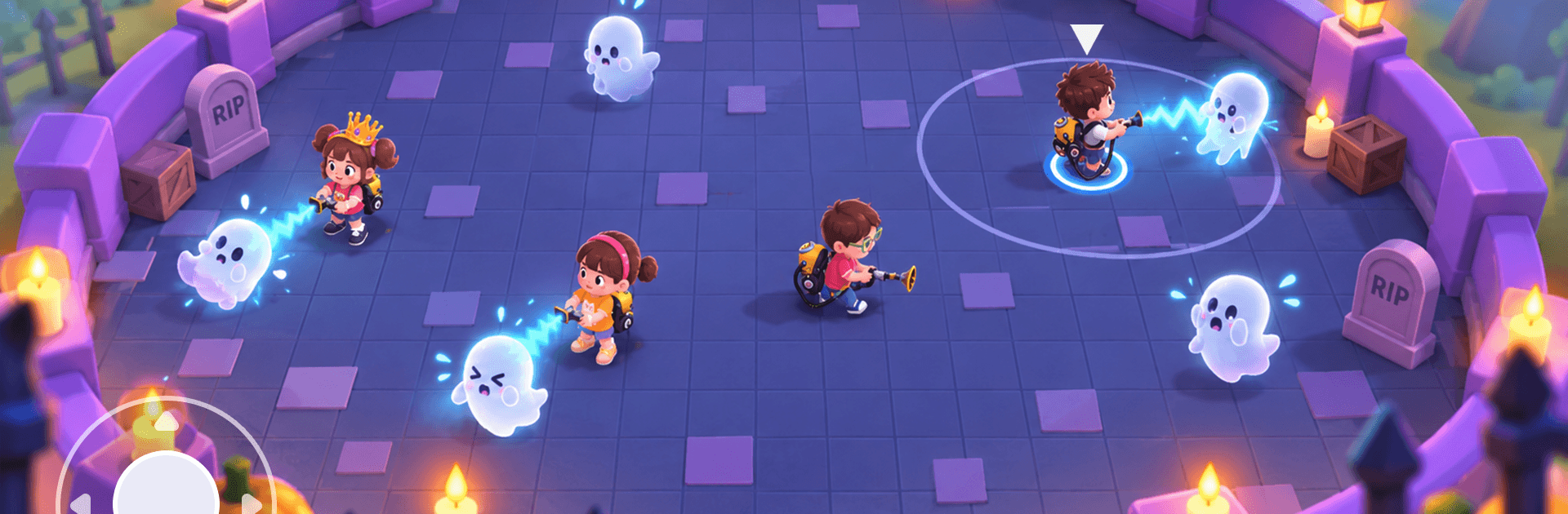
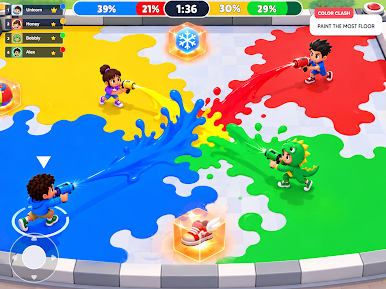
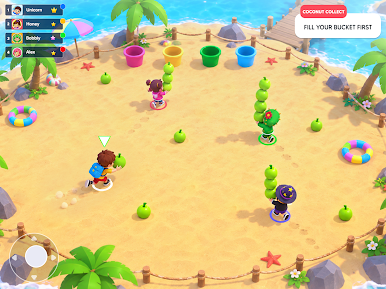
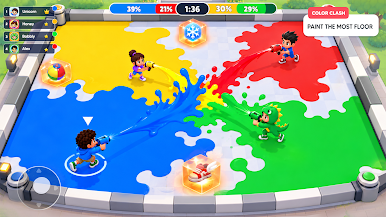
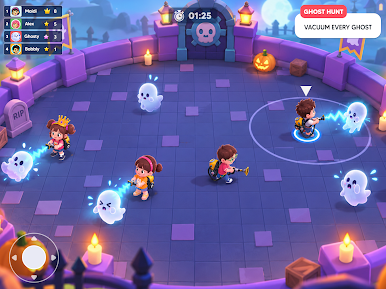
BopBash : Party Mini Games throws a bunch of quick, quirky challenges into one lively package. It’s an Arcade party where every round flips the rules—one moment you’re dodging hazards, the next you’re chasing high scores or testing your memory. Easy to jump into, tough to walk away from, and surprisingly tense in the best way. Prefer playing on a bigger screen? It runs smoothly on BlueStacks.
Game Features
- Rapid-fire variety: Bounce between racing, survival, memory checks, and score-hunting mini-games with barely a breath in between.
- Shuffling tournaments: Each match stitches together different rounds, so strategies shift from one stage to the next.
- Pick-up-and-play controls: Straightforward inputs keep the spotlight on timing, positioning, and snap decisions.
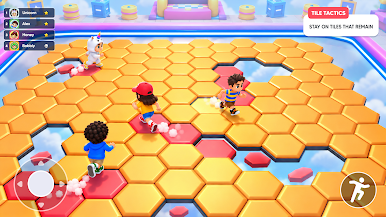
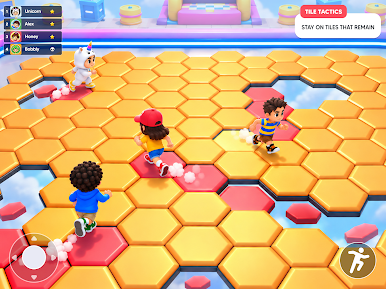
- Colorful arenas and hazards: Navigate cannon fire, collapsing tiles, sweeping arms, moving platforms, and traffic-choked tracks.
- Signature modes: Brave the blasts in Cannon Dash, weave through chaos in Bumpy Cars, and keep your footing in Spin Sweeper.
- Skills that actually matter: Dodging, aiming, collecting, balancing, and quick planning all get their moment to shine.
- Short rounds, big comebacks: Stumble, recover, and fight back as arenas morph and new hazards roll in.
- Learn the rhythm: Each mini-game has its own rules and tempo—spot patterns, adjust on the fly, and push for that next-best score.
BlueStacks gives you more room to focus on the game and less time adjusting around mobile limitations.
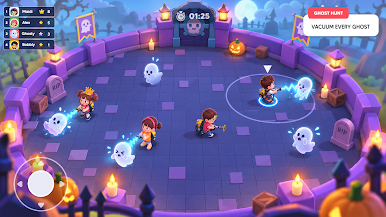
Play BopBash : Party Mini Games on PC. It’s easy to get started.
-
Download and install BlueStacks on your PC
-
Complete Google sign-in to access the Play Store, or do it later
-
Look for BopBash : Party Mini Games in the search bar at the top right corner
-
Click to install BopBash : Party Mini Games from the search results
-
Complete Google sign-in (if you skipped step 2) to install BopBash : Party Mini Games
-
Click the BopBash : Party Mini Games icon on the home screen to start playing

