

Boost Rider: Car Racing Games
Play on PC with BlueStacks – the Android Gaming Platform, trusted by 500M+ gamers.

Page Modified on: Aug 7, 2026
Play Boost Rider: Car Racing Games on PC or Mac
Explore a whole new adventure with Boost Rider: Car Racing Games, a Racing game created by Kolka Games. Experience great gameplay with BlueStacks, the most popular gaming platform to play Android games on your PC or Mac.
About the Game
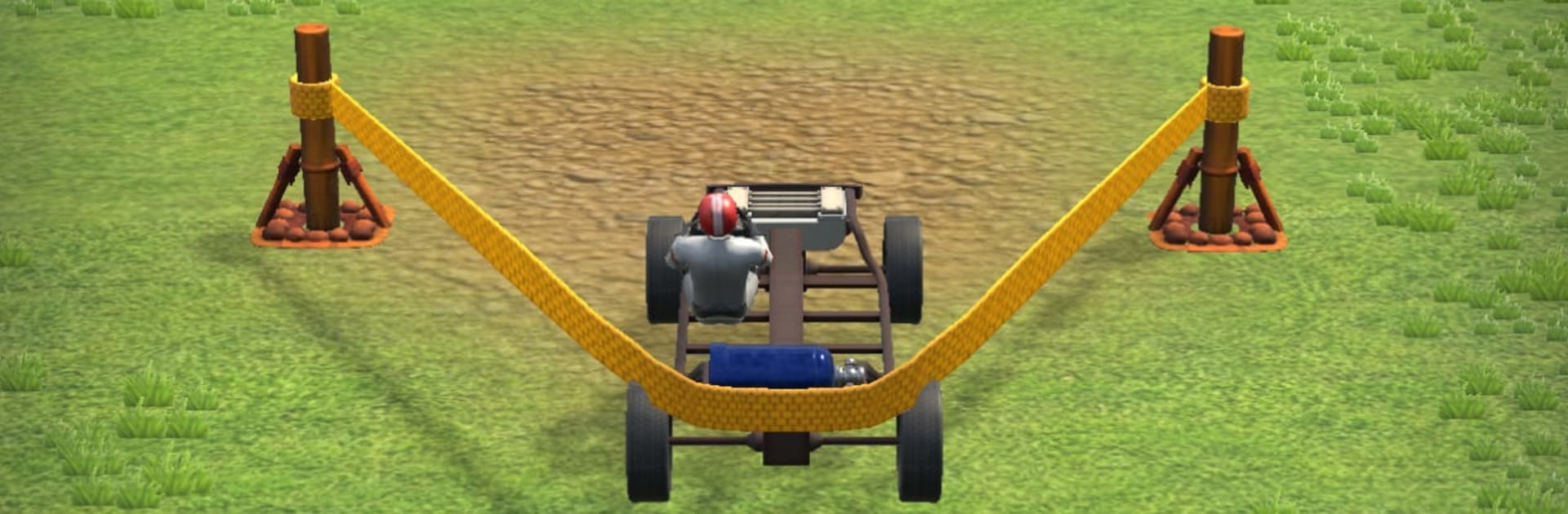
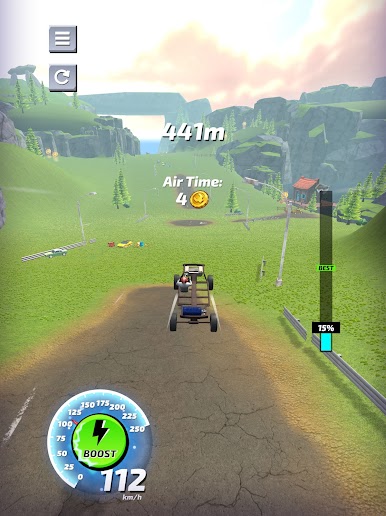
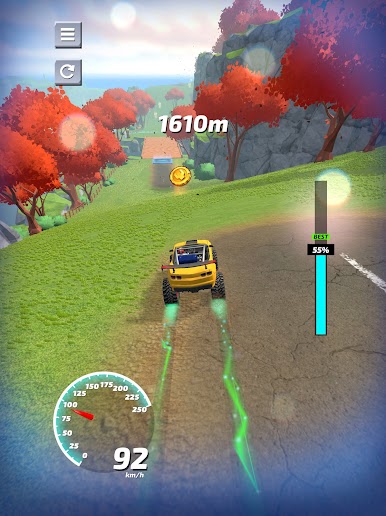
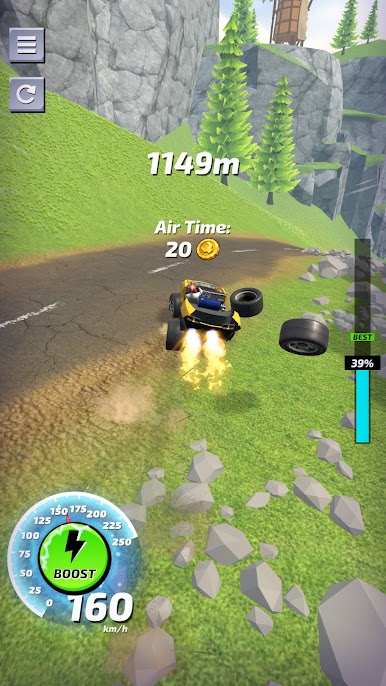
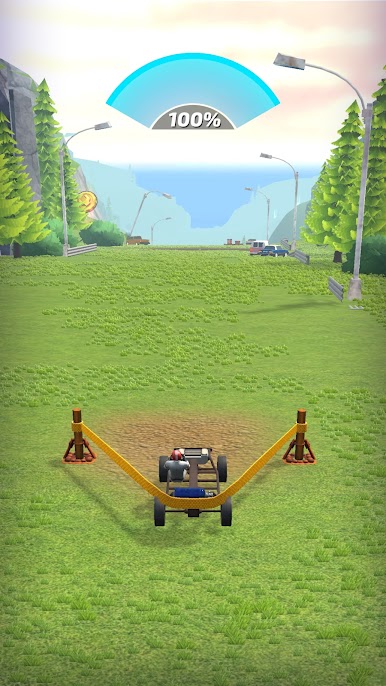
Boost Rider: Car Racing Games flips the usual Racing routine into a wild launch-and-fly challenge. You’re not gunning for first place on a track—you’re building a crazy-fast contraption, slinging it off a massive launcher, and trying to travel farther than your last attempt. It’s quick to pick up, physics-heavy, and packed with those “okay, one more run” moments.
Game Features
-
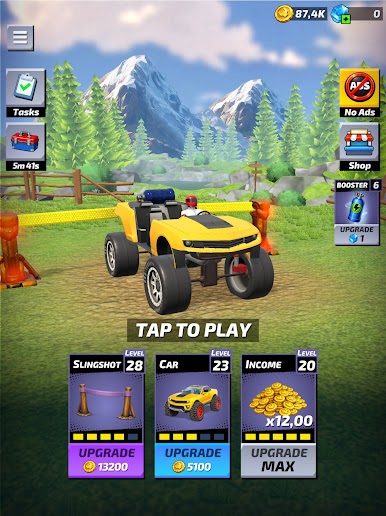
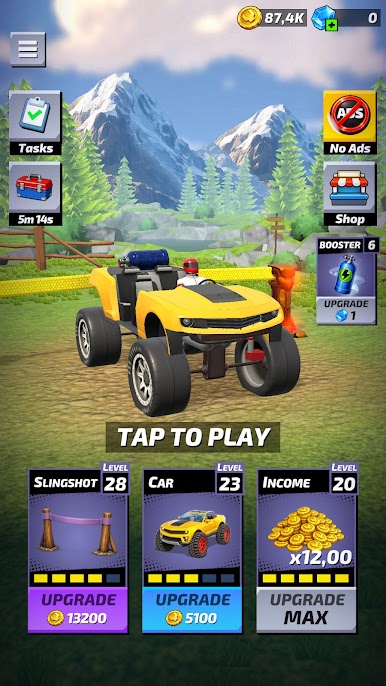
Build It Your Way: Swap frames, engines, wheels, and rocket boosters to shape how your ride accelerates, glides, lands, and survives hard hits. Every part choice changes the feel.
-
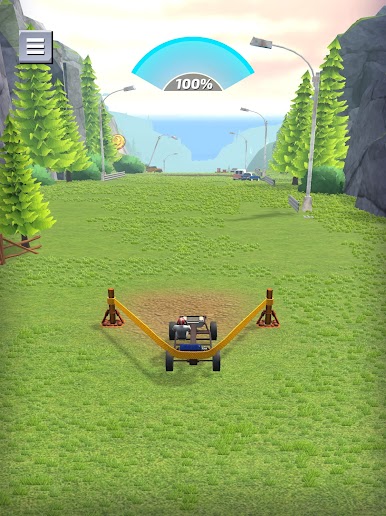
Aim, Launch, Repeat: Pull back the launcher, pick your angle, and let it rip. Nail the takeoff, then manage tilt and boost timing to keep your run alive.
-
Mid‑Air Control: Balance the car in flight, punch turbo at the perfect second, and sail over gaps and gnarly terrain like a pro.
-
Glorious Wrecks: Expect hilarious ragdoll chaos when you misjudge a landing. Parts fly, the driver tumbles, and somehow it’s still satisfying.
-
Meaningful Upgrades: Cash in after each attempt to improve the stats that matter—Top Speed, Boost Power, Aerodynamic Balance, Launch Force, and Fuel Capacity.
-
Not Your Usual Race: No rivals here. You’re racing gravity, weird obstacles, and your own best distance. Simple idea, tons of room for skill.
-
Quick Sessions: Runs are short, punchy, and perfect for breaks. Hop in, tweak a part, try a new angle, and chase a longer flight.
-
Easy Controls, Real Physics: Simple inputs make it approachable, while the physics give you plenty of depth to master.
-
Optional PC Play: Prefer a bigger view and crisp controls? You can play on PC with BlueStacks without changing the core pick-up-and-play feel.
Ready to top the leaderboard? We bet you do. Let precise controls and sharp visuals optimized on BlueStacks lead you to victory.
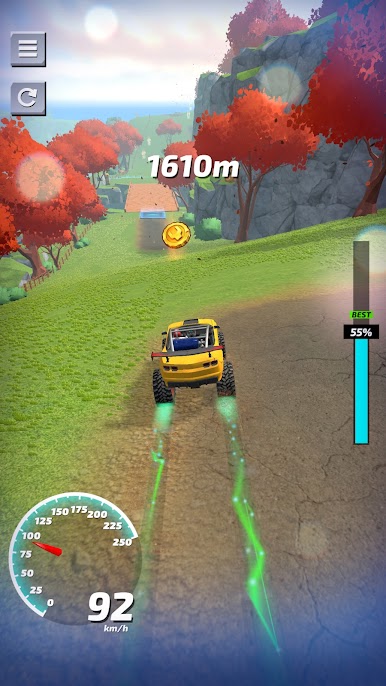
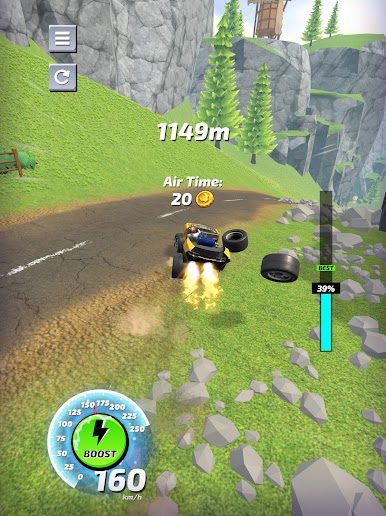
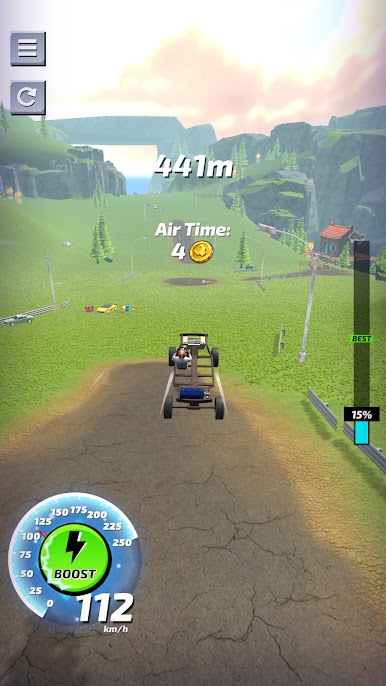
Play Boost Rider: Car Racing Games on PC. It’s easy to get started.
-
Download and install BlueStacks on your PC
-
Complete Google sign-in to access the Play Store, or do it later
-
Look for Boost Rider: Car Racing Games in the search bar at the top right corner
-
Click to install Boost Rider: Car Racing Games from the search results
-
Complete Google sign-in (if you skipped step 2) to install Boost Rider: Car Racing Games
-
Click the Boost Rider: Car Racing Games icon on the home screen to start playing

