

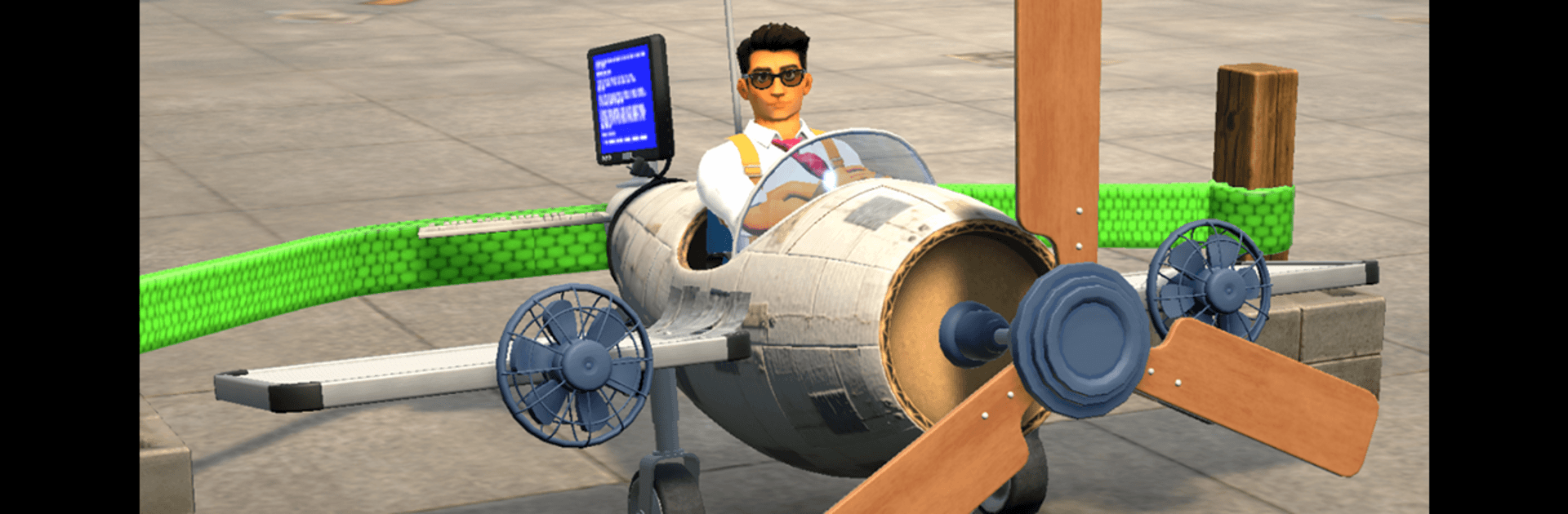
Plane Booster
Play on PC with BlueStacks – the Android Gaming Platform, trusted by 500M+ gamers.

Page Modified on: Aug 31, 2026
Play Plane Booster on PC or Mac
Step into the World of Plane Booster, a thrilling Racing game from the house of Kolka Games. Play this Android game on BlueStacks App Player and experience immersive gaming on PC or Mac.
About the Game
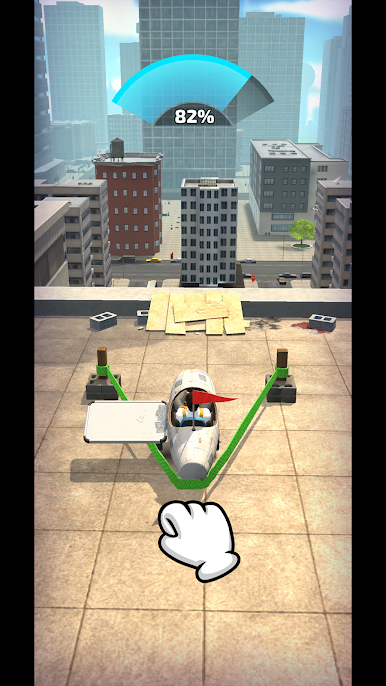
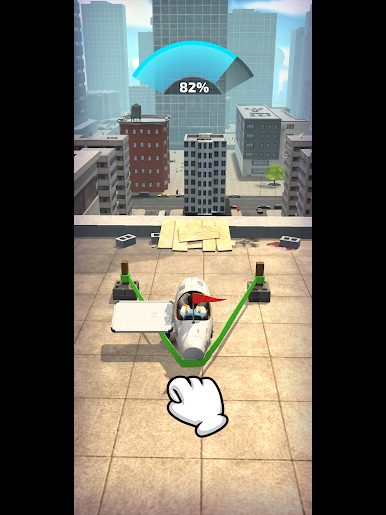
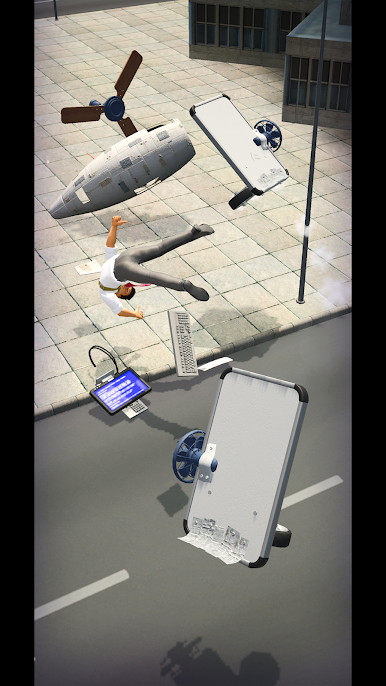
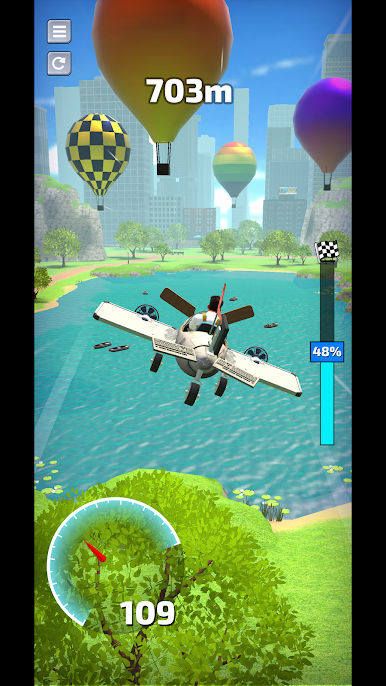
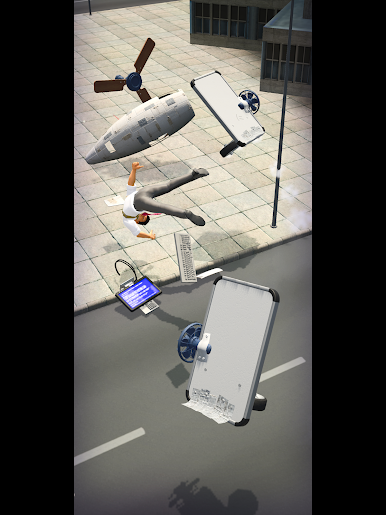
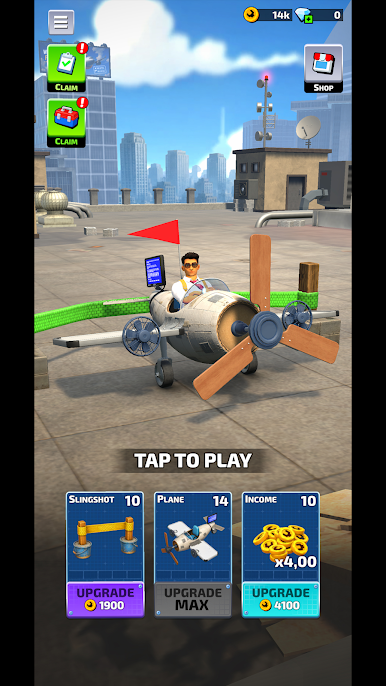
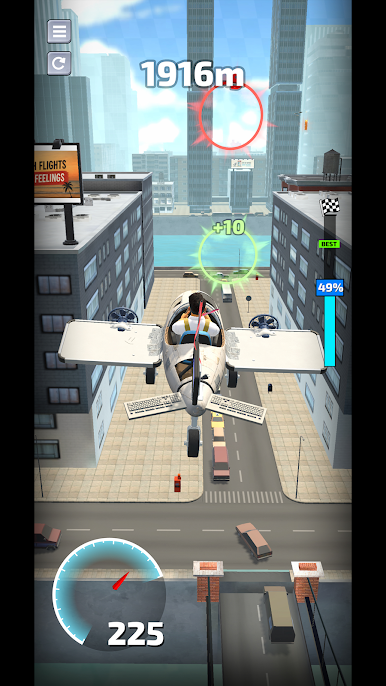
Plane Booster is all about launching a custom-built aircraft and pushing it farther with every single run. It’s a light, pick‑up‑and‑play take on Racing where distance is the finish line and smart flying makes all the difference. Tweak your angle, ride your momentum, and see how far that next upgrade can carry you. Prefer a bigger view and steady controls? It runs nicely on BlueStacks, too.
Game Features
- Precision Launch: Line up the perfect angle and timing to get a clean takeoff and set yourself up for a long, smooth flight.
- Skillful Steering: Nudge your plane midair, manage speed, and keep your trajectory efficient to squeeze out extra yards.
- Build Your Dream Plane: Spend coins on new parts and meaningful upgrades—stronger boosters, better wings, and other tweaks that change how your craft handles.
- Progress That Feels Good: Every attempt earns rewards you can reinvest, so each new run goes a bit farther than the last.
- Chase Your Records: Beat your personal bests, experiment with different setups, and find the combo that keeps you soaring.
- Easy to Learn, Fun to Master: Simple controls make it welcoming, but there’s plenty of depth in timing, momentum, and upgrade choices.
- Quick Runs or Deep Tinkering: Squeeze in a fast launch when you’ve got a minute, or settle in to optimize parts and fine‑tune your strategy.
BlueStacks gives you more room to focus on the game and less time adjusting around mobile limitations.
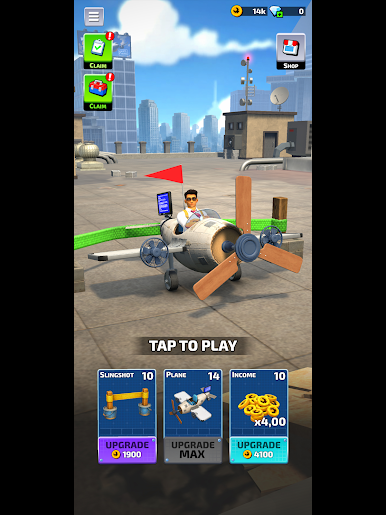
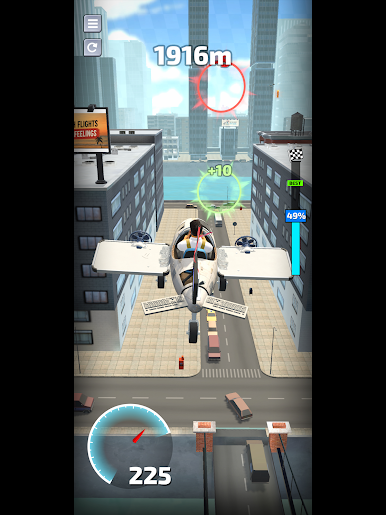
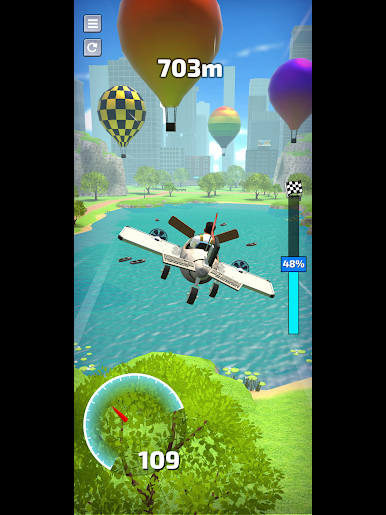
Play Plane Booster on PC. It’s easy to get started.
-
Download and install BlueStacks on your PC
-
Complete Google sign-in to access the Play Store, or do it later
-
Look for Plane Booster in the search bar at the top right corner
-
Click to install Plane Booster from the search results
-
Complete Google sign-in (if you skipped step 2) to install Plane Booster
-
Click the Plane Booster icon on the home screen to start playing

