


Loklok:Online Movies&Dramas
Play on PC with BlueStacks – the Android Gaming Platform, trusted by 500M+ gamers.

Page Modified on: Sep 18, 2026
Main Loklok:Online Movies&Dramas on PC
Key Features
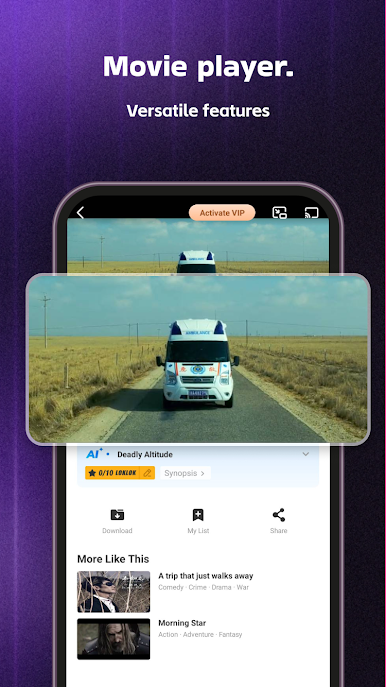
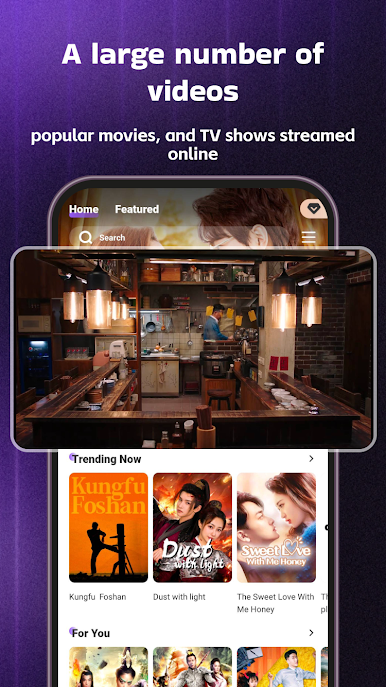
Online Streaming: Watch videos instantly with stable and smooth playback.
Offline Download & Playback: Save videos and enjoy them offline anytime.
Comments & Interaction: Share your thoughts and read comments from other users.
Ratings & Reviews: Rate videos to help others discover quality content.
Playback History: Easily continue watching from where you left off.
Designed for Easy Viewing
Loklok:Online Movies&Dramas offers a clean and intuitive interface that makes it simple to browse, watch, and manage your video content. Whether you are online or offline, the app provides a seamless viewing experience.
Download Loklok:Online Movies&Dramas and enjoy a smarter way to watch and interact with video content.

Play Loklok:Online Movies&Dramas on PC. It’s easy to get started.
-
Download and install BlueStacks on your PC
-
Complete Google sign-in to access the Play Store, or do it later
-
Look for Loklok:Online Movies&Dramas in the search bar at the top right corner
-
Click to install Loklok:Online Movies&Dramas from the search results
-
Complete Google sign-in (if you skipped step 2) to install Loklok:Online Movies&Dramas
-
Click the Loklok:Online Movies&Dramas icon on the home screen to start playing

