


Полиглот 16 Английский язык
Play on PC with BlueStacks – the Android Gaming Platform, trusted by 500M+ gamers.

Page Modified on: Aug 18, 2024
Play Полиглот 16 Английский язык on PC
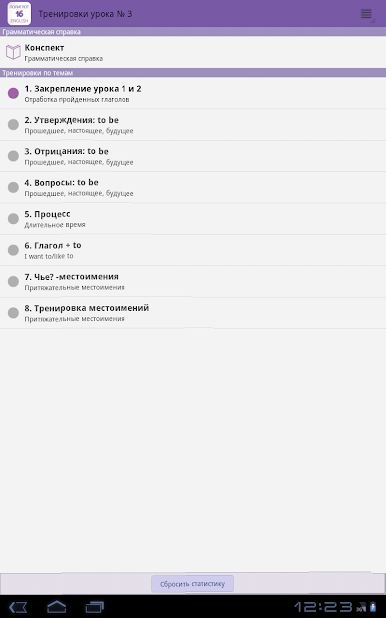
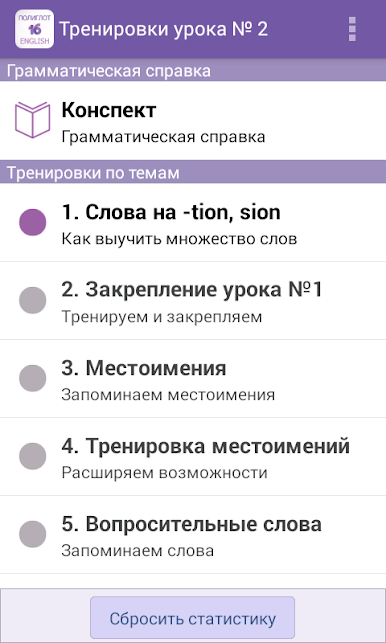
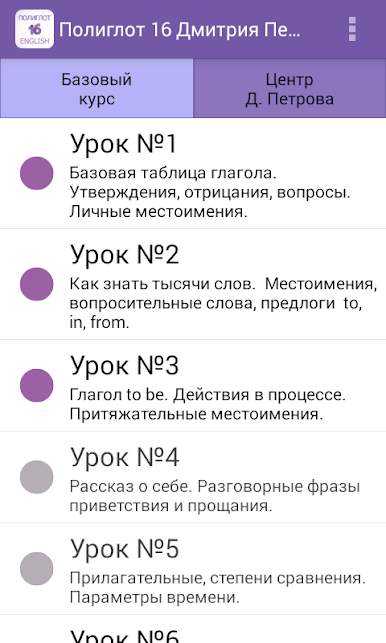
The application of more than 70 thematic trainings.
Effective method with grammatical explanations are given 100% result.
This application will be very useful to all those who watched the popular reality show "Polyglot. Learn English in 16 hours!"
Possible applications:
► Sound responses
► responses Statistics
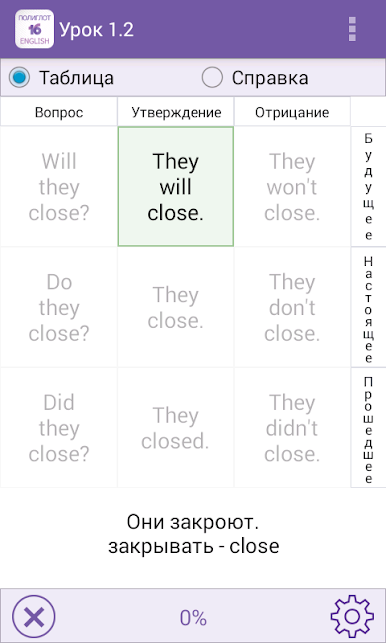
► Supporting table
► vocabulary training
► A clear visual cue
► mode memorizing words and phrases
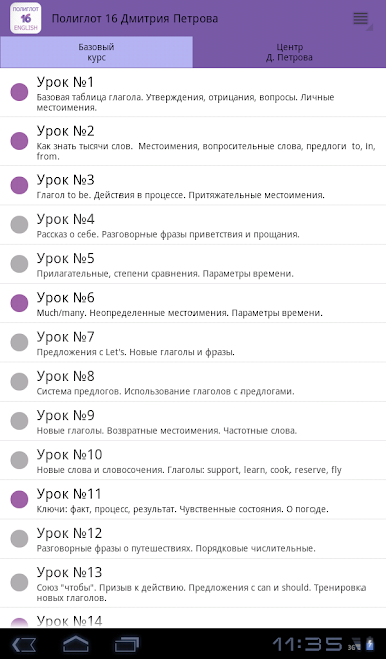
► Full synopsis 16 Lessons telecast
► Built-in grammar description for each training session, to each proposal
TOPICS GRAMMAR
► Personal, possessive, reflexive, indefinite pronouns.
► main verb circuit.
► Time: simple, continuous, perfect.
► The verbs: all forms.
► verb to be.
► Passive Voice.
► prepositions
► Adjectives: degrees of comparison
► Time Settings
► Incentive and imperative sentences
► Conditional sentences, the union "to"
► Modal verbs: can, should
► Ordinal numbers
Conversation topics
► About what I do
► Etiquette: greetings, goodbyes
► Sensual state
► The weather
► and many others
MODES
"Memorizing words and phrases"
"Preparation of proposals"
"Free Standing training"
Some tips:
► training takes place sequentially.
► To use the hints "Quick Reference" - on the left at the bottom of the question mark.
► To cancel the selected word - Touch offers.
► To change the proposal - whisk on line suggestions from right to left.
If problems with the voice acting:
- may appear a message «Language not support»
You must install the speech engine "Settings, Language and Keyboard-Speech synthesis-Settings- Install voice data"
============ ========= How to change pronunciation
Google Android has recently updated the built-in speech synthesizer.
If you do not like the voice, change it to another, as follows:
Settings (android) - Spec. Features - Speech synthesis - the default system - select Pico TTS (or other)
FEEDBACK
Any suggestions please send mail: poliglot_tv@enapp.ru
If you encountered an error - send as e: poliglot_tv@enapp.ru, will be grateful.


Play Полиглот 16 Английский язык on PC. It’s easy to get started.
-
Download and install BlueStacks on your PC
-
Complete Google sign-in to access the Play Store, or do it later
-
Look for Полиглот 16 Английский язык in the search bar at the top right corner
-
Click to install Полиглот 16 Английский язык from the search results
-
Complete Google sign-in (if you skipped step 2) to install Полиглот 16 Английский язык
-
Click the Полиглот 16 Английский язык icon on the home screen to start playing

