


Ice Crush 2020 -Jewels Puzzle
Play on PC with BlueStacks – the Android Gaming Platform, trusted by 500M+ gamers.

Page Modified on: Sep 12, 2022
Play Ice Crush 2020 - A new Puzzle Matching Adventure on PC or Mac
Explore a whole new adventure with Ice Crush 2020 – A new Puzzle Matching Adventure, a Puzzle game created by Kudo Games. Experience great gameplay with BlueStacks, the most popular gaming platform to play Android games on your PC or Mac.
About the Game
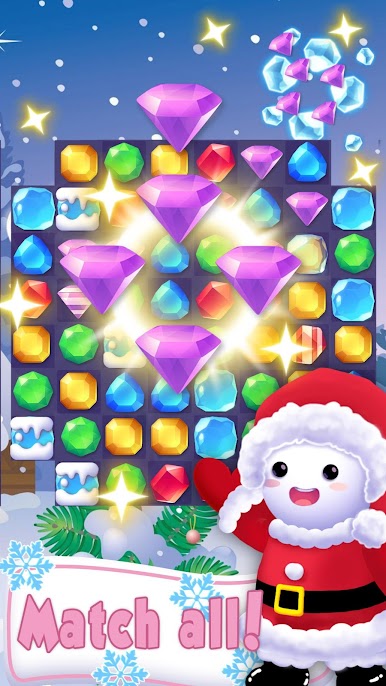
Ice Crush 2020 – A new Puzzle Matching Adventure is a cozy, colorful Puzzle title from Kudo Games that turns match-3 play into a chilly little obsession. Expect hundreds of levels, playful snowman characters, and short bursts of satisfying combos — perfect when you’ve got a few minutes to spare or want to challenge friends. It’s simple to pick up, but some stages can really make you think.
Game Features
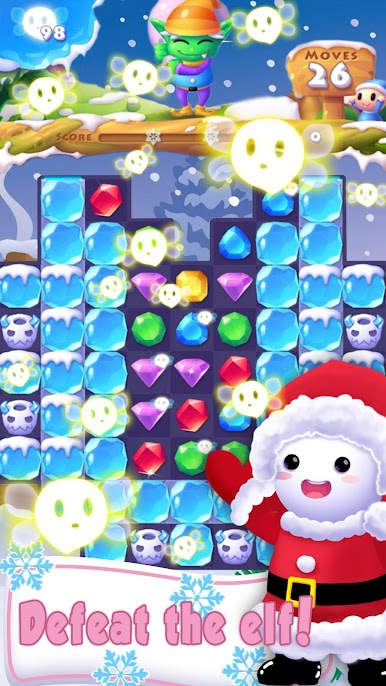
- Levels and variety: Over a thousand hand-crafted stages with different goals keep the challenges fresh; you won’t feel like you’re repeating the same board again and again.
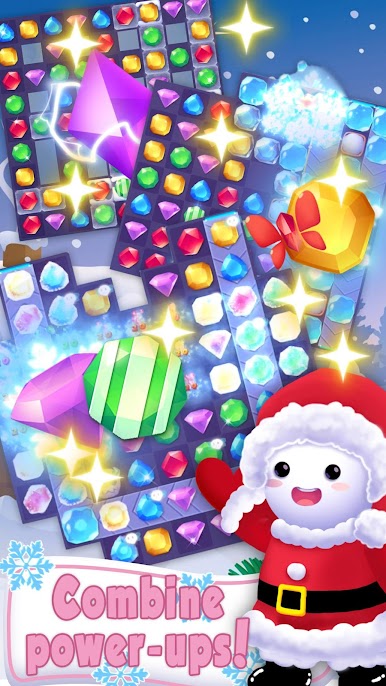
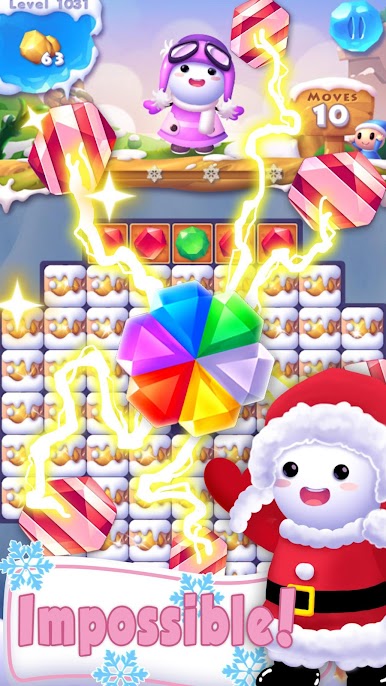
- Rewards and boosts: Daily bonuses, a lucky spin, and useful power-ups help nudge you past those stubborn levels when luck’s not on your side.
- Characters and charm: A cast of snowmen and snowgirls adds personality to each world — they’re cute, expressive, and kind of hard not to root for.
- Visuals and effects: Bright, polished artwork and satisfying combo animations make matches feel impactful; special boosters create some seriously flashy results.
- Weekly events: Time-limited challenges — like collecting themed items or chasing leaderboard spots — give you goals beyond the usual levels.
- Social play and sync: Link your progress to Facebook, swap scores with friends, and see who can top the leaderboards.
- Play anywhere: Built for quick sessions on mobile, it also runs nicely on a desktop when using BlueStacks for a larger view and smoother controls.
Ready to top the leaderboard? We bet you do. Let precise controls and sharp visuals optimized on BlueStacks lead you to victory.



Play Ice Crush 2020 -Jewels Puzzle on PC. It’s easy to get started.
-
Download and install BlueStacks on your PC
-
Complete Google sign-in to access the Play Store, or do it later
-
Look for Ice Crush 2020 -Jewels Puzzle in the search bar at the top right corner
-
Click to install Ice Crush 2020 -Jewels Puzzle from the search results
-
Complete Google sign-in (if you skipped step 2) to install Ice Crush 2020 -Jewels Puzzle
-
Click the Ice Crush 2020 -Jewels Puzzle icon on the home screen to start playing

