


Kugou Music
Play on PC with BlueStacks – the Android Gaming Platform, trusted by 500M+ gamers.

Page Modified on: Dec 22, 2022
Overview
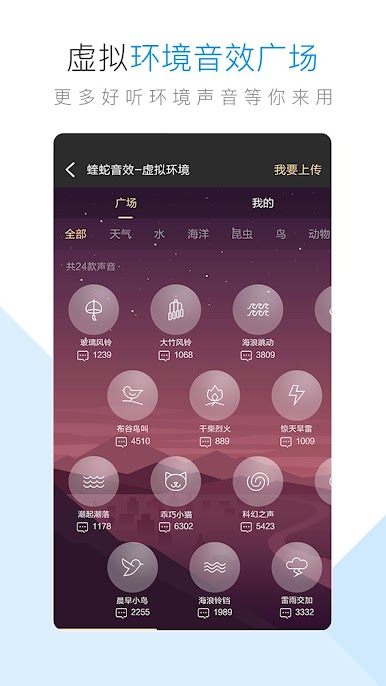
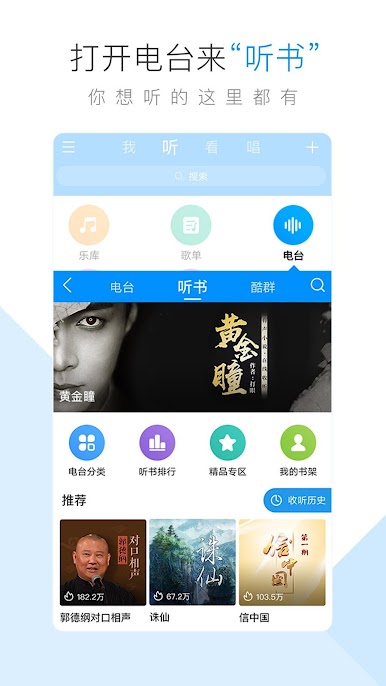
Kugou music(Android Version)is one of the most popular music players with strong function of music search and download. Kugou has the most complete music library in the world, the most professional audio decoding core technology, and the perfect realization of high-fidelity playback of various audio formats.
Features:
1 Casual listening, music recommendation, changable channels
2 Mass music library, cloud music player
3 New software interface, more perfect operation experience
4 powerful music search engine, global songs downloads
5 popular singers automatic image matching, a feast to the eyes
6 meticulously create dozens of Trend Charts to let you enjoy a music feast
7 We Independently research and develop precision KRC lyrics, and you can Karaoke anywhere and anytime.



Play Kugou Music on PC. It’s easy to get started.
-
Download and install BlueStacks on your PC
-
Complete Google sign-in to access the Play Store, or do it later
-
Look for Kugou Music in the search bar at the top right corner
-
Click to install Kugou Music from the search results
-
Complete Google sign-in (if you skipped step 2) to install Kugou Music
-
Click the Kugou Music icon on the home screen to start playing

