


PiP camera collage maker
Play on PC with BlueStacks – the Android Gaming Platform, trusted by 500M+ gamers.

Page Modified on: Jun 28, 2024
Run PiP camera. Picture in picture collage maker on PC or Mac
Get freedom from your phone’s obvious limitations. Use PiP camera. Picture in picture collage maker, made by KVADGroup App Studio, a Photography app on your PC or Mac with BlueStacks, and level up your experience.
About the App
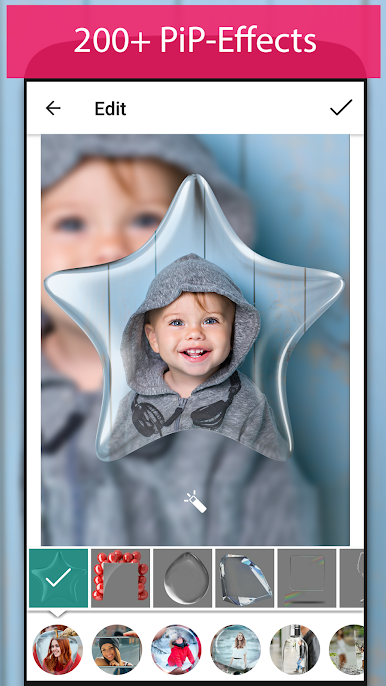
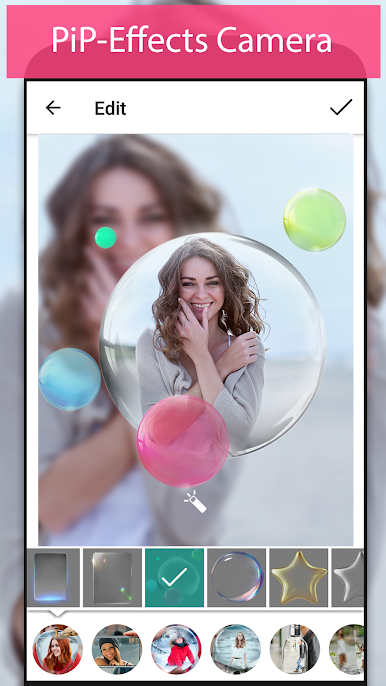
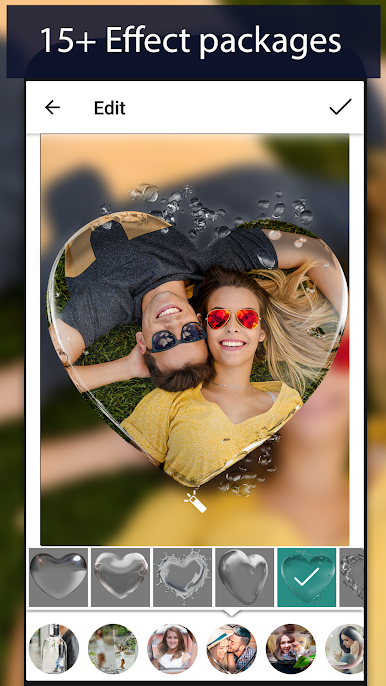
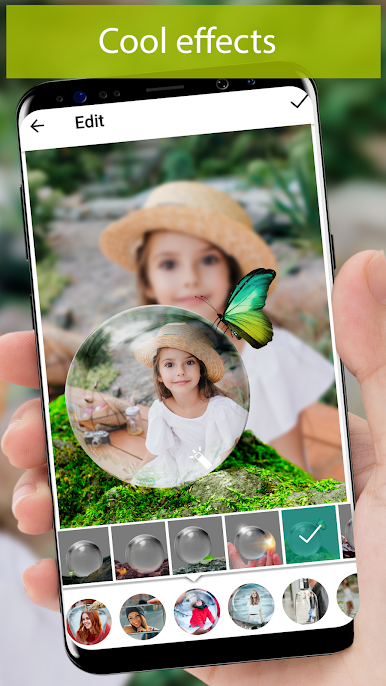
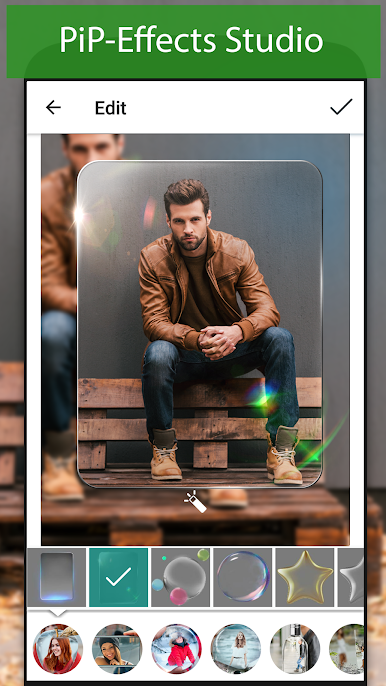
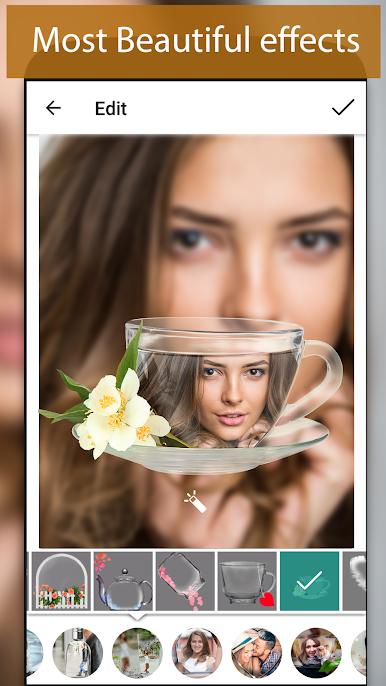
Looking for a creative twist on your selfies and favorite photos? PiP camera. Picture in picture collage maker by KVADGroup App Studio makes it a breeze to layer your images with fun frames and eye-catching effects. Whether you want your picture inside a wine glass, on a classic clock, or peeking out from a car mirror, this app keeps things playful and easy. No complicated editing here—just add some personality and let your photos stand out.
App Features
-
Loads of Fun Frames
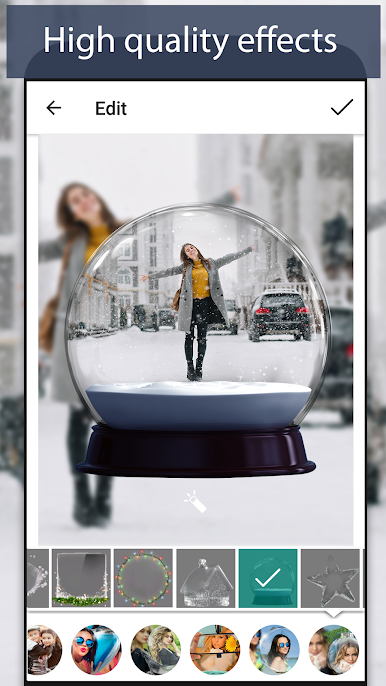
Pick from a bunch of picture-in-picture designs—want your selfie inside a heart-shaped bubble, a fancy glass, or a snowflake? Go for it. The app has tons of unique frames, so you’ll always find something new to try. -
Simple, Hands-On Editing
Pinch, zoom, and rotate your images right on the screen. Adjust the blur to get just the right effect. You can bring in photos from your gallery or snap new ones on the fly. -
Seasonal & Special Themes
Switch things up with seasonal frames like Christmas, summer, or even billboard and car mirror effects. There’s a fresh look for every mood and every moment. -
Device-Style PiP Effects
Frame your pics like they’re on a tablet, smart device, or even a retro clock for that techy vibe. -
Easy Social Sharing
Show off your creations on Instagram, Twitter, or Facebook in just a few taps. Let friends see your new style without any hassle. -
Seamless Connection to the KVADGroup Family
Want to take things further? You can easily polish or fine-tune your images in other KVADGroup apps for those extra finishing touches.
If you’re into creating collages with a playful edge or giving your photos a little extra flair, PiP camera. Picture in picture collage maker has you covered. Try it out on a bigger screen using BlueStacks and really see your edits pop.
Switch to BlueStacks and make the most of your apps on your PC or Mac.


Play PiP camera collage maker on PC. It’s easy to get started.
-
Download and install BlueStacks on your PC
-
Complete Google sign-in to access the Play Store, or do it later
-
Look for PiP camera collage maker in the search bar at the top right corner
-
Click to install PiP camera collage maker from the search results
-
Complete Google sign-in (if you skipped step 2) to install PiP camera collage maker
-
Click the PiP camera collage maker icon on the home screen to start playing

