

Coding C++
Play on PC with BlueStacks – the Android Gaming Platform, trusted by 500M+ gamers.

Page Modified on: Oct 13, 2025
Run Coding C++ - The offline C++ language compiler on PC or Mac
What’s better than using Coding C++ – The offline C++ language compiler by Kvass Yu? Well, try it on a big screen, on your PC or Mac, with BlueStacks to see the difference.
About the App
Curious about programming in C++ but don’t want to fuss with complicated setups? Coding C++ – The offline C++ language compiler from Kvass Yu is designed to be straightforward and easy to use, whether you’re just starting out or you’ve been coding for a while. It’s a handy pocket tool that lets you write, test, and save C++ code without the hassle. You can use it anywhere—no internet required. Everything’s ready to go, right from the start.
App Features
-
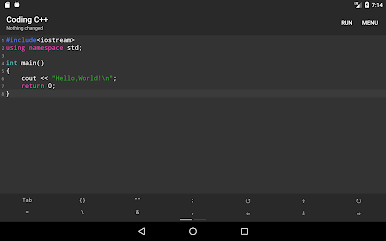
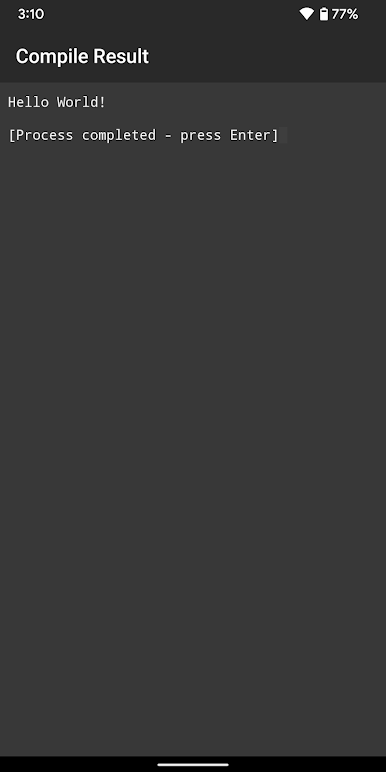
Quick Compile & Run
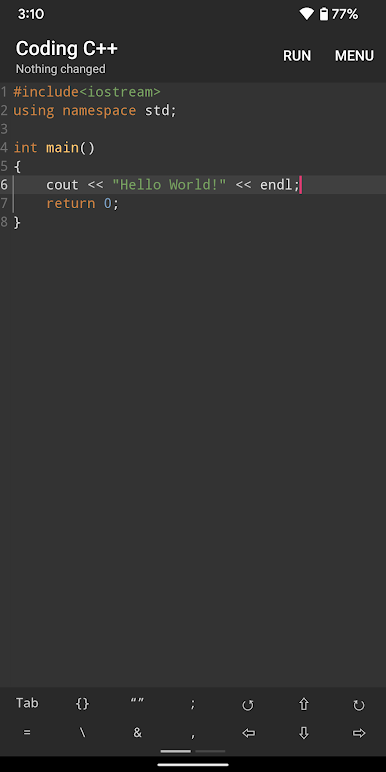
You can whip up your C++ code, hit run, and see the results instantly. No waiting around or complicated steps. -
Auto Save
Ever forget to save your work? No worries—the app automatically keeps your progress safe, so you can pick up right where you left off. -
Easy Syntax Highlighting
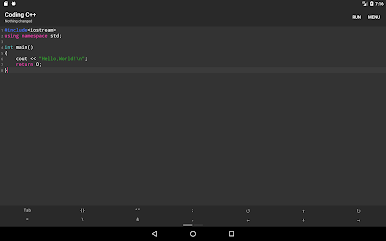
Spotting keywords and code bits is much easier when they’re color-coded—makes your project easier to scan and read. -
Simple File Management
Open old projects or save new ones with just a tap. Your files stay organized and easy to reach for the next coding session. -
Smart Code Suggestions
Not sure how to finish that line? The smart code hint pops up options to help you code faster and with fewer mistakes. -
One-Tap Code Formatting
Messy code? Just tap to automatically tidy things up—making your code neater and more readable. -
Handy Character Panel
Special C++ symbols are only a tap away; no need to dig through your keyboard. -
Supports Any Input Method
Whether you’re using a standard keyboard or something custom, the app plays nicely with every input method you prefer.
Trying it out on BlueStacks? You’ll find it even easier to manage your code and files when you’ve got a bit more screen space.
Ready to experience Coding C++ – The offline C++ language compiler on a bigger screen, in all its glory? Download BlueStacks now.
Play Coding C++ on PC. It’s easy to get started.
-
Download and install BlueStacks on your PC
-
Complete Google sign-in to access the Play Store, or do it later
-
Look for Coding C++ in the search bar at the top right corner
-
Click to install Coding C++ from the search results
-
Complete Google sign-in (if you skipped step 2) to install Coding C++
-
Click the Coding C++ icon on the home screen to start playing

