


HH98 Game Ace
Play on PC with BlueStacks – the Android Gaming Platform, trusted by 500M+ gamers.

Page Modified on: Jul 28, 2026
Play HH98 Game Ace on PC or Mac
HH98 Game Ace brings the Casual genre to life, and throws up exciting challenges for gamers. Developed by Xiang Ze, this Android game is best experienced on BlueStacks, the World’s #1 app player for PC and Mac users.
About the Game
HH98 Game Ace turns quick-thinking matching into a brisk, ruin-themed puzzle rush. You’ll swipe through clusters of colorful mushrooms to clear the board and keep a tight countdown from hitting zero. It’s a snappy Casual experience that rewards focus, rhythm, and a steady hand. Prefer a larger display? It also plays nicely on BlueStacks.
Game Features
- Quick-link matching: Trace a path through three or more of the same mushroom to clear them in one smooth swipe. Simple idea, satisfying payoff.
- Bold, readable pieces: From ruby-speckled reds to cool blue crystals, minty greens, and sunny yellows, each variety stands out so you can spot routes fast.
- Three-second pressure: A short countdown keeps every move meaningful. Think fast, act faster, and keep the chain of clears going.
- Miss and it’s over: Fail to make a valid match before the timer runs out and that run’s done—ideal for quick “one more try” sessions.
- Short, replayable runs: Designed for pick-up-and-play moments. Jump in for a minute, chase a score, pause when life calls, and resume without fuss.
- Local high-score tracking: Your best numbers are saved on your device, encouraging tighter paths and smarter risk-taking with every attempt.
- Smooth touch controls: Clean swipes, responsive feel, no clutter. You’ll grasp the flow in seconds and keep refining it for hours.
- Ancient-ruins vibe: A crisp, atmospheric backdrop frames the action without getting in the way, giving each clear a sense of progress through the depths.
Get ready for a buttery smooth, high-performance gaming action only on BlueStacks.
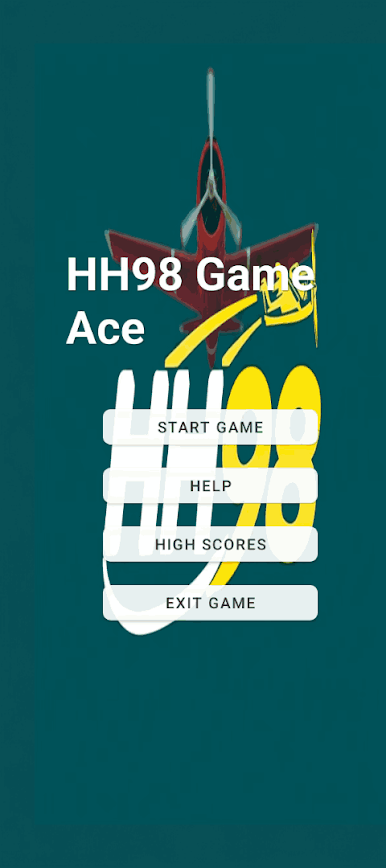


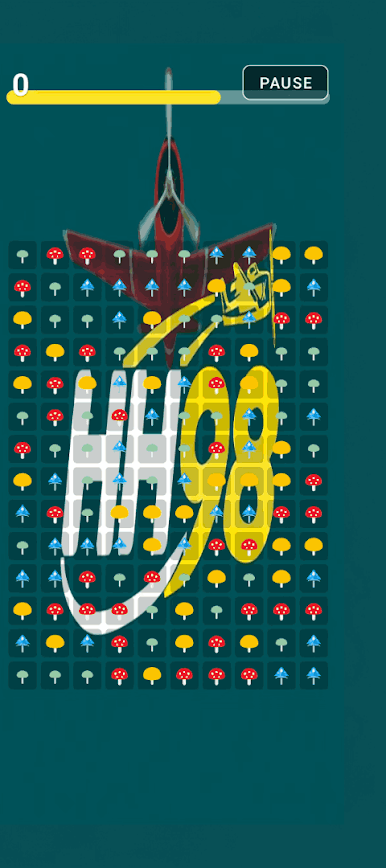
Play HH98 Game Ace on PC. It’s easy to get started.
-
Download and install BlueStacks on your PC
-
Complete Google sign-in to access the Play Store, or do it later
-
Look for HH98 Game Ace in the search bar at the top right corner
-
Click to install HH98 Game Ace from the search results
-
Complete Google sign-in (if you skipped step 2) to install HH98 Game Ace
-
Click the HH98 Game Ace icon on the home screen to start playing

