


Landmass: Draw & Conquer
Play on PC with BlueStacks – the Android Gaming Platform, trusted by 500M+ gamers.

Page Modified on: Jul 25, 2026
Overview
Gameplay Overview:
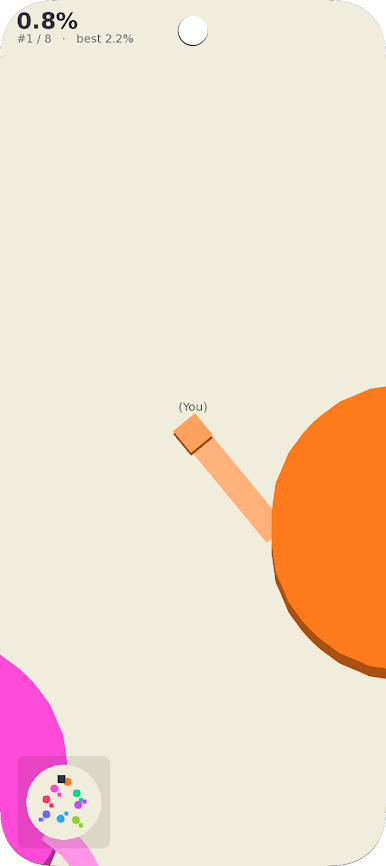
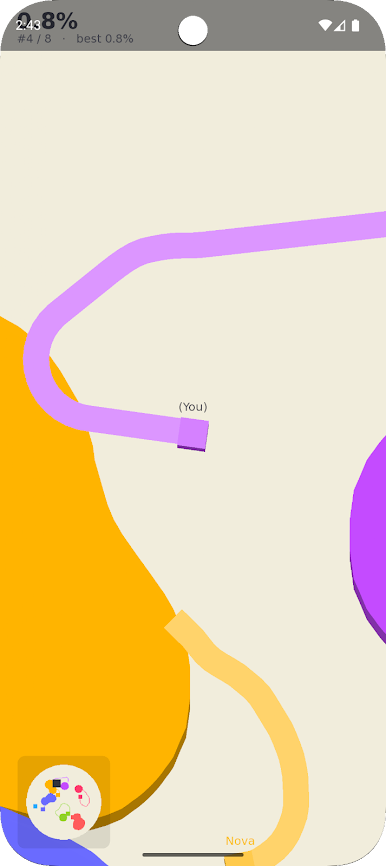
Players control a moving square that leaves a trail. Leave your colored home base, draw a continuous line to enclose an area, and return safely to your base to capture that territory.
Key Mechanics & Features:
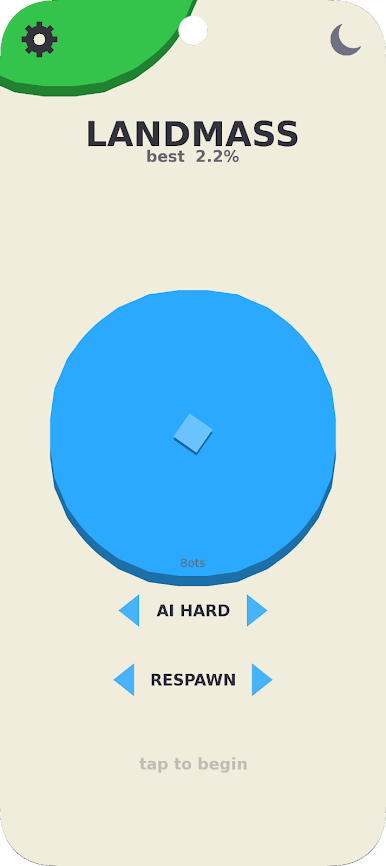
• Selectable Bot Difficulty: Customize your challenge level with adjustable settings, including an "AI Hard" mode, directly from the main menu.
• Area Enclosure: Navigate the grid using touch controls to loop paths and secure unclaimed or opponent zones.
• Collision Rules & Kills: While drawing outside your zone, your trail is vulnerable. Cross the active lines of computer-controlled players to eliminate them and increase your kill count.
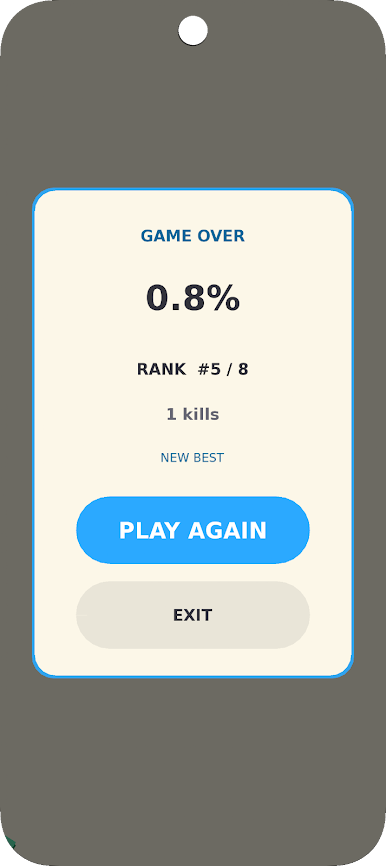
• Score Tracking: A live percentage counter, a comprehensive game-over screen showing total kills and final rank out of 8 players, and a personal best tracker keep tabs on your progress.
• Offline Capability: Entirely playable without requiring an active internet connection.
Manage risks, defend your trail, and attempt to capture the largest territory on the board.
Play Landmass: Draw & Conquer on PC. It’s easy to get started.
-
Download and install BlueStacks on your PC
-
Complete Google sign-in to access the Play Store, or do it later
-
Look for Landmass: Draw & Conquer in the search bar at the top right corner
-
Click to install Landmass: Draw & Conquer from the search results
-
Complete Google sign-in (if you skipped step 2) to install Landmass: Draw & Conquer
-
Click the Landmass: Draw & Conquer icon on the home screen to start playing

