


Battle Pass Assistant for Battle Royale
Play on PC with BlueStacks – the Android Gaming Platform, trusted by 500M+ gamers.

Page Modified on: May 20, 2019
Overview
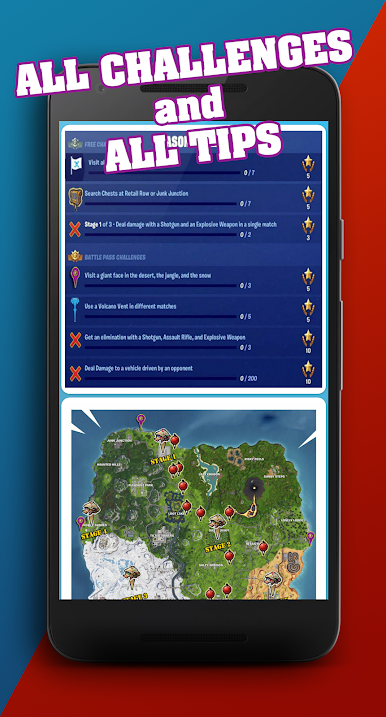
See the tips for completing the challenges of the Battle Pass from the popular game mode Battle Royale.
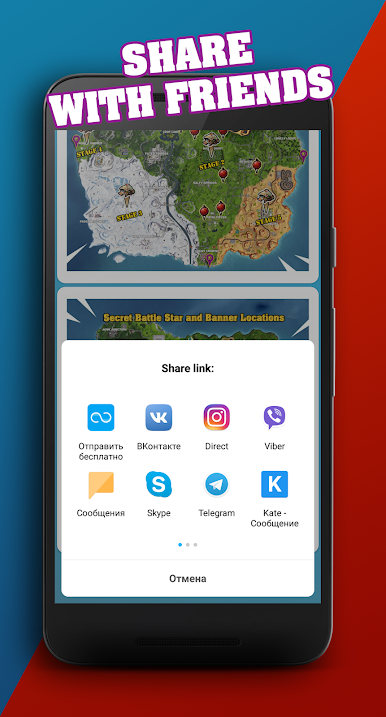
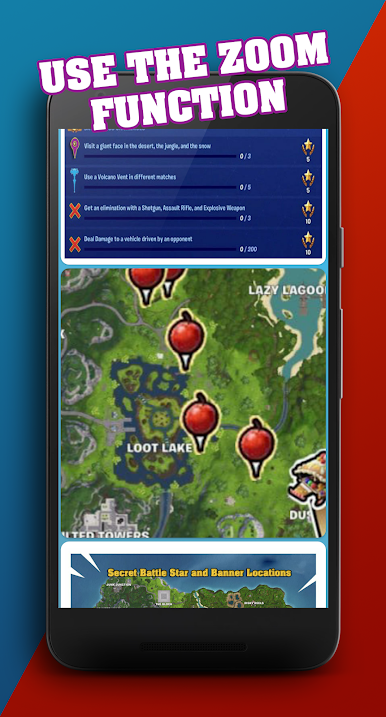
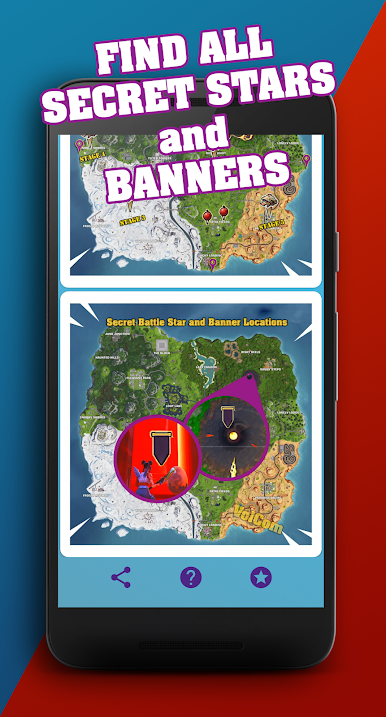
Our app will help you complete challenges by using the tips on the map. In addition, you will find the location of the secret stars and banners on the map.
Features of the app:
- Tips for Season 8 Battle Pass.
- Image zoom function.
- Weekly challenges updates.
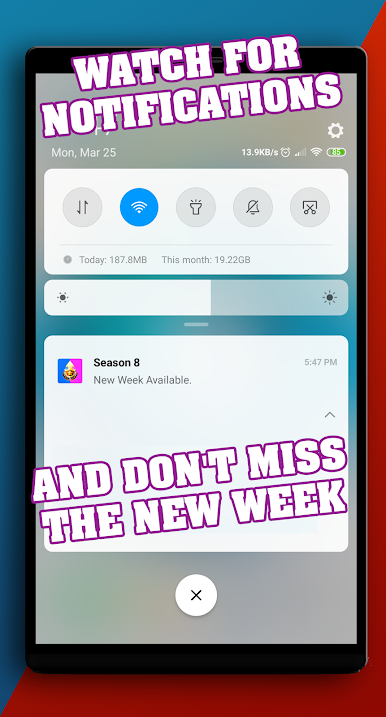
- Notifications about the release of a new week.
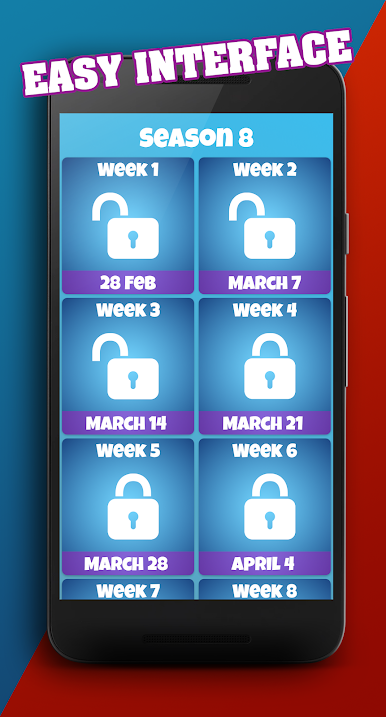
- Easy interface.
- Share the app with friends.
What are the challenges of the Battle Pass?
They are released once per week for all the season in the game mode Battle Royale. The season consists of 10 weeks, each of which has its own challenges. Challenges are divided into ”donated“ and ”free“, to access the ”donated" challenges you have to purchase Battle Pass for 950 V-buks in the game. The rewards for completing Battle Pass challenges are unique skins, dances, wrappers, emotions, stickers and more that you can get in the game.
There is also a hidden mission Battle Pass, where you have to find a Secret Star or a Banner. This challenge becomes available after the finishing of all challenges published weeks. For its completing, you will get one level of Battle Pass, which will help you get Hundredth level in the game faster.
Play Battle Pass Assistant for Battle Royale on PC. It’s easy to get started.
-
Download and install BlueStacks on your PC
-
Complete Google sign-in to access the Play Store, or do it later
-
Look for Battle Pass Assistant for Battle Royale in the search bar at the top right corner
-
Click to install Battle Pass Assistant for Battle Royale from the search results
-
Complete Google sign-in (if you skipped step 2) to install Battle Pass Assistant for Battle Royale
-
Click the Battle Pass Assistant for Battle Royale icon on the home screen to start playing

