


Colorful OS Launcher: Themes
Play on PC with BlueStacks – the Android Gaming Platform, trusted by 500M+ gamers.

Page Modified on: Feb 5, 2026
Play Colorful OS Launcher: Themes on PC
🟣 Personalize Your Style
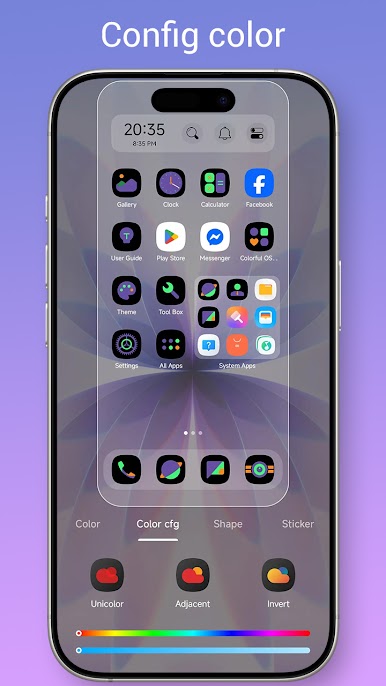
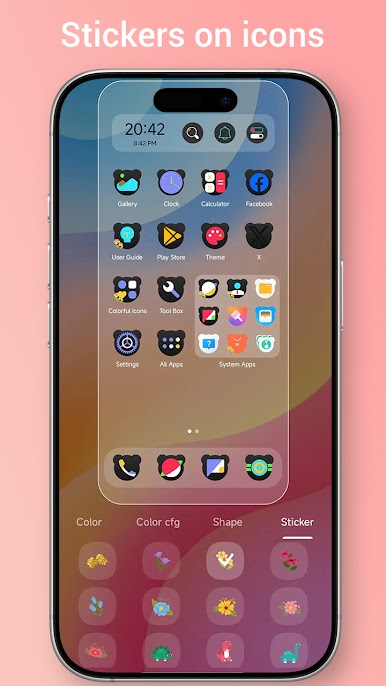
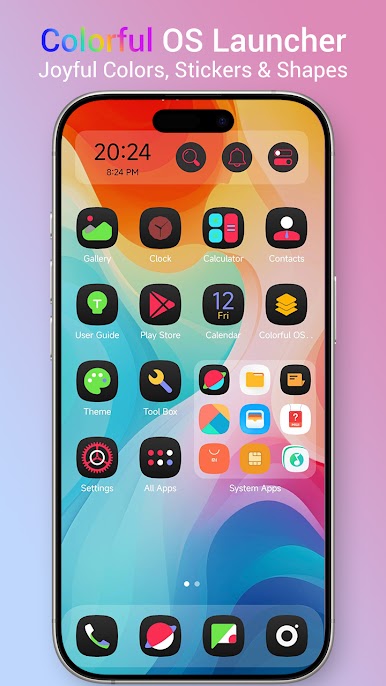
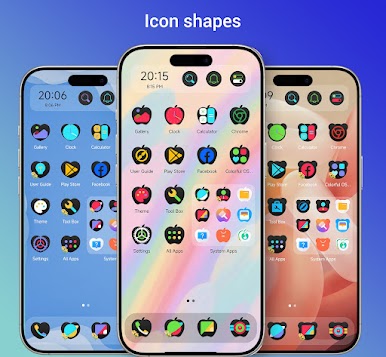
Why settle for a standard look? With our unique Color Icon engine, icons shape and icons sticker, your phone will feel brand new, fast, and incredibly stylish.
• Dynamic Icon Changer🎨: Customize icon colors and shapes to match your vibe.
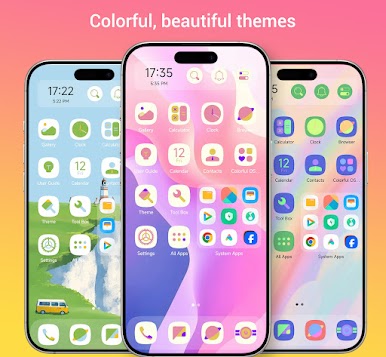
• 500+ Themes & Wallpapers🌈: Access a massive library of high-quality aesthetic designs.
• Icon Pack Support🎭: Compatible with almost all icon packs found in the Play Store.
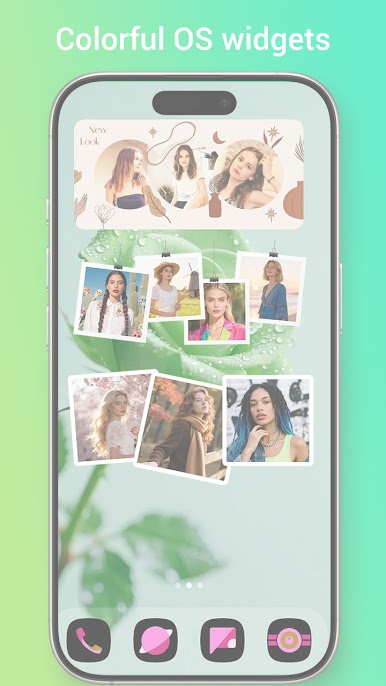
• Photo Frame Widgets🖼️: Display your favorite memories right on your home screen.
• Custom Fonts🔡: Change system fonts to match your personal aesthetic.
⚡ Smart & Efficient UI
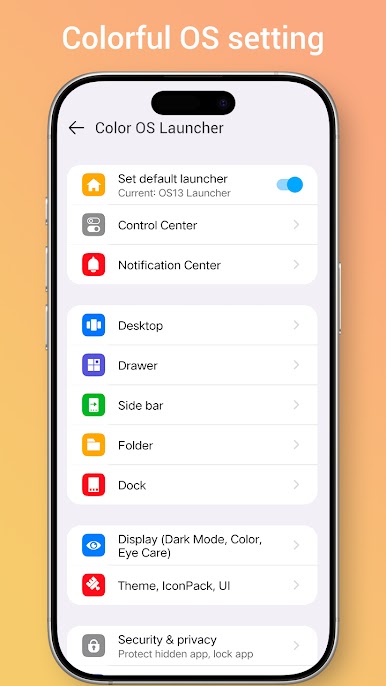
• Control Center🛠️: Quick access to toggles with a simple swipe up from the dock.
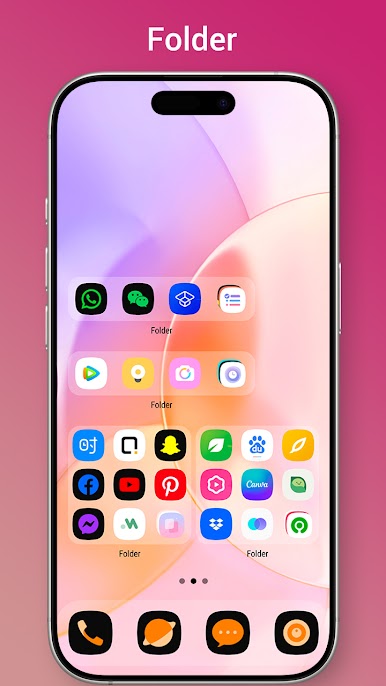
• Big Folders📂: Open your favorite apps instantly without even expanding the folder.
• App Library & App Drawer📚: Switch between OS-style app stacks or classic Android drawers.
• T9 Search🔍: Find apps and contacts in a split second with quick search integration.
• Batch Editing🖱️: Select multiple icons to create folders or move them in bulk.
🧹 Auto-Organize & Clean
• Smart App Classifier📁: Automatically sort apps into categories like Games, Social, and Tools.
• Rare Use Folder♻️: Automatically identifies apps not used in 15 days to declutter your screen.
• Storage Manager📦: Keep your device running lean with built-in memory and storage info.
• Hide & Lock🛡️: Protect your privacy by hiding sensitive apps or using the App Lock feature.
🛠️ Advanced Utility
• Triple Color Mode🌙: Choose between Light, Dark, or Auto-Adaptation based on the time of day.
• Handy Gestures🖐️: Fully customizable swipe and icon gestures for faster navigation.
• Unread Notifiers🔴: Never miss a message with the classic red-dot notification badges.
• Layout Lock🔒: Prevent kids or accidental touches from messing up your icon arrangement.
• Eye Protector👁️: Built-in blue light filtering for comfortable late-night browsing.
Please Note:
Android™ is a registered trademark of Google, Inc.
Colorful OS Launcher is inspired by OS aesthetics but is an independent product; it has no official relation with ColorOS and iOS
★★★★★ If you love the new look of your phone, please support us with a 5-star rating! We are constantly updating based on your feedback.
Play Colorful OS Launcher: Themes on PC. It’s easy to get started.
-
Download and install BlueStacks on your PC
-
Complete Google sign-in to access the Play Store, or do it later
-
Look for Colorful OS Launcher: Themes in the search bar at the top right corner
-
Click to install Colorful OS Launcher: Themes from the search results
-
Complete Google sign-in (if you skipped step 2) to install Colorful OS Launcher: Themes
-
Click the Colorful OS Launcher: Themes icon on the home screen to start playing

