


Penalty Kicks Launcher
Play on PC with BlueStacks – the Android Gaming Platform, trusted by 500M+ gamers.

Page Modified on: Nov 2, 2026
Play Penalty Kicks Launcher on PC
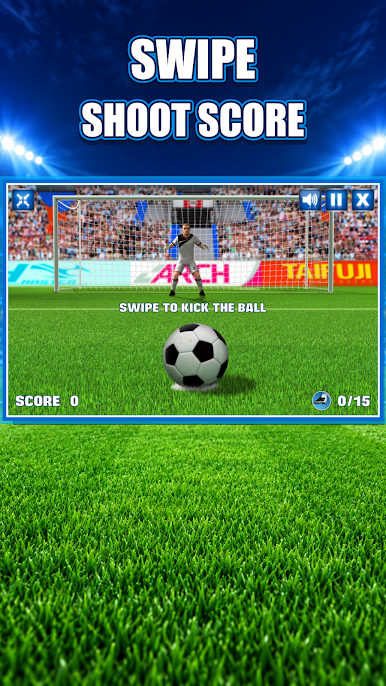
Penalty Kicks Launcher is a simple, satisfying soccer game: swipe to shoot, pick your corner and fire the ball past the keeper. Easy to learn and hard to put down, it's ideal for quick breaks or a long session chasing your best score.
HOW TO PLAY
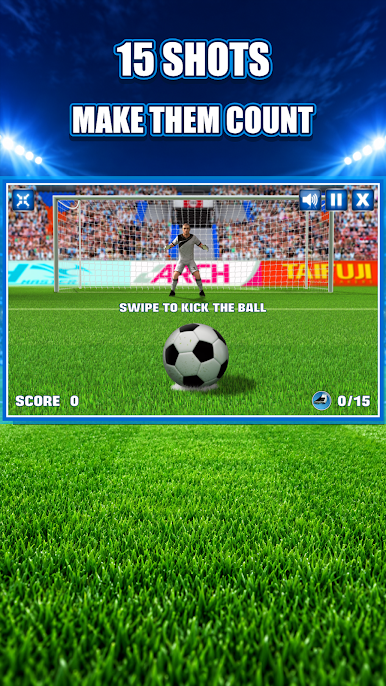
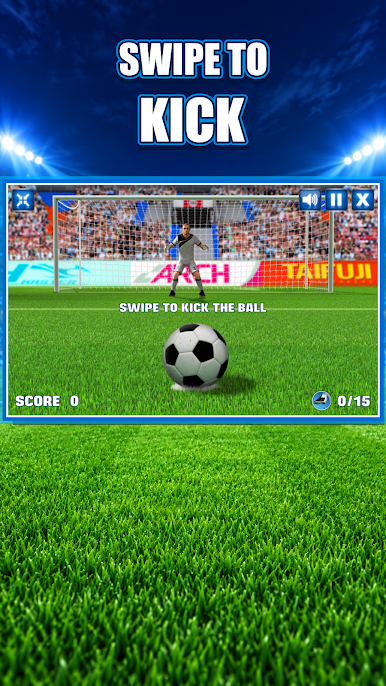
• Swipe on the ball to shoot
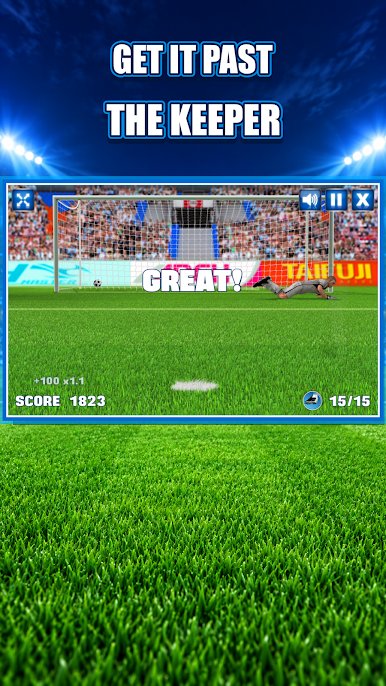
• Aim for the corners. The goalie dives to stop you
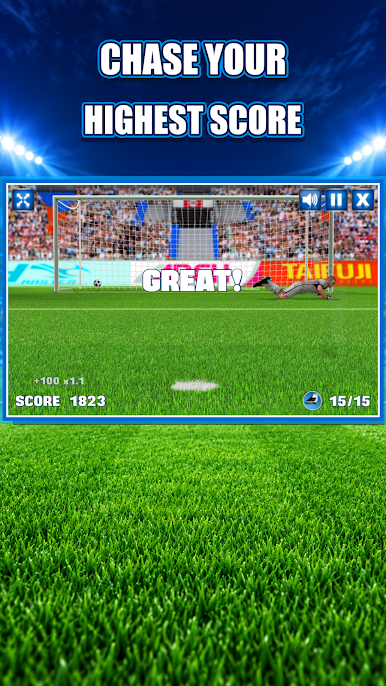
• Score as many goals as you can and build your streak
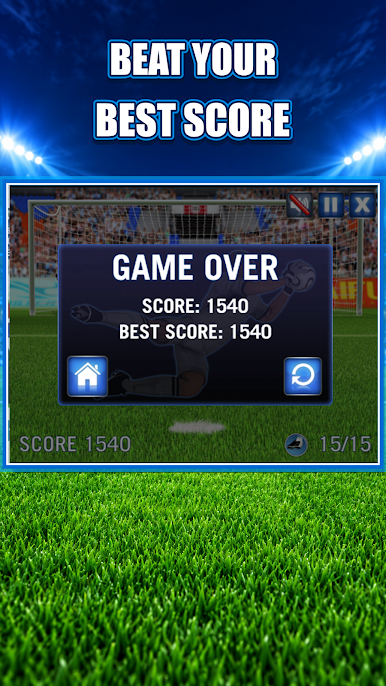
• Miss too many and the round is over. Try again and beat your record
FEATURES
• One-finger swipe controls that anyone can pick up in seconds
• A goalie that reacts to your shot. Read the dive and place it smartly
• Short, fast rounds that fit any spare minute
• Score tracking so you can keep beating your personal best
• Clean, colorful soccer stadium graphics
Whether you're a big football fan or just want a fun way to pass the time, every kick is a chance to be the hero of the shootout.
Download Penalty Kicks Launcher, step up to the spot and score!
Play Penalty Kicks Launcher on PC. It’s easy to get started.
-
Download and install BlueStacks on your PC
-
Complete Google sign-in to access the Play Store, or do it later
-
Look for Penalty Kicks Launcher in the search bar at the top right corner
-
Click to install Penalty Kicks Launcher from the search results
-
Complete Google sign-in (if you skipped step 2) to install Penalty Kicks Launcher
-
Click the Penalty Kicks Launcher icon on the home screen to start playing

